Commissioning
8.2 Commissioning the 3KC8 transfer switching equipment
Manual, 08/2017, L1V30368969104A-02
143
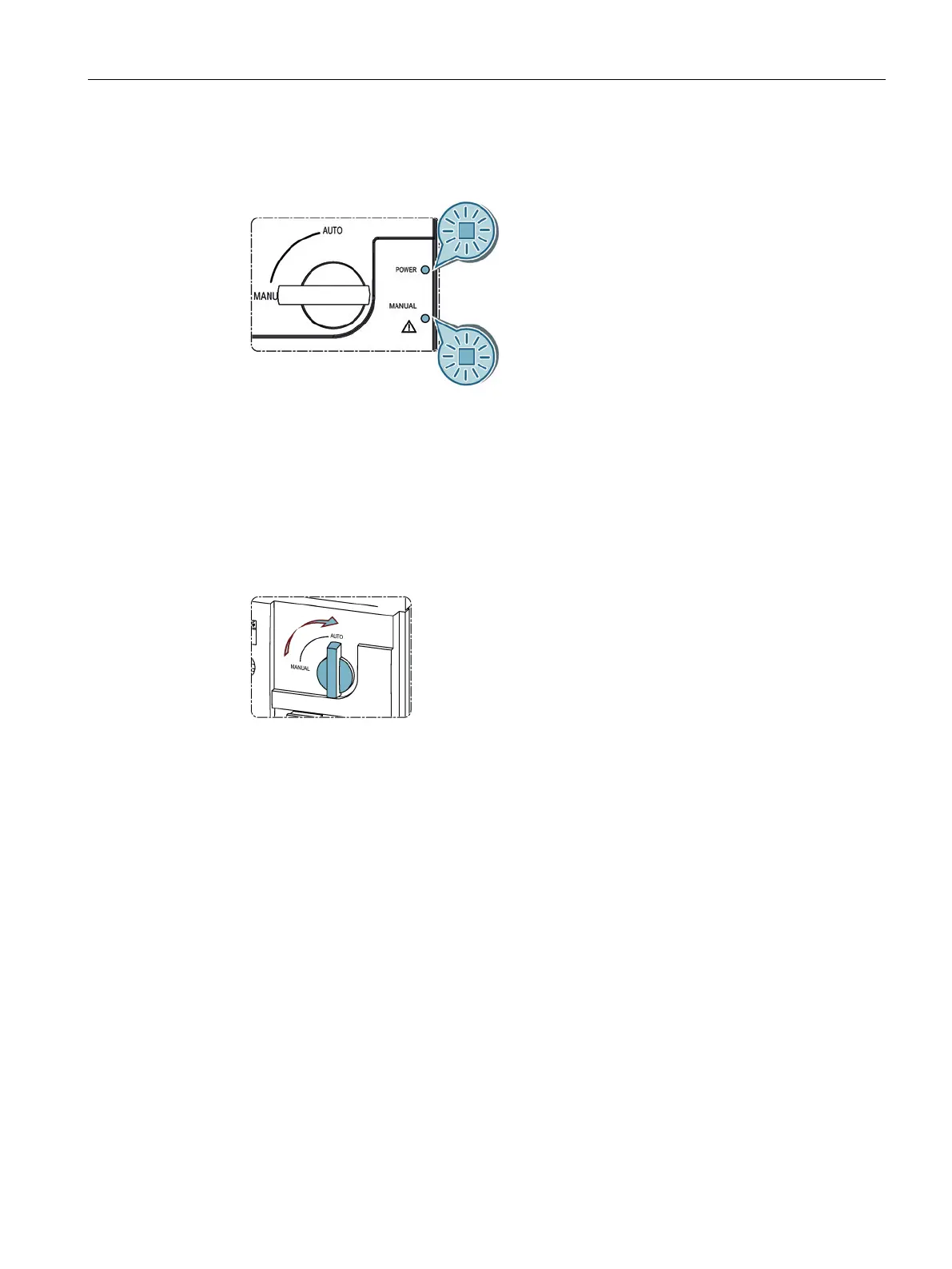
1. Switch on the power supply.
Figure 8-11 Switching on the power supply
The "Power" and warning LEDs on the motor operator and on the electronic module light
up.
The LEDs for indicating source availability light up (depending on source availability).
2. Program the electronic module as described in the section titled Automatic mode -
programming of the electronic module (3KC8 only) (Page 132).
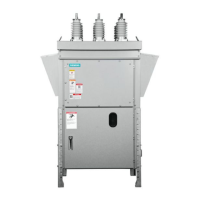
3. Turn the switch from the "Manual" position to the "Auto" position to switch the transfer
switching equipment to automatic mode.
Figure 8-12 Turning the switch to the "Auto" position






 To Next Page