SIGLENT
SDS1000CML+/SDS1000DL+ User Manual 91
(single LCD) repose.
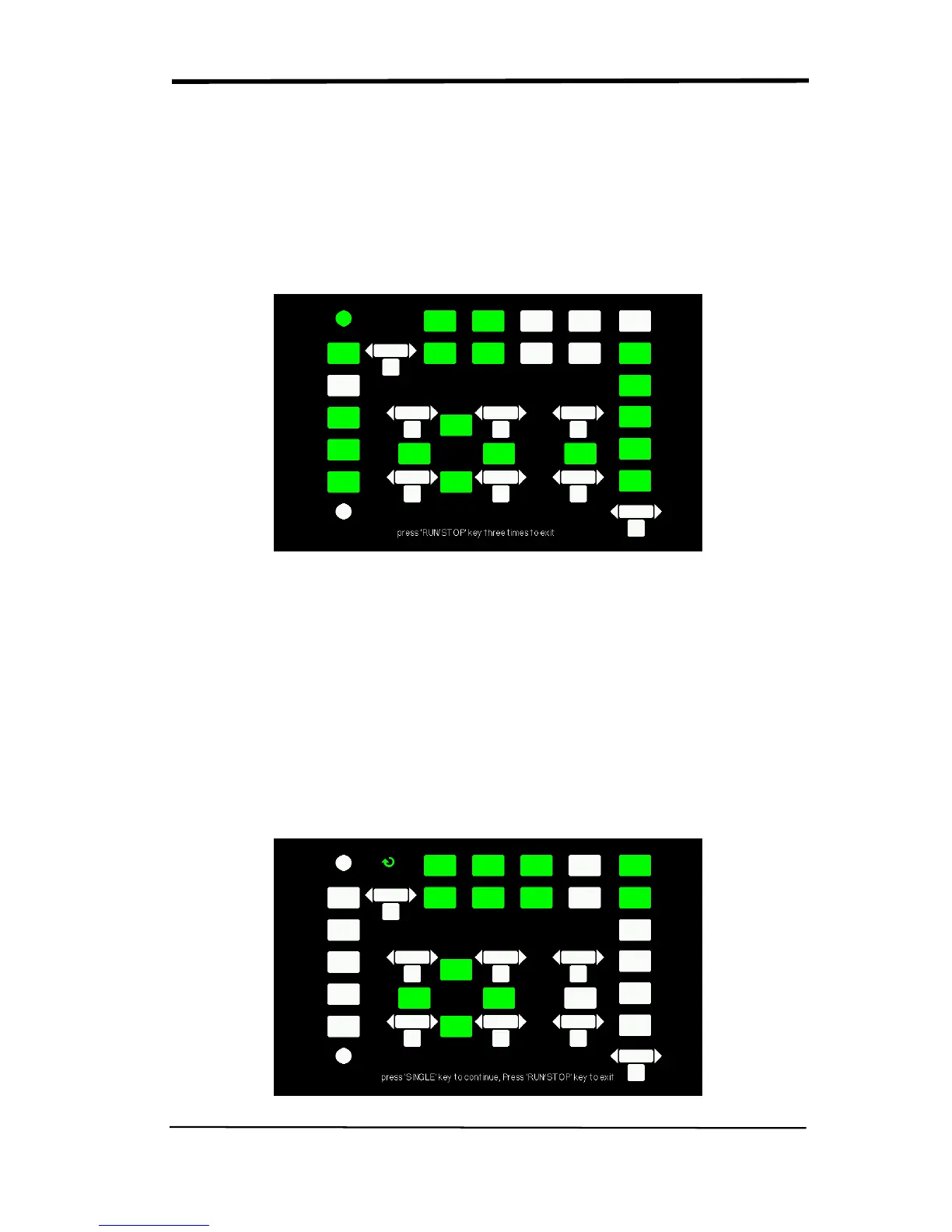
●The tested button or knobs corresponding area would display green (Color LCD)
or white (single LCD).
●At the bottom of the screen display “Press‘ RUN/STOP’ Key Three Times to
exit” information prompt to show that press “RUN/STOP” three times for quitting
the test .
Picture 2.13-10
3. LED test
Select “LED Test” to enter the lighten interface, the on-screen lathy rectangle
shapes represent the front panel keys; the lathy rectangle shapes represent the
front panel knobs. The squares represent the knob presses for scale knobs. The
clew words “Press ‘SINGLE’ Key to continue , Press ‘RUN/STOP’ Key to exit” is
displayed, you could press the “Single” button continuously for testing, when
buttons are lighted ,the corresponding area on the screen would display
green(Color LCD) or white(Single LCD ).
Picture 2.13-11










 To Next Page