SIGLENT
66 SDS1000CML+/SDS1000DL+ User Manual
2.11.3 Auto Measurement
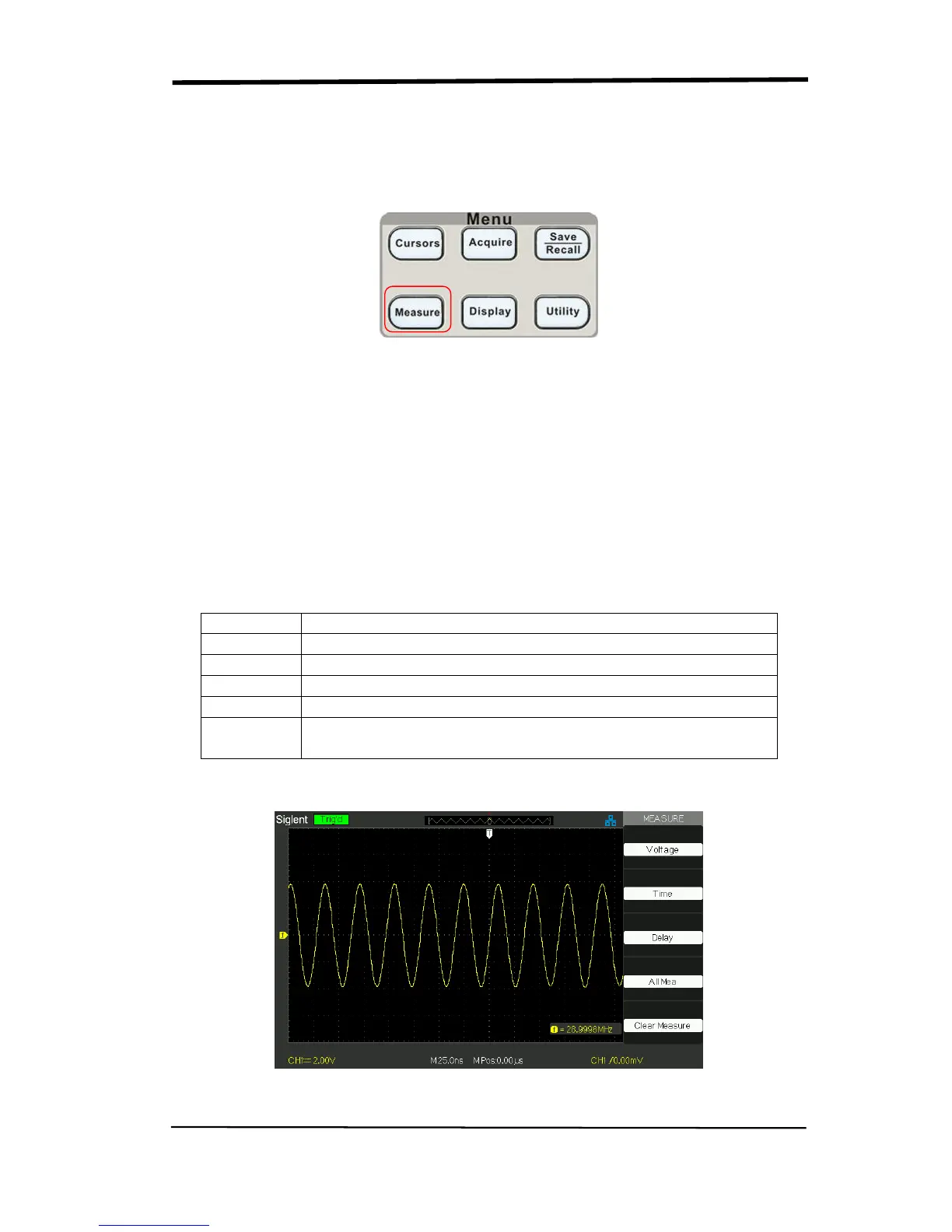
Picture 2.11-5
When you take automatic measurements, the oscilloscope does all the calculating
for you. Because the measurements use the waveform record points, they are
more accurate than the graticule or cursor measurements.
Press the ‘MEASURE’ for the Automatic Test.
There are three auto measurement types: Voltage Measure, Time Measure and
Delay Measure. There are thirty two measure parameters in all.
Table 2-35 Auto measure function menu 1:
Voltage Press this button to enter the Voltage measure menu.
Time Press this button to enter the Time measure menu.
Delay Press this button to enter the Delay measure menu.
All Mea Press this button to enter the All Measurement menu.
Clear
Measure
Press this button to clear all the measurement that you
chose.
Picture 2.11-6










 To Next Page