SIGLENT
SDS1000CML+/SDS1000DL+ User Manual 15
2.5 Universal Knob
Picture 2-5 Universal Knob
You can use the Universal knob with many functions, such as adjusting the
holdoff time, moving cursors, setting the pulse width, Setting the Video Linage,
adjusting the upper and lower frequency limit, adjust X and Y masks when
using the pass/fail function etc. You can also turn the “Universal” knob to
adjust the storage position of setups, waveforms, pictures when
saving/recalling and to select menu options.
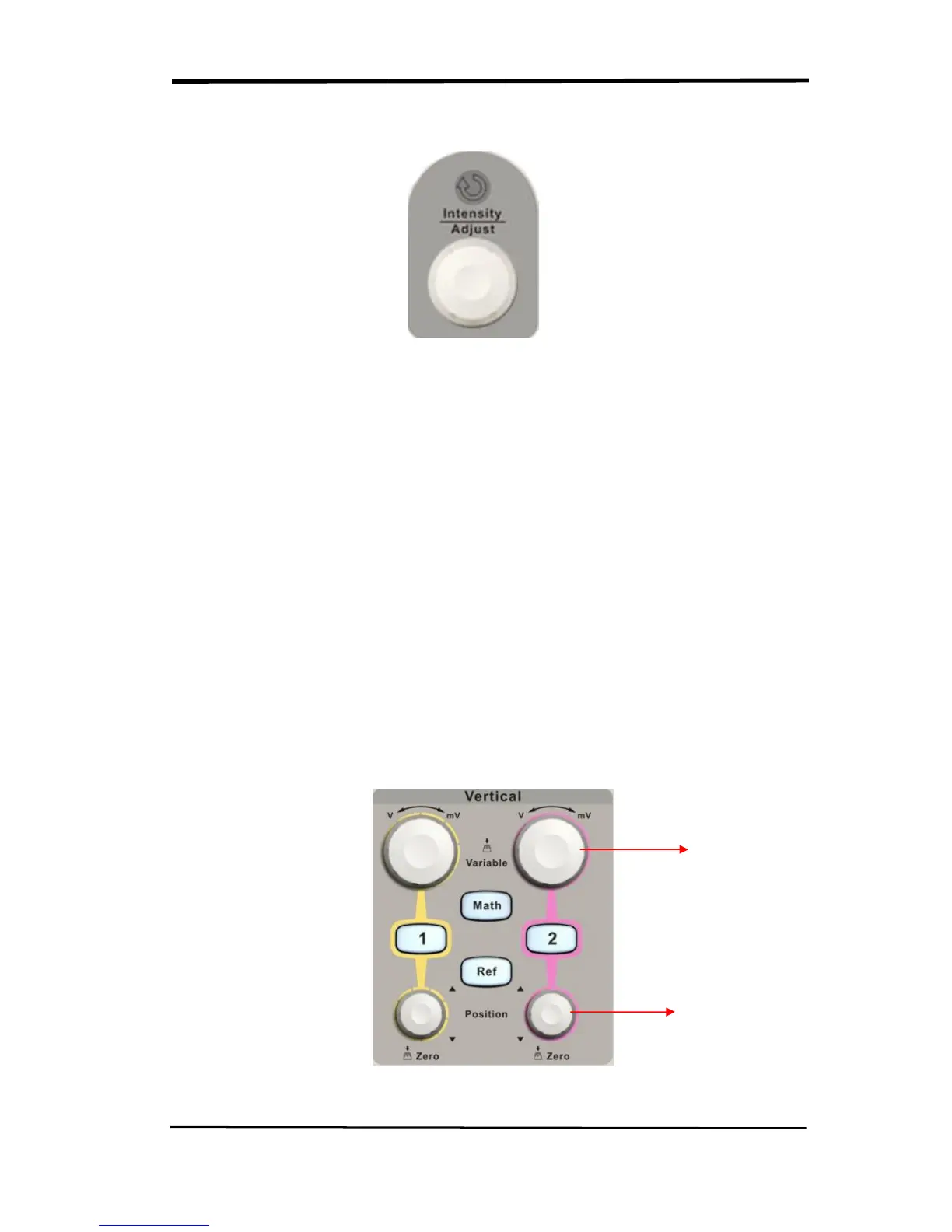
2.6 Vertical System
The vertical control could be used for displaying waveform, rectify scale and
position.
Picture 2.6-1
Volt/div Knob










 To Next Page