SIGLENT
56 SDS1000CML+/SDS1000DL+ User Manual
2.10 Display System
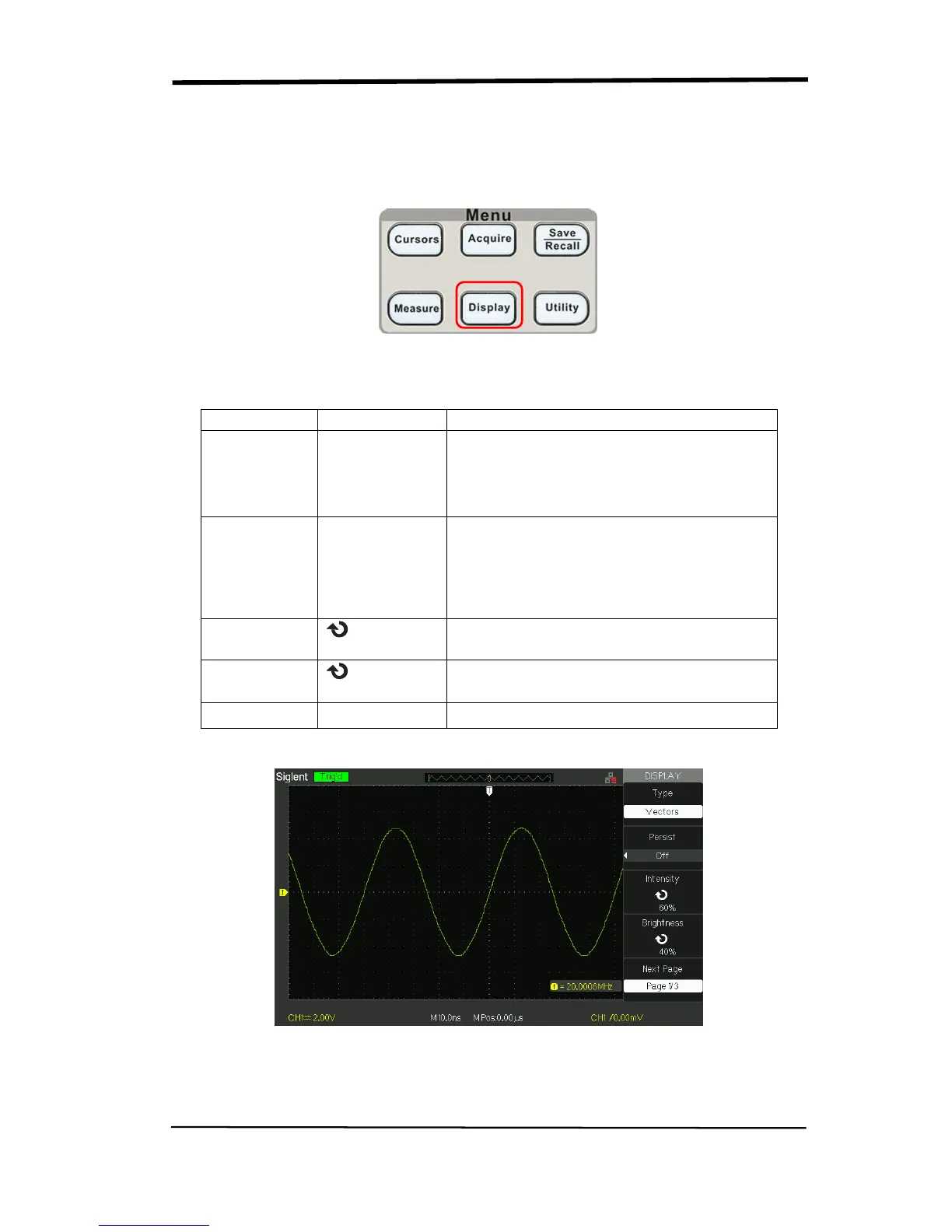
The display function could be expressed by the “DISPLAY” Button.
Picture 2.10-1
Table 2-29 Display system function menu 1:
Type
Vectors
Dots
Vectors fill the space between adjacent
sample points in the display.
There is no link between adjacent
sample points.
Persist
Off
1 sec
2 sec
5 sec
Infinite
Sets the length of time each displayed
sample point remains displayed.
Intensity
<Intensity>
Set waveforms’ intensity.
Brightness
<Brightness>
Set grid brightness.
Next Page Page 1/3 Press this button to enter second page.
Picture 2.10-2










 To Next Page