SIGLENT
6 SDS1000CML+/SDS1000DL+ Quick Start
Connect the Probe
SIGLENT provides passive probes for these series oscilloscope.
Please refer to corresponding Probe User Manual for detailed
technical information. The following are the probes specified for this
oscilloscope.
Type Description
PB470 70 MHz,passive probe
PP510 100MHz, passive probe
PP215 200 MHz,passive probe
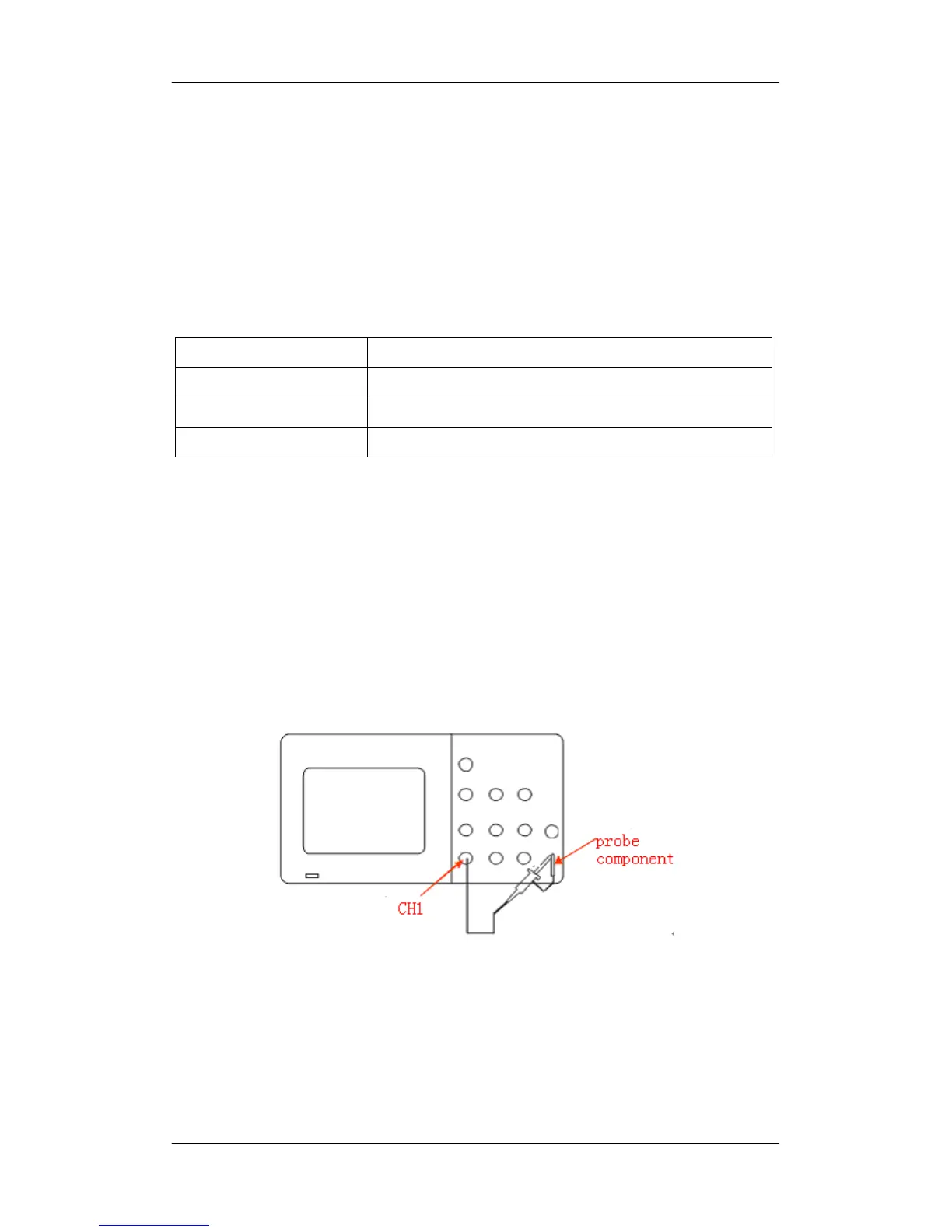
Connect the probe:
1. Connect the BNC terminal of the probe to one of the channel
BNC connector on the front panel.
2. Connect the probe tip to the circuit point to be tested and










 To Next Page