SIGLENT
14 SDS1000CML+/SDS1000DL+ Quick Start
Trigger Control
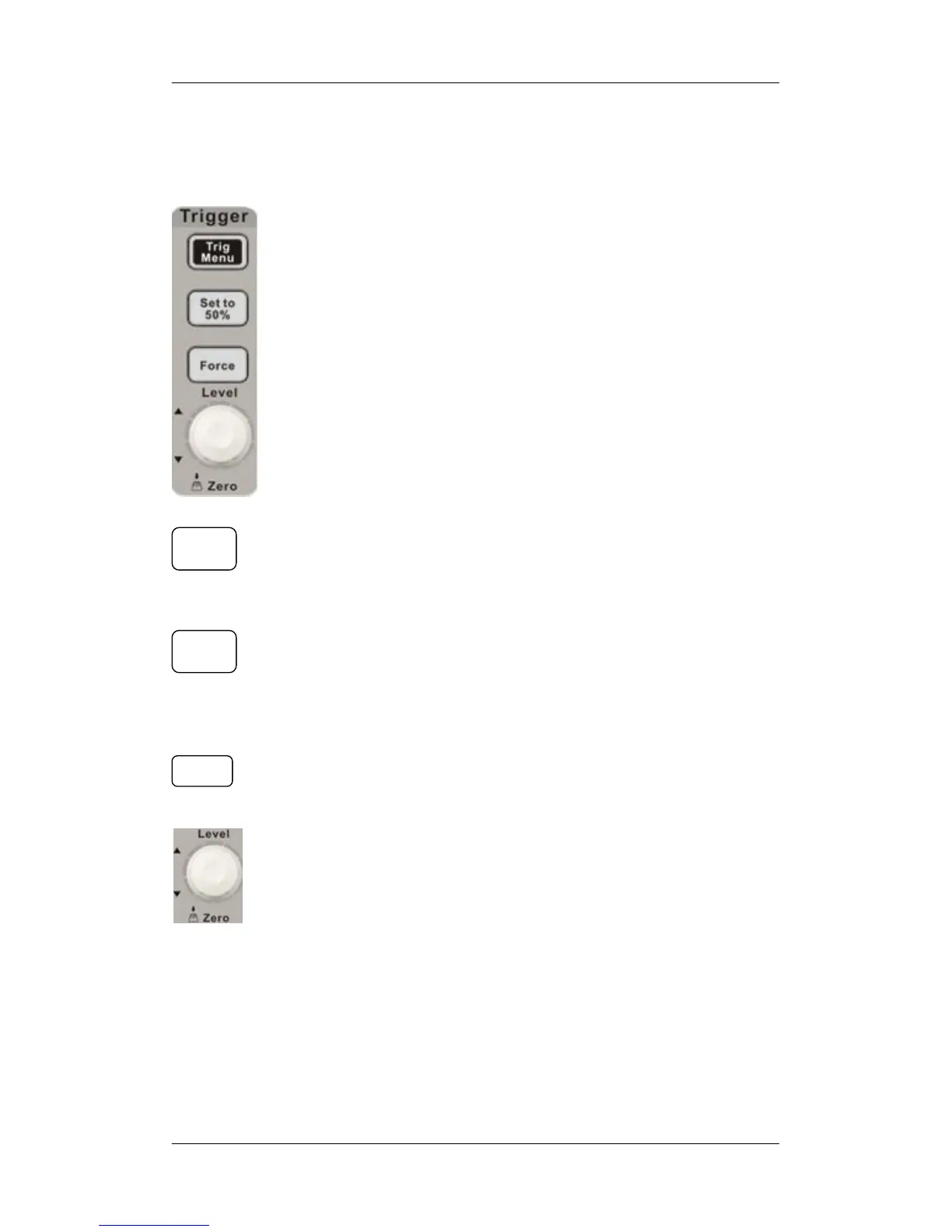
: Press the button to open trigger menu under which five
trigger modes are supported.
: Press the button to set trigger level to the middle of the
maximal voltage and the minimal voltage to quickly stabilize the
current waveform.
: Press the button to make the signal trigger forcefully.
: Modify the trigger level. Turn it clockwise or
counterclockwise to increase or decrease the level. The trigger
level will move up or down and the value in the message box at the
lower-left corner of the screen will change as the trigger level
changes. Press it down to reset the trigger level to the screen
vertical center.
Trig
Menu
Set to
50%
Force










 To Next Page