SIGLENT
22 SDS1000CML+/SDS1000DL+ Quick Start
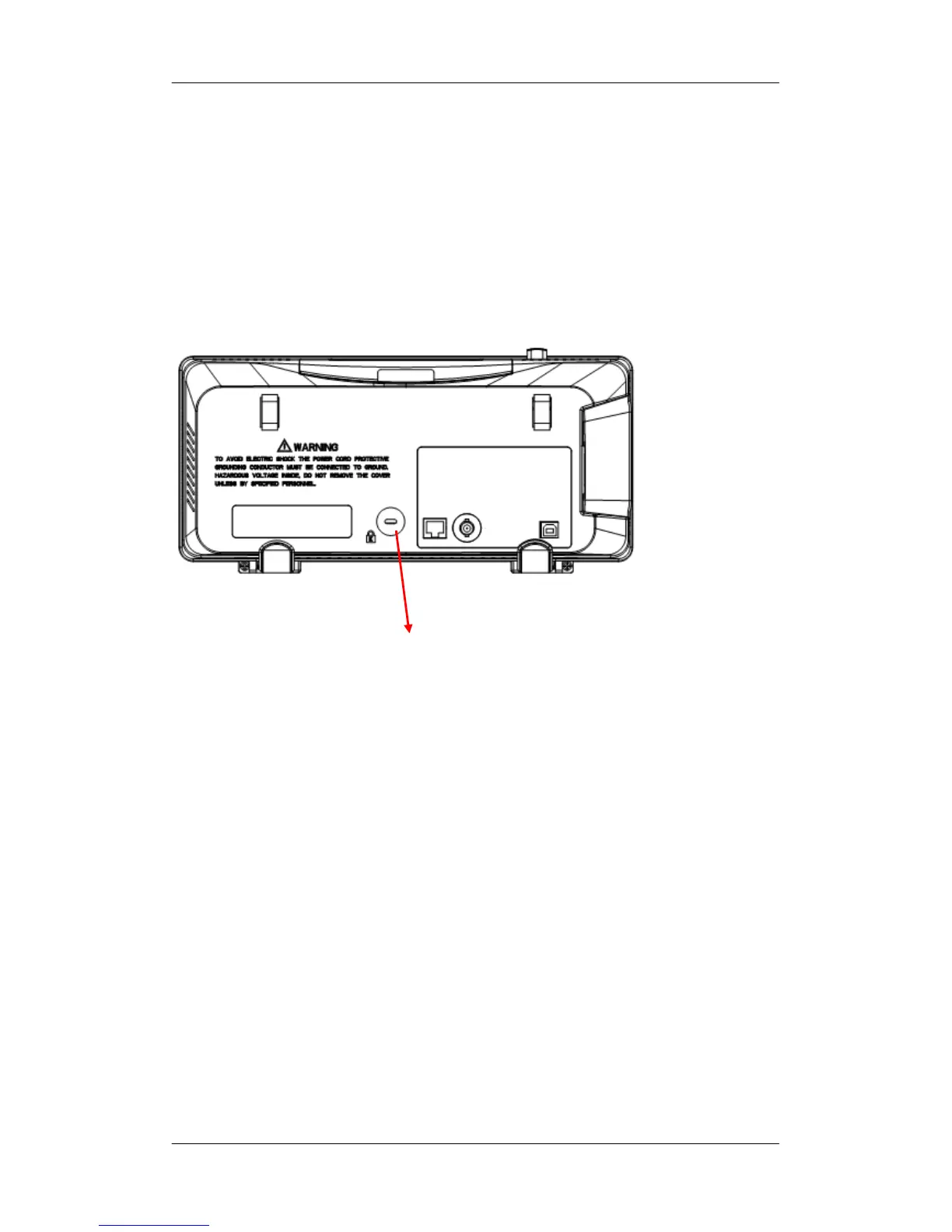
Using Security Lock
If needed, you could use the security lock (please buy it yourself) to
lock the instrument in a fixed location. The method: align the clock
with the clock hole and plug it into the lock hole vertically, turn the
key clockwise to lock the instrument and then pull the key out.
Security lock hole










 To Next Page