SDS1000CML+/SDS1000DL+ Quick Start 13
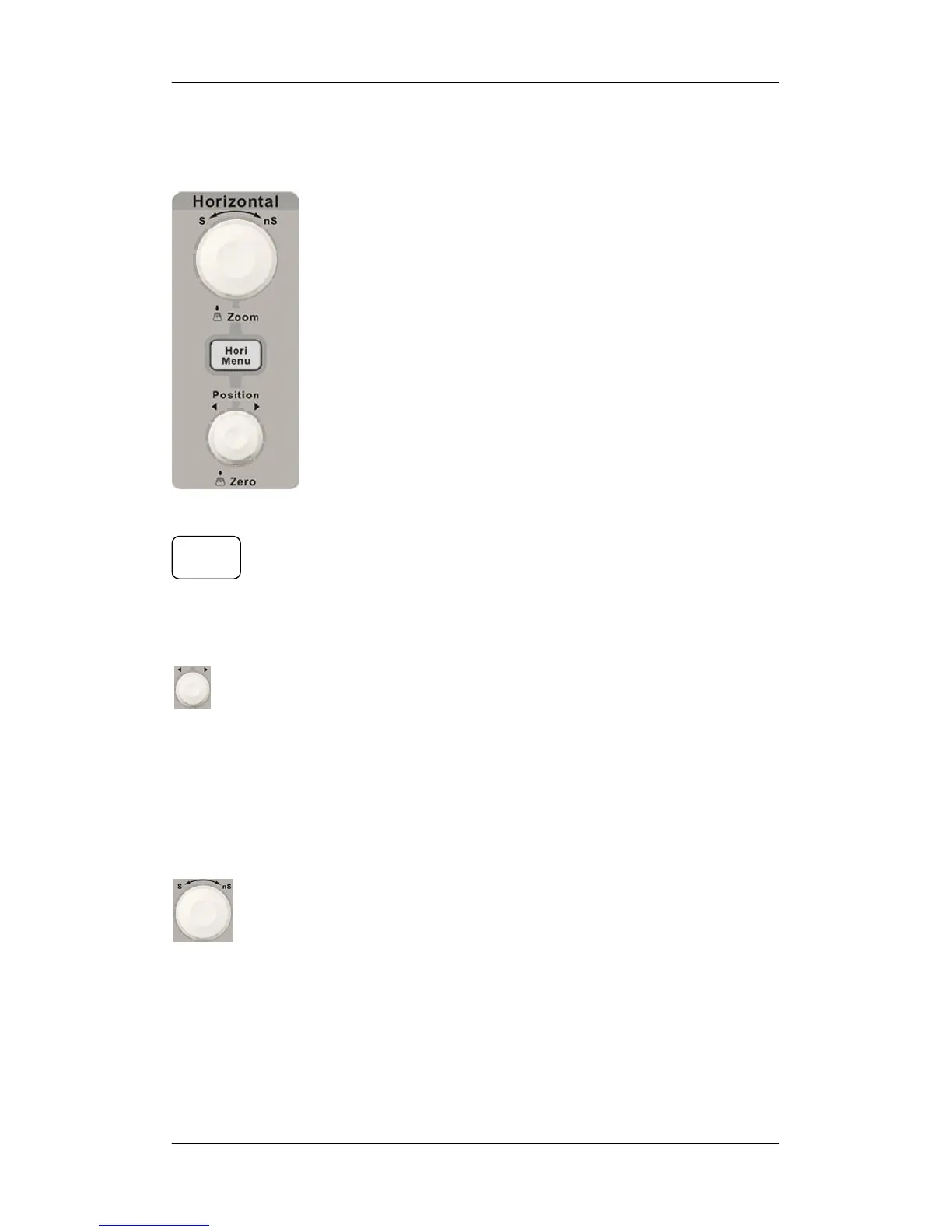
Horizontal Control
: Press the button to open horizontal control menu under
which you can turn on/off the delay sweep function and switch the
save modes between “long save” and “normal save”.
: Modify the trigger position. The trigger point will move left or
right relative to the center of the screen when you adjust the knob.
The waveform will move left or right and the trigger position
message at the lower-left corner of the screen will also change as
the position changes. Press the knob to quickly reset the trigger
position to zero.
: Modify the horizontal time base. Turn it clockwise or
counterclockwise to decrease or increase the time base. The
waveform will display expanded or compressed and the time base
message at the nether side of the screen will change as the time
base changes. Press down the knob to quickly switch to the delay
sweep state.
Hori
Menu










 To Next Page