2. Connect the ground alligator clip of the probe to the Ground
Terminal on the front panel.
3. Use the probe to connect the CH1 Input Terminal and the
Compensation Signal Output Terminal on the front panel.
4. Press “Auto”.
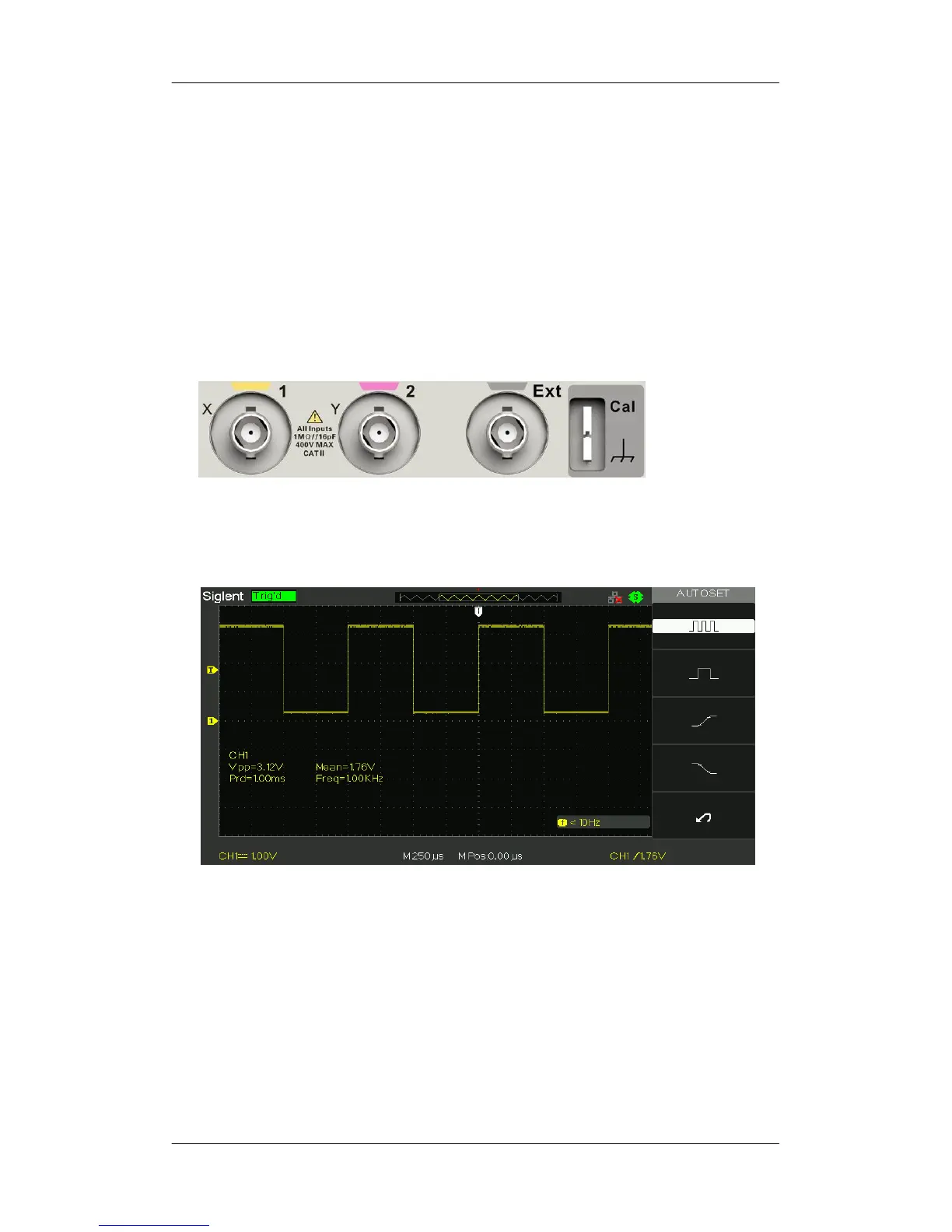
5. Observe waveforms on the screen. In normal condition, the
display should be several square waveforms as is shown below:
6. Test channel 2 in the same method. If the square waveforms do
not display like figure above, please perform “Probe
Compensation”.
Note: To avoid electric shock when using the probe, please firstly
make sure that the insulated wire of the probe is in good
condition, and do not touch the metallic part of the probe
when it is connected to a high voltage.










 To Next Page