SIGLENT
SDS1000CML+/SDS1000DL+ User Manual 57
Table 2-30 Display system function menu 2:
Format
YT
XY
YT format displays the vertical voltage
in relation to time (horizontal scale). XY
format displays a dot each time a
sample is acquired on channel 1 and
channel 2
Screen
Normal
Inverted
Set to normal mode.
Set to invert color display mode.
Grid
Display grids and axes on the screen.
Turn off the grids.
Turn off the grids and axes.
Menu Display
2sec
5sec
10sec
20sec
Infinite
Set menu display time on screen.
Next Page Page 2/3
Press this button to enter the second
page of “Display menu”.
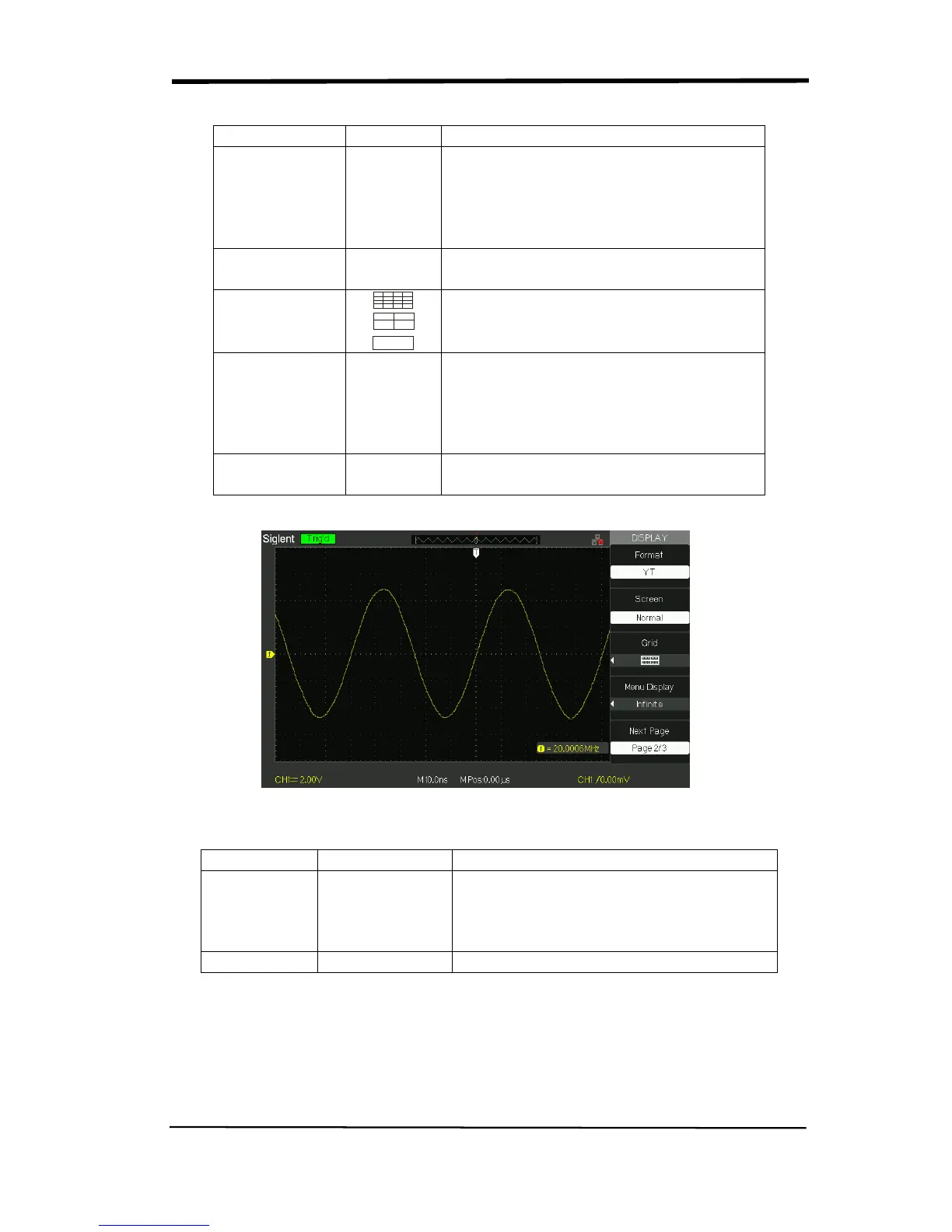
Picture 2.10-3
Table 2-31 Display system function menu3:
Skin Classical
Modern
Tradition
Succinct
Set up screen style.
Next Page Page 3/3 Press this button to return the first page.










 To Next Page