SIGLENT
SDS1000CML+/SDS1000DL+ User Manual 97
To record waveforms, follow these steps:
1. Press the UTILITY button to enter “Utility menu”.
2. Press the “Next Page” option button to enter the third page of “Utility menu”.
3. Press the “Record” button to enter “Waveform Record Menu”.
4. Press the “Mode” option button to select “Record”.
5. Press the “Source” option button to select the input signal channel.
6. Select “Interval” option, turn the “Univeral” knob to adjust time interval between
record frames.
7. Select “End Frame”, select the “Universal” knob to adjust the max record
frame.
8. Press “ ”in “Operate” option to record waveform.
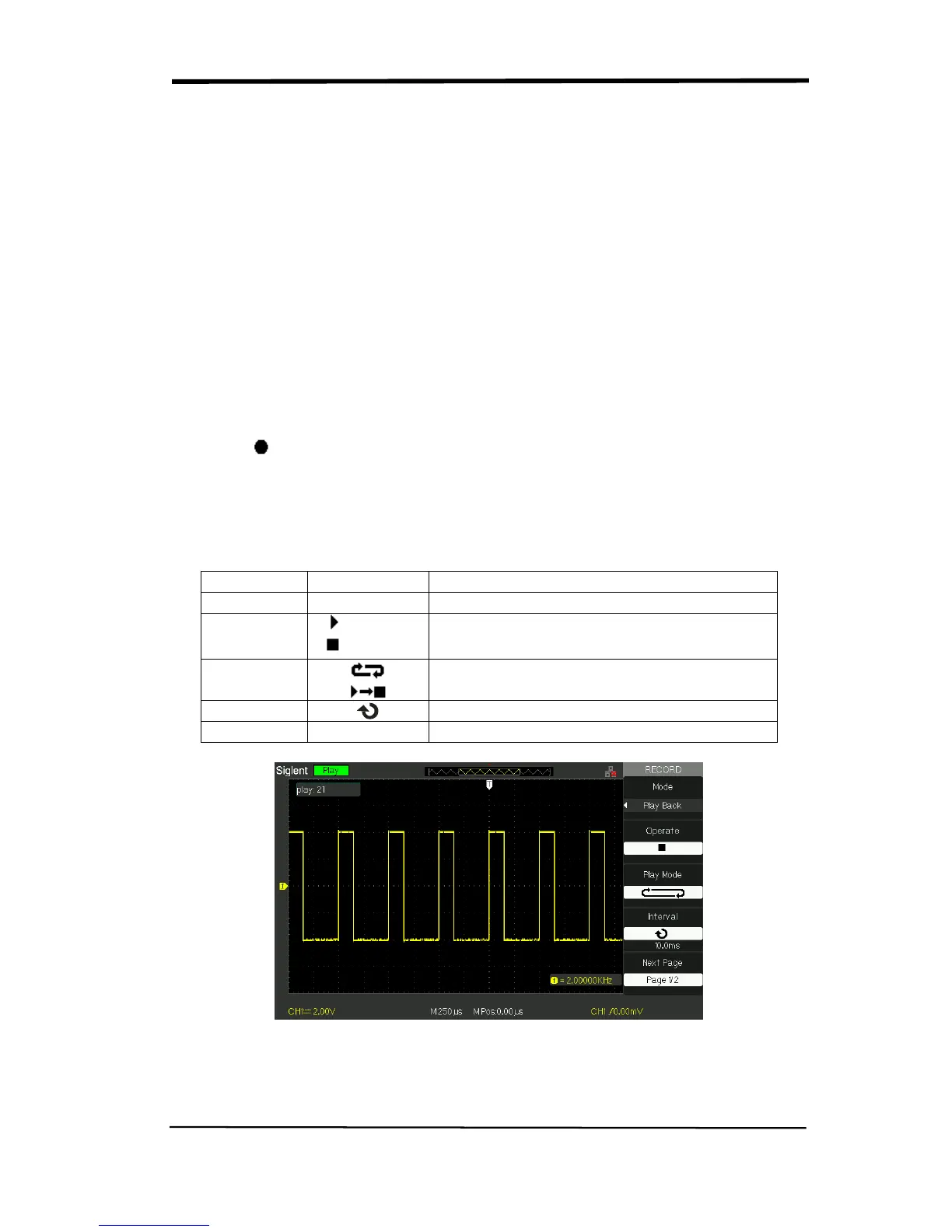
Play Back: Play back current record waveforms or saved record waveforms.
Table 2-60 Waveform play back function menu 1










 To Next Page