SIGLENT
106 SDS1000CML+/SDS1000DL+ User Manual
Research Device
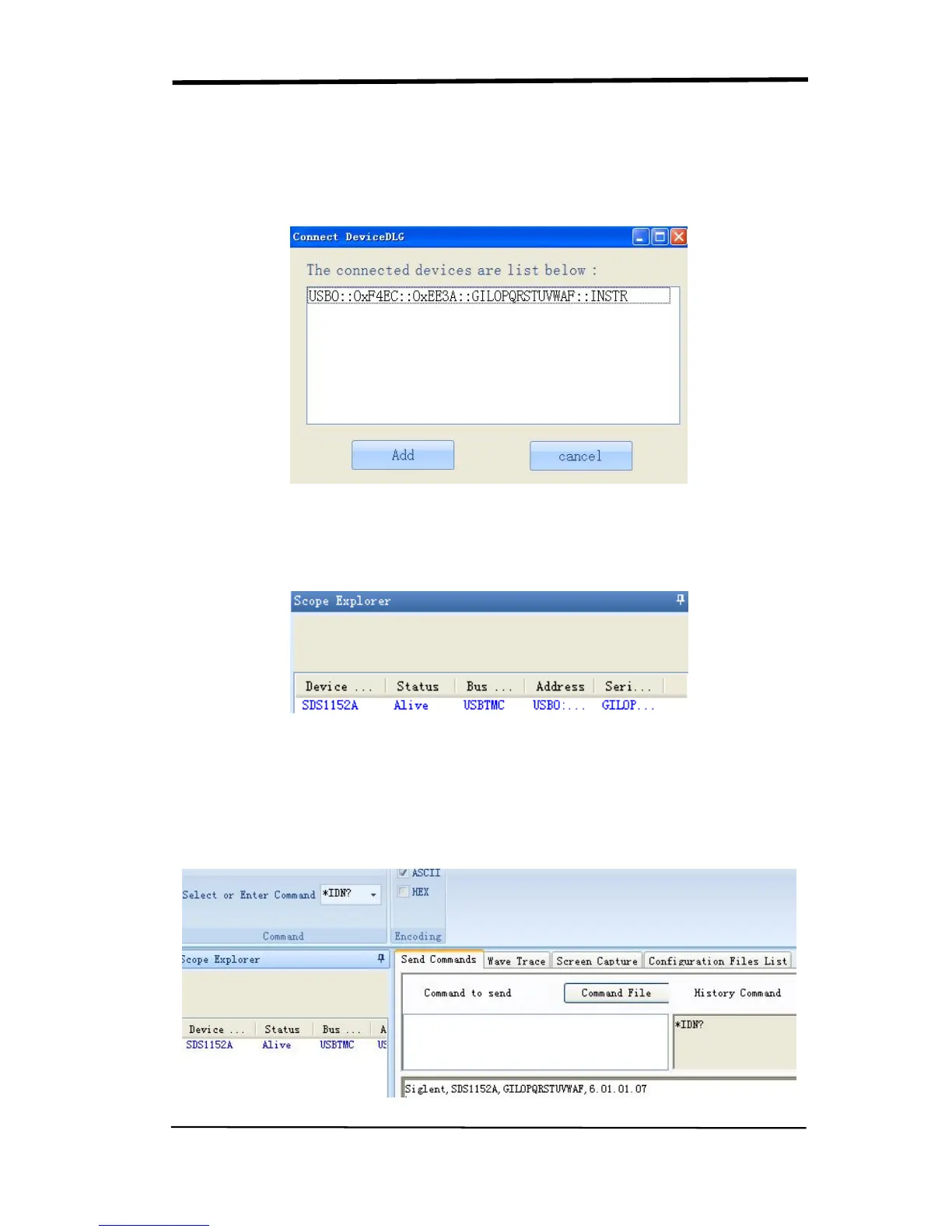
Open EsayScope software; click “add device” to research, there will pop-up the
following dialogue box, then click Add.
Check Instrument Resource
The instrument information which has been researched is as the picture below. It
shows the instrument number and the USB interface information.
Communicate test
Click “SCPI control” and choose “common SCPI”: *IDN?, click Enter to send
command. The software will accept the data and display the instrument
information. See picture below.










 To Next Page