SIGLENT
28 SDS1000CML+/SDS1000DL+ User Manual
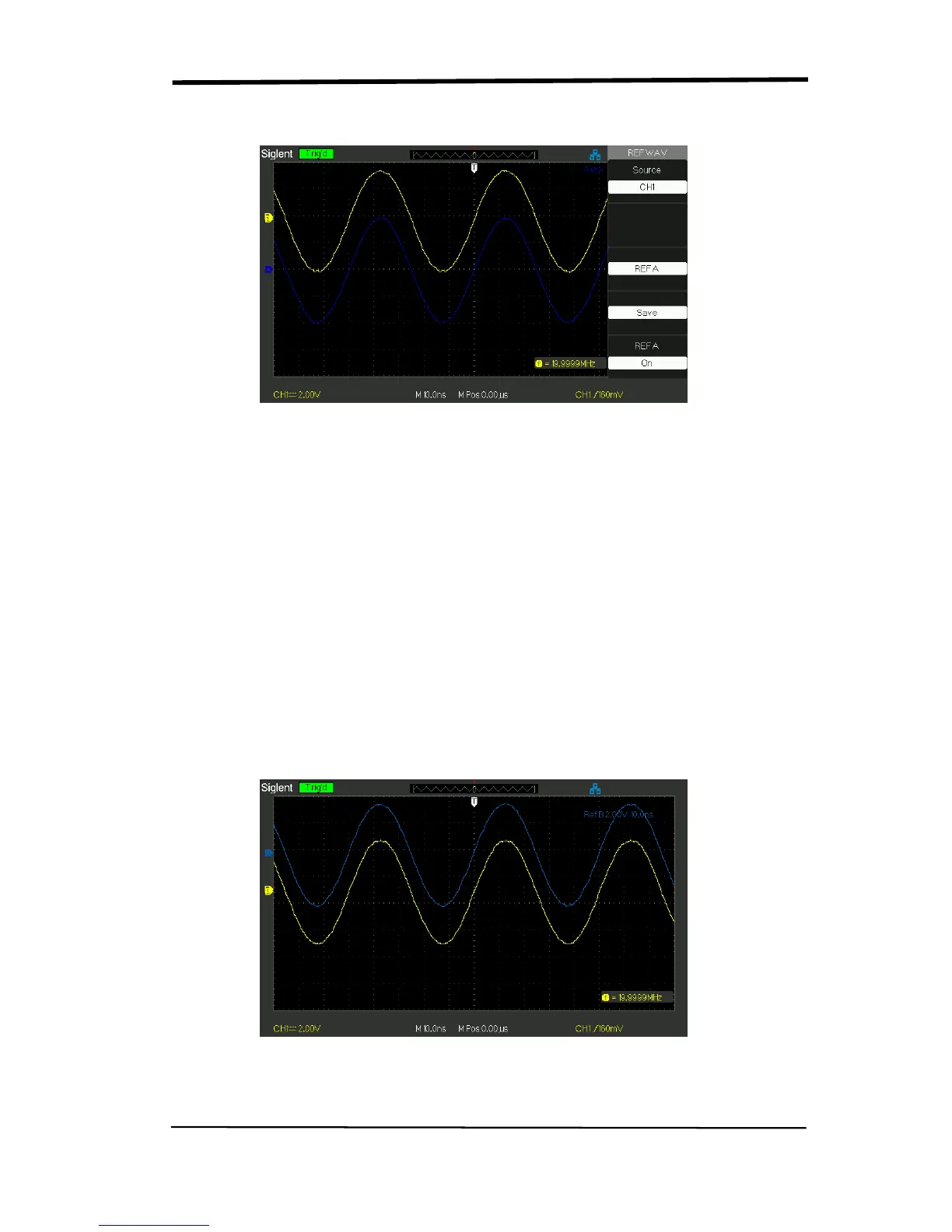
Press the Ref button to display the “Reference waveform menu”.
Picture 2.6-13
Operation step:
1. Press the “REF” menu button to display the “Reference waveform menu”.
2. Press the “Source” option button to select input signal channel.
3. Turn the vertical “POSITION” knob and “Volt/div” knob to adjust the
vertical position and scale to conformable positions.
4. Press the third option button to select “REFA” or “REFB” as storage position.
5. Press the “Save” option button.
6. Press the bottom option button to select “REFA On” or “REFB On” to
recall the reference waveform.
Picture 2.6-14










 To Next Page