EasyManua.ls Logo

SIGLENT SDS1000CML+ - Page 48

SIGLENT SDS1000CML+
159 pages
Print Icon
To Next Page IconTo Next Page
To Previous Page IconTo Previous Page
Loading...
SIGLENT
38 SDS1000CML+/SDS1000DL+ User Manual
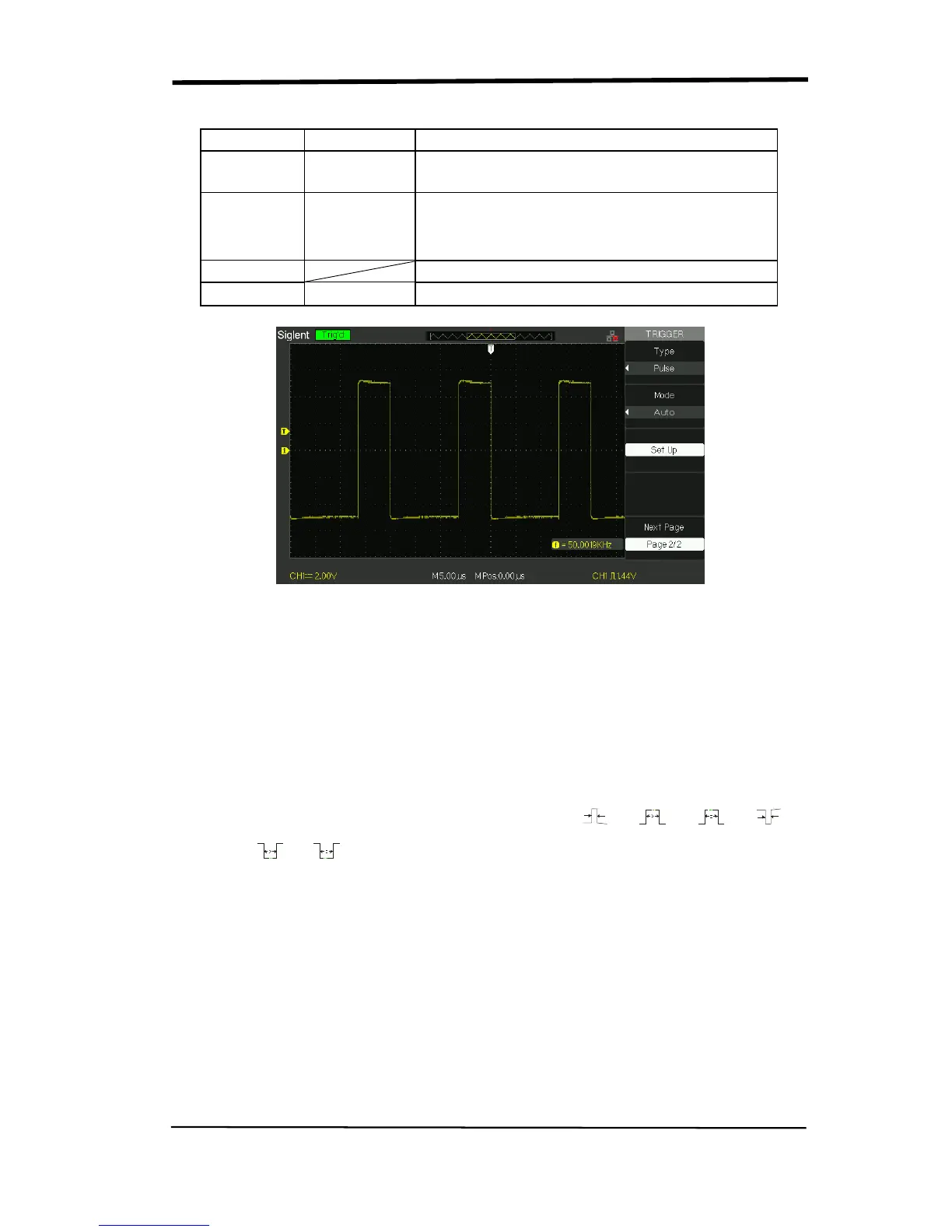
Table 2-16 Pulse Trigger function Menu 2
Option
Setting
Explain
Type Pulse
Select the pulse to trigger the pulse match
the trigger condition.
Mode
Auto
Normal
single
Select the type of triggering; Normal mode is
best for most Pulse Width trigger
applications.
Set up
Enter the “Trigger setup menu”.
Next Page
Page 2/2
Press this button to return the first page.
Picture 2.8-4
Operate Instruction:
1. Set up Type
1) Press the “TRIG MENU” button to display “Trigger menu”.
2) Press the “Type” option button to select “Pulse”.
2. Set up condition
Press the “When” option button to select
or“
3. Set up pulse width
Turn the “Universal” knob to set up width.

Table of Contents

Related product manuals