SIGLENT
SDS1000CML+/SDS1000DL+ User Manual 71
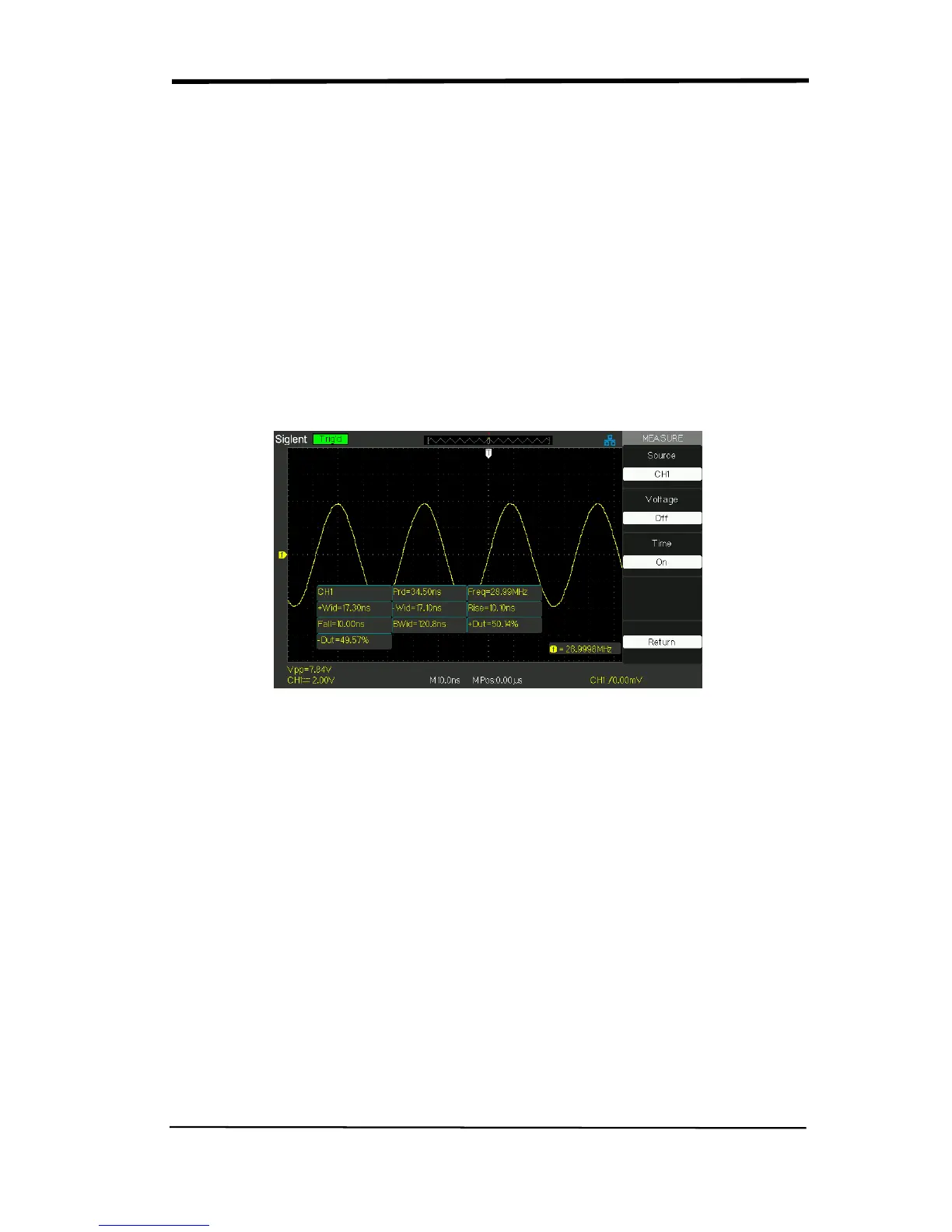
If you want to measure time parameters using all measure function,
please follow next steps:
1). Press the “MEASURE” button to enter the “Auto Measure menu”.
2).Press the top option button to enter the second page of “Auto Measure
menu”.
3). Press “All Mea” option button to enter the “All Measure menu”.
4). Press “Source” option button to select input signal channel.
5). Press the “Time” option button to select “On”. Now all of time parameters
value will display on the screen at the same time.(See Picture)
Picture 2.11-8










 To Next Page