SIGLENT
SDS1000CML+/SDS1000DL+ User Manual 83
Save waveform image to USB flash drive, follow next steps:
1). Select the screen image that you want.
2). Press the “SAVE/RECALL” button to enter “SAVE/RECALL” menu.
3). Press the “Type” option button to select “Pictures”.
4). Insert USB flash drive to USB host port of the oscilloscope and wait that
the oscilloscope has initialized USB flash drive (about five seconds).
5). Press the “Print Key” option button to select “Save Picture”.
6). Press the “Save” option button then go into the Save/Recall interface”.
7). Press the “Save” button then you’ll go into the Save/Recall interface
8). Create the picture name then press the “Confirm” button (about five seconds,
there is a prompting message that “Save data success” displaying on the screen),
now picture data have been saved to USB flash drive.
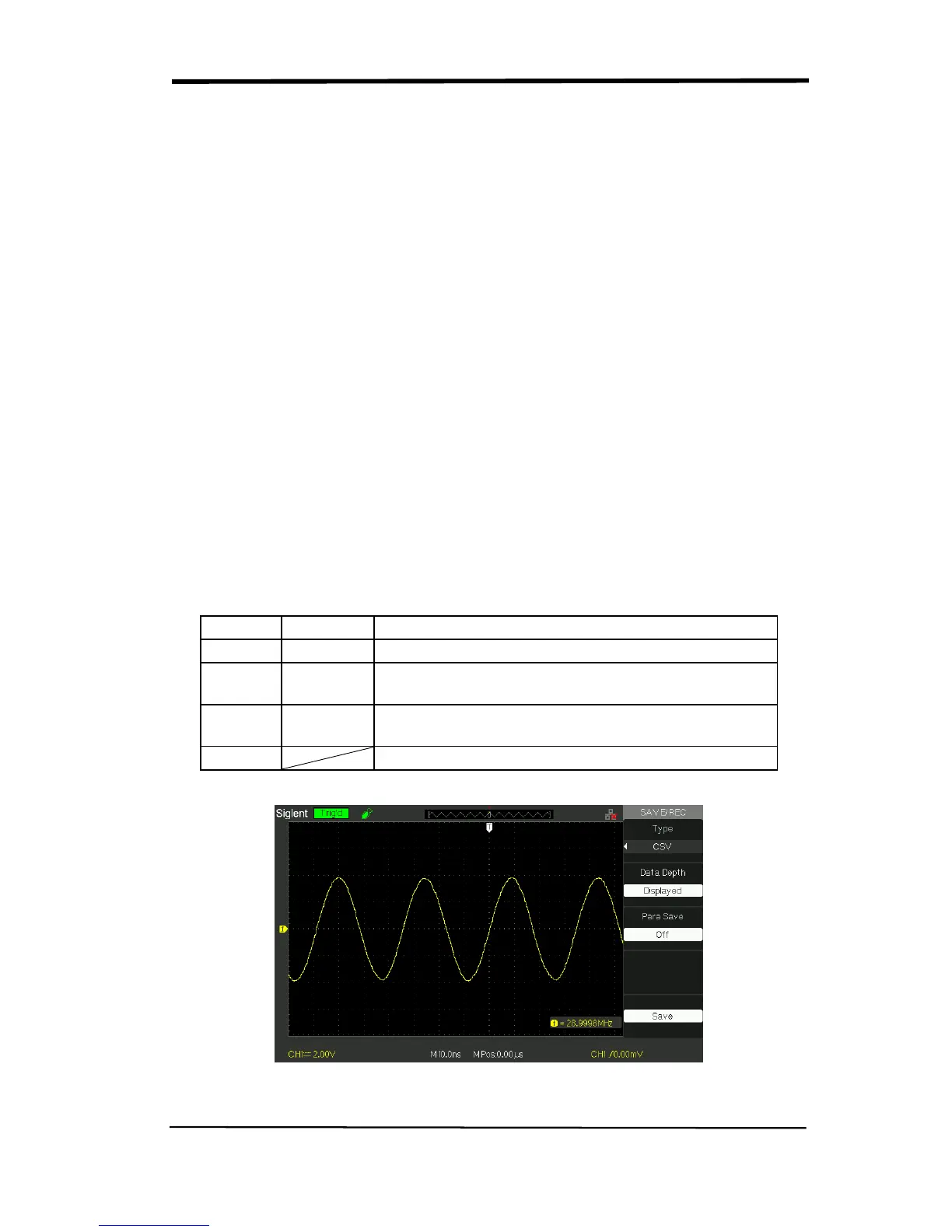
Save/Recall CSV
Table 2-47 CSV storage function menu:










 To Next Page