Icons
This section includes all icons used in the E50xx system.
If a function or an option not is available, the icon appears greyed.
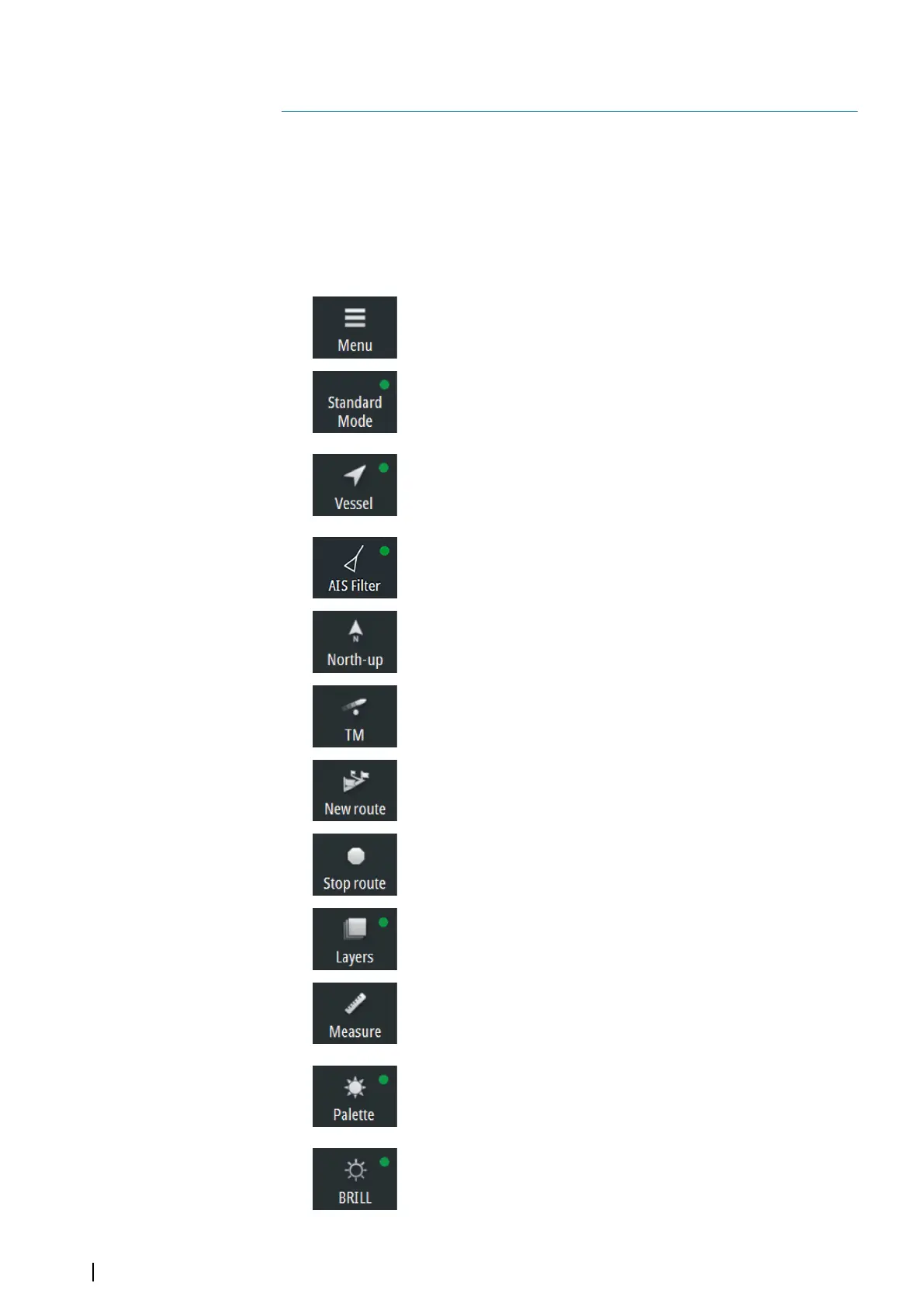
Shortcut buttons
Ú
Note: Some of the shortcut buttons have a light indicator that can be green or yellow.
Green indicates standard ECDIS mode, while yellow indicates non-ECDIS mode. One-
click on a shortcut button with a yellow indicator reverts to ECDIS mode.
Menu
• Click to open the main menu
Display mode
• Click to return to Standard mode
• Right-click to show display mode options
Follow own vessel
• Click to move the chart view to the vessel position and then
follow the vessel. Vessel position in the chart depends on user
settings
AIS Filter
• Click to turn OFF AIS filter
• Right-click to display options
Orientation
• Click to loop through chart orientation options
• Right-click to display options
Motion
• Click to toggle vessel motion options
• Right-click to display options
New route
• Click to start creating a new route
Stop route
• Click to stop navigating an active route
Layers
• Click to turn OFF all layer options
• Right-click to display options
Measure
• Click to toggle measure function on/off
Palette
• Click to return to Night palette when Red and Black palette is
selected
• Right-click to display palette options
Brilliance
• Click to return to calibrated brightness for the selected palette
17
76
Icons| E50xx ECDIS Operator Manual


 To Next Page