REXROTH CONTROL SYSTEM
TB24 Plus&26J Plus Maintenance Manual 7-3 © Jun 2022
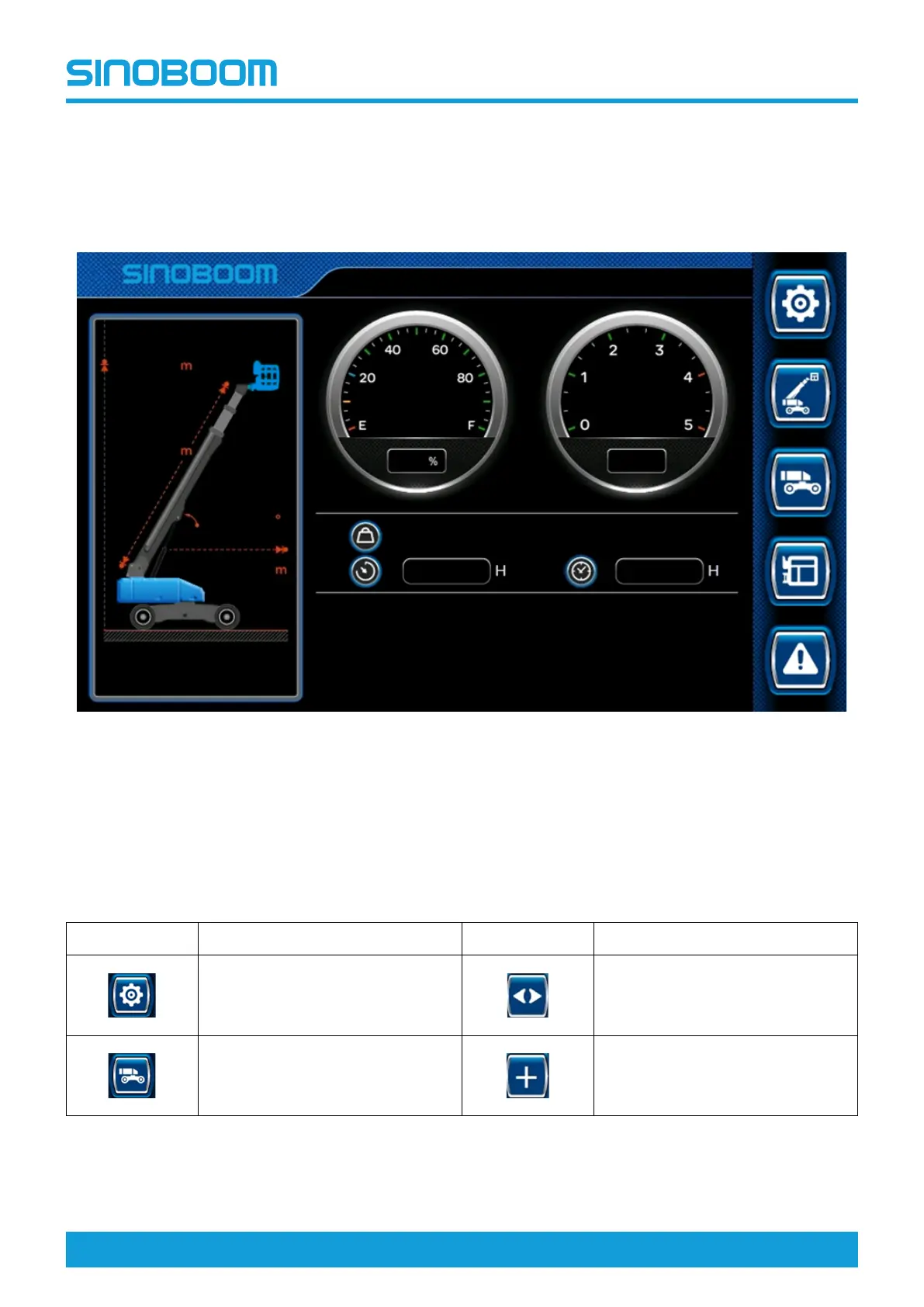
MAIN INTERFACE AFTER
BOOTING
Turn the ground/platform select switch on the ground
controller to the ground control position, pull out the
emergency stop button to the ON position, and turn the
key switch to the ON position, and the system will be
powered on.
Figure 7-2 Main interface after booting
DESCRIPTION OF ICON
FUNCTION
Table 7-1
Icon
Description
Icon
Description
Configuration Left/Right arrow key
Turntable information
Increase key






 To Next Page