• On the Skycut’s control panel, set the Force and Speed, if you elected not to have them activated on the
Tool Settings tab in SignCut Pro.
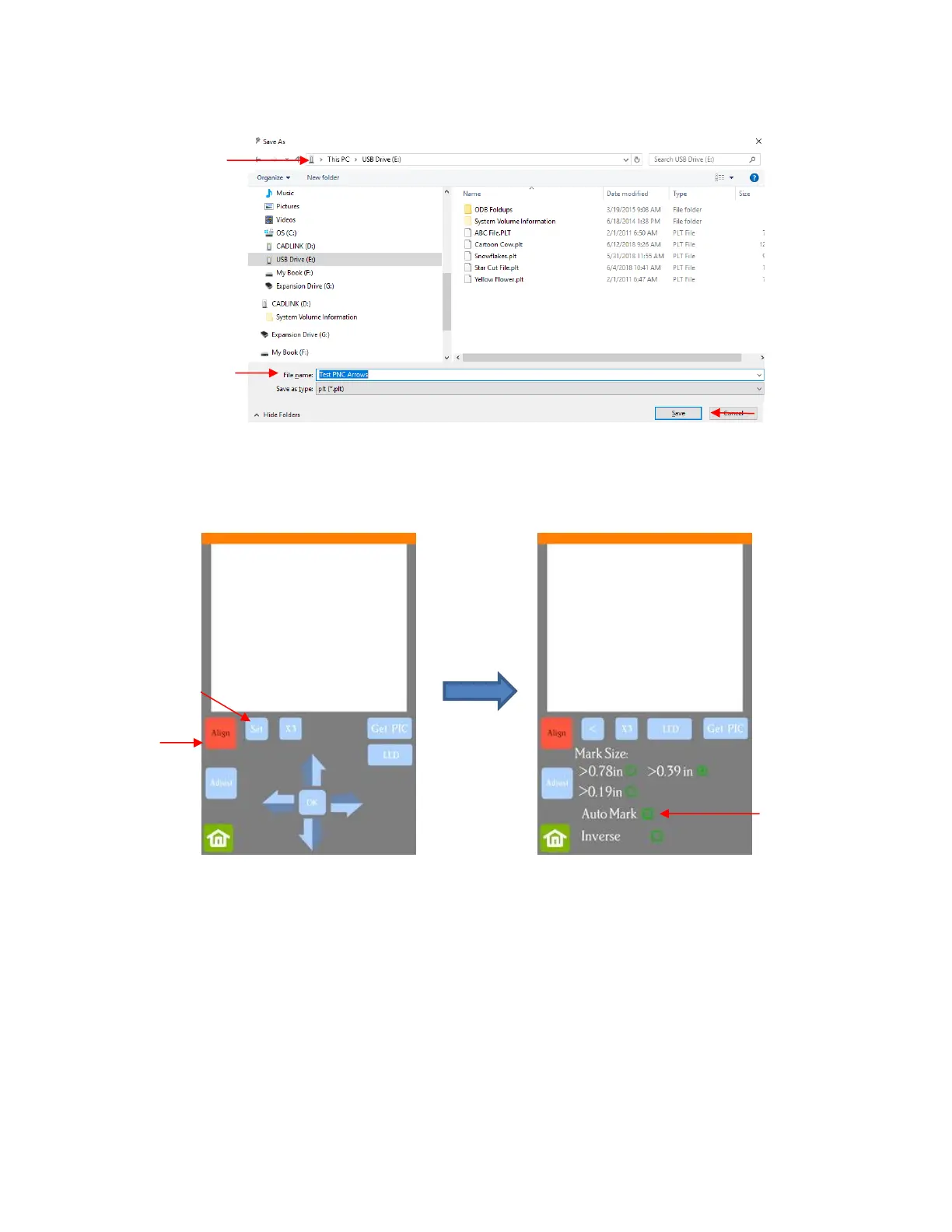
• Go to Set>Camera. With Align selected, press Set and the following window will open:
Verify that AutoMark box is checked. Then click on Home.
• Insert the flash drive into the right side of the Skycut and use the instructions in Section 1.12.4 to open the
file into the Skycut:



 To Next Page