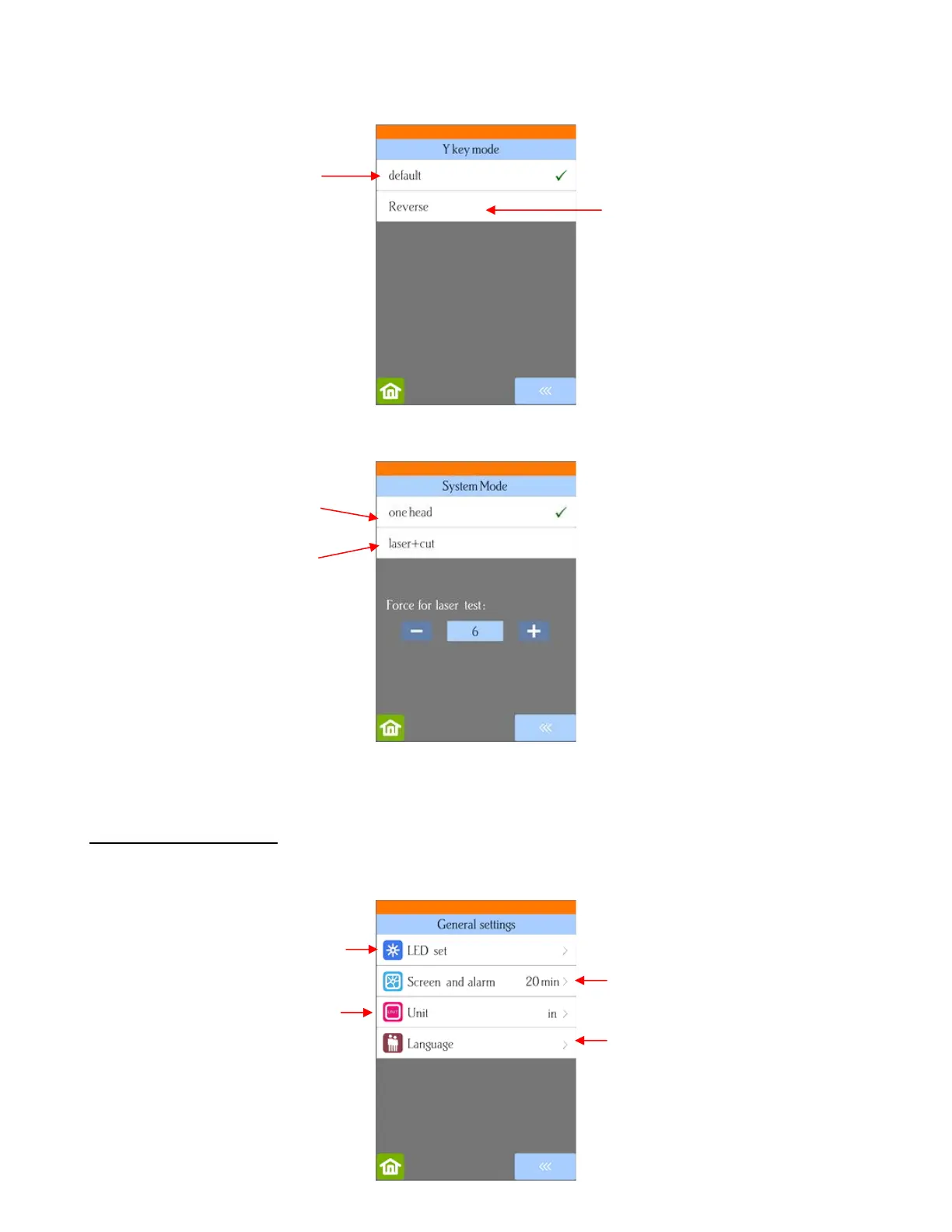
• System Mode is changed when a laser engraving tool is put into use:
• Scale is used is used to input the sizing calibration. Refer to Section 2.08.
1.14.2 General Settings
• The optional settings in the General Settings screen are:
Pressing an UP arrow will move
the material forward
Pressing a
move material towards the back
of the cutter
Pressing an UP arrow will move the
material towards the back of the
cutter
Pressing a
Normal cutting/drawing with just
the blade holder or test pen
Option to choose when
laser engraver is used
Select blackout time for
screens and end-of-cut alarm
Set preferred lighting color
Select preferred language for
control panel
Select inches or millimeters



 To Next Page