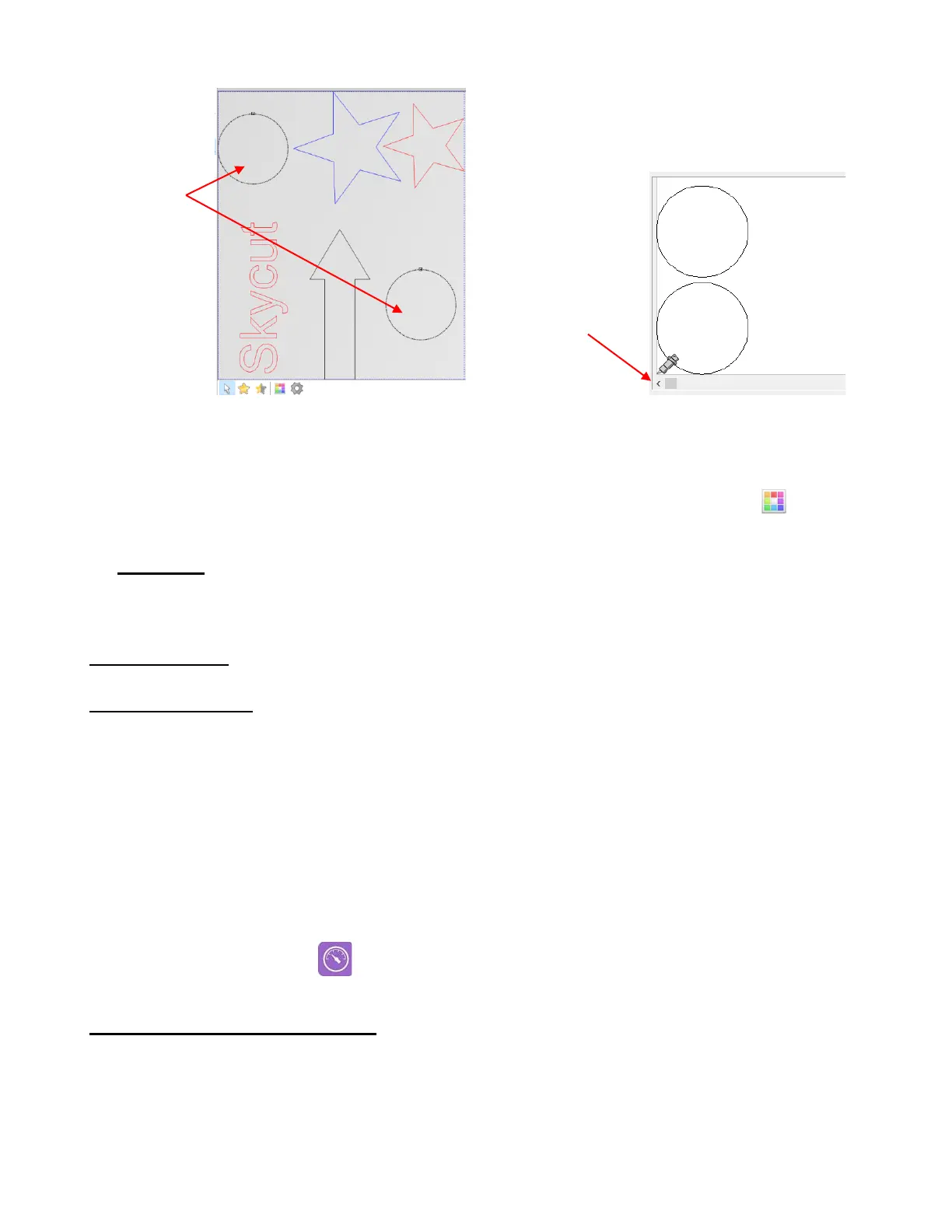
After cutting, the settings for these shapes will return to those assigned to their respective colors.
Depending on the application, having the shapes automatically nest and cut at the origin may not be
what you need. Thus, one solution would be to change their color to something not already used in the
project. After selecting the shape(s), choose the Change color of selected objects icon . Then
use the Color toolbar option to change the cut settings for that color.
• Final note: Remember that when using any of these cut setting windows, the option for Use software
force and speed parameters must be checked on the Tool settings tab in the Cut out window.
2.03 Cut Settings
2.03.1 Cutting Force
• Cutting Force (also called Pressure) ranges from 1 to 160 where the maximum of 160 represents ~850g of
cutting force. If it is set too low, the material cannot be cut. If it is set too high, you will get bad cutting (even
incomplete cutting at times) and tearing of the material. Use suggested settings for the material you are
cutting and perform small test cuts before cutting your actual project. Make adjustments in order to get a
clean test cut before proceeding with your larger cut.
• Dull blades will need more force than new blades, thus anticipate increasing the force over the life of the
blade.
• When cutting materials that can use either blade, the 45
o
blade (red cap) will need a little more force than
the 60
o
blade (blue cap), because of the extra contact with the material being cut.
• As noted earlier, this setting can be made on the Skycut control panel instead of from within Signcut Pro.
Press the Force/Speed icon and then set the FORCE to the desired level.
2.03.2 Cutting Speed and Up Speed
• Cutting Speed (also called Down Speed) is how fast the blade travels while it is in the “down” or cutting
position. Up Speed is how fast the blade travels while in the “up” position, such as when it is moving from
the origin to the location of the first shape to cut or when moving from one cut shape to begin cutting
another.
• The Skycut has 13 speed settings ranging from “snail’s pace slow” to “insanely fast.”



 To Next Page