• With the combined shapes selected, apply the Hatch fill function and the space between the original shape
and the added outside shape fills with the lines:
For example, if three stars have the Hatch fill applied, the result appears like this:
However, if a rounded rectangle is added around these stars and Combine objects applied, then a
Hatch fill results in this:
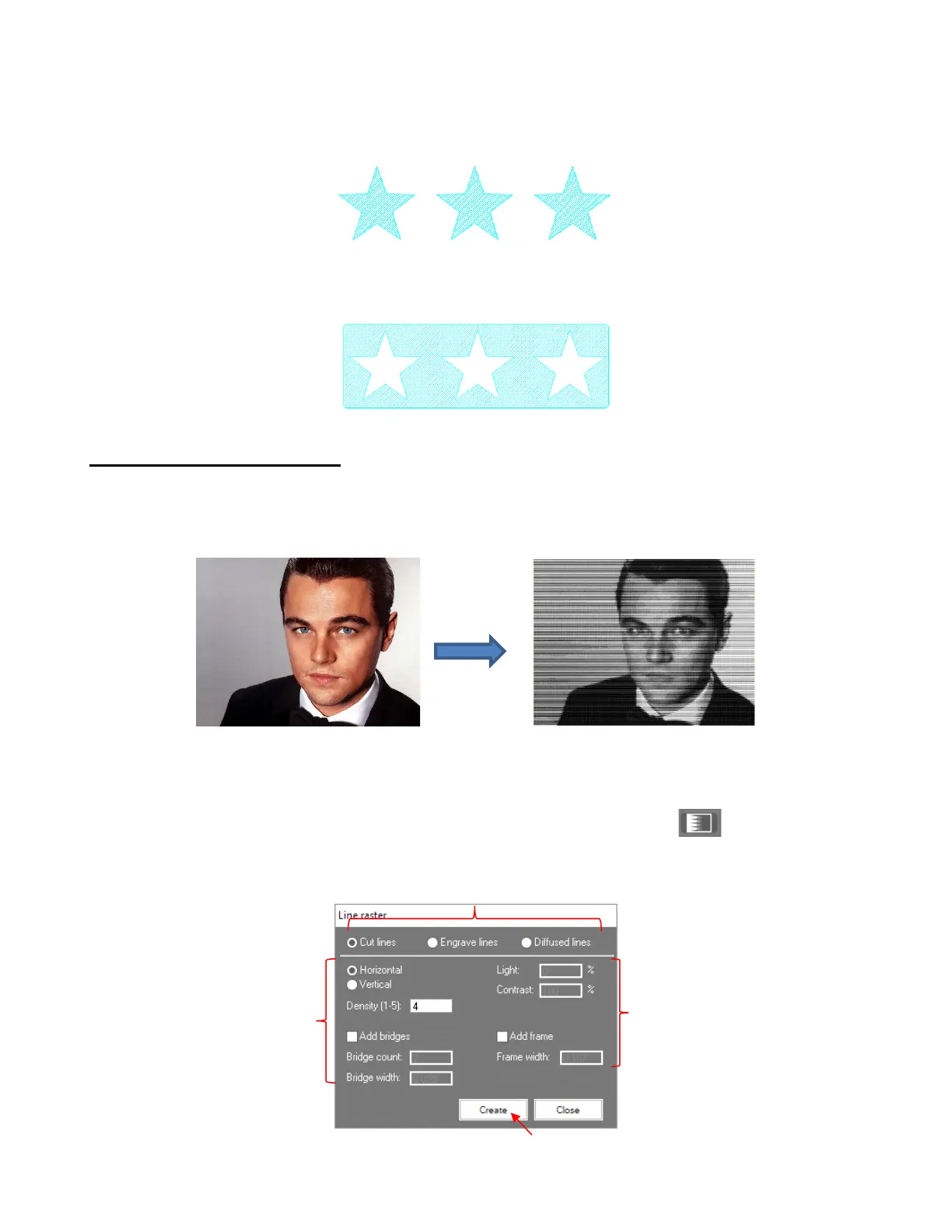
5.03.4 Line Raster from Bitmap
• The name of this trace option suggests a raster file is being created, however the result is actually a vector
shape made up of a particular pattern of lines that are spaced in such a way that the result appears to be a
raster image.
• Note that flat colored clipart would not be suitable for this type of trace as the effect is dependent on
variations of light and dark pixels.
• After importing a bitmap image, click on the Create line raster from bitmap icon and the following
window opens. However, note that the window will change settings depending on which Application option
is selected in the top row.



 To Next Page