• Note that if your material is very wide, then it is fine to have the pinch wheels over the material. However,
you may need to be extra careful when removing any cut shapes or waste material in those locations.
1.10 Control Panel
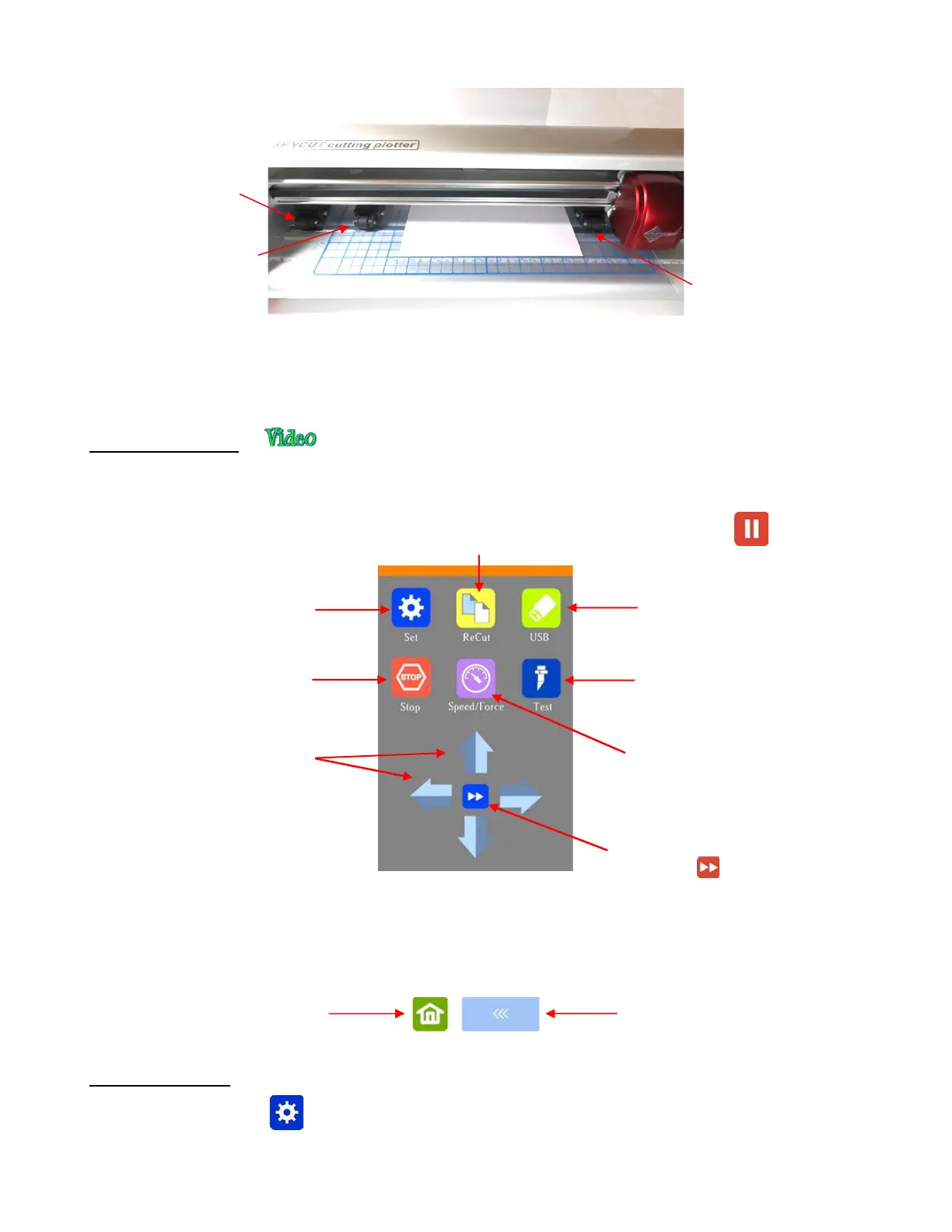
• When you first power on the Skycut, after several seconds, the following Main Screen or Home Screen will
be displayed:
• Throughout this manual, the functions above will be referenced along with submenus and additional
screens. You will also see the following icons at the bottom of many screens. Pressing the one on the left
will always return you to the Main Screen above. Pressing the one on the right will return you to the prior
window/screen.
1.10.1 Set Screen
• Pressing the Set icon opens the Set Screen which contains access to many functions and settings.
Note the general description and section number (if you wish to learn more about that function now):
Toggle the speed for moving the head and
pinch rollers. In slow mode, the icon
changes to:



 To Next Page