3.04.3 Contour Cutting Project – Accuracy Test
(1) For the initial testing of a contour cut, it is highly recommended that several arrows be used as they will
indicate if the camera calibration is accurate.
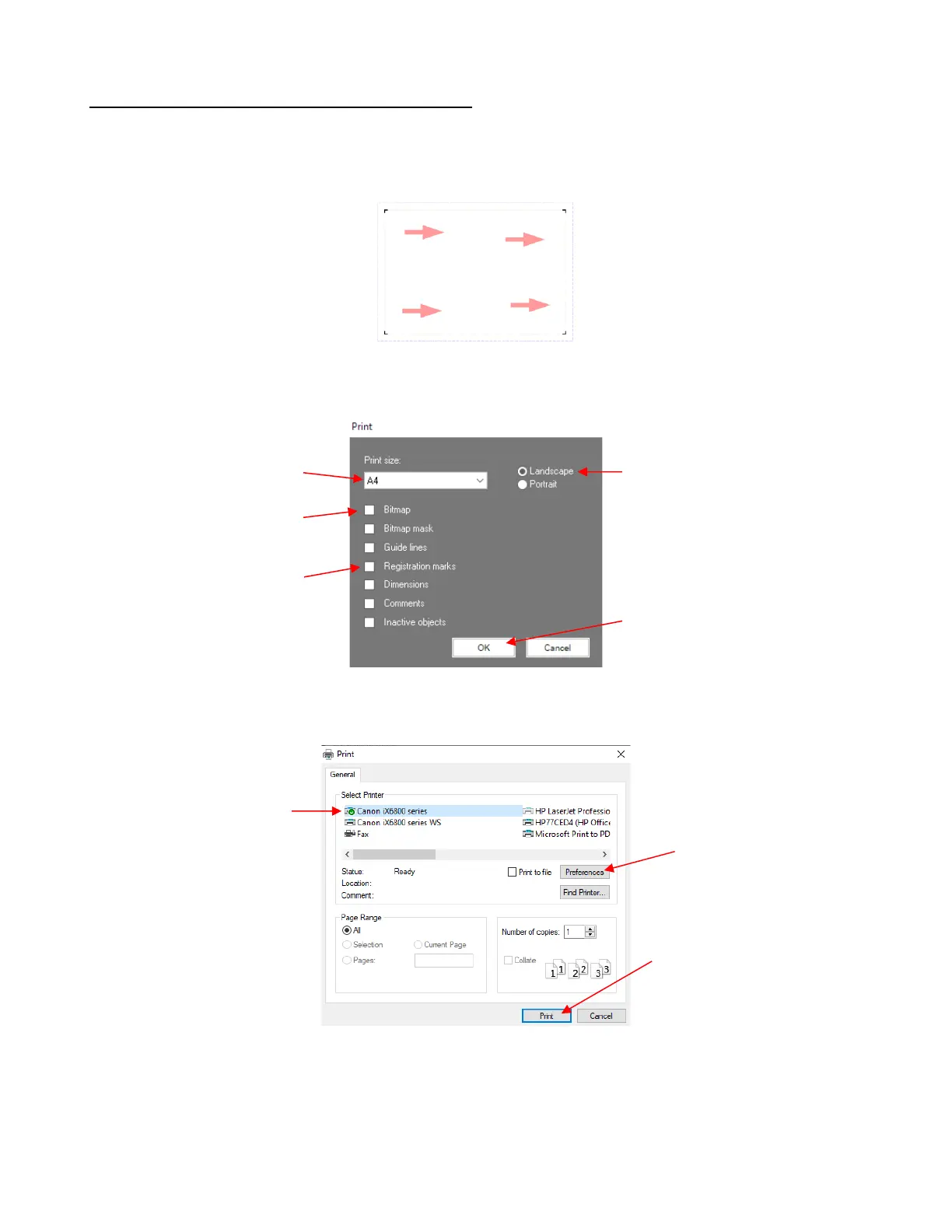
(2) Using the same method presented in Section 1.13.3, add several arrows spread out in the Sign Area:
(3) Go to File>Print and verify the following:
(4) Click on OK and a second Print window will open where you can select the printer you wish to use. This
window will vary based on the printer brand and model:
The Preferences window should always be checked unless you are certain the defaults match your
needs. This window will also vary by printer but, as an example, here are some settings you may need
to verify:
If Option B was used to add
registration marks, mark this
option



 To Next Page