2.06.3 Weeding Line Tools
• For those cutting vinyl and HTV, the Weeding line tools in SignCut Pro are very useful. Upon
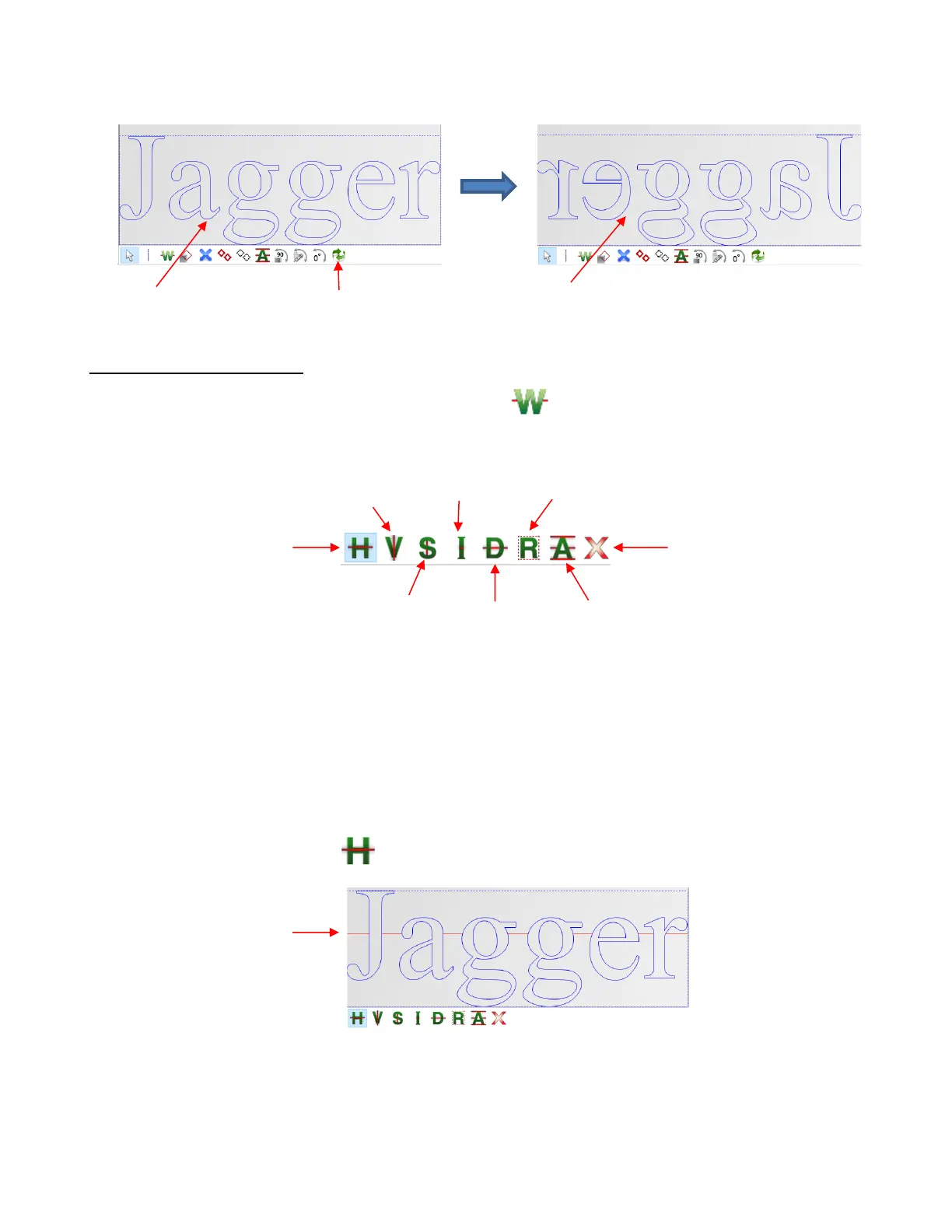
selecting the icon (or shortcut T), the sub-toolbar displays the following options:
• Before covering each option, note the following:
For most of the functions, left clicking the mouse will add a weed line. Holding Shift and/or Ctrl will
provide additional options.
Weed lines can be dragged, as needed.
To delete a weed line, hold the Ctrl key and right click on the line.
For projects that will be cut by color, each color can be individually selected on the Color Toolbar and
the weed lines added for only that color.
• Normal Horizontal Weed Line - Left click once where you want a horizontal weed line added:
Hold the Shift key while clicking and instead of creating a horizonal line, a vertical weed line will be
made. While there is a second option on the sub-toolbar for adding vertical weed lines, it can be more
convenient to add them while in Horizontal weed line mode if you’re needing both types of weed lines:



 To Next Page