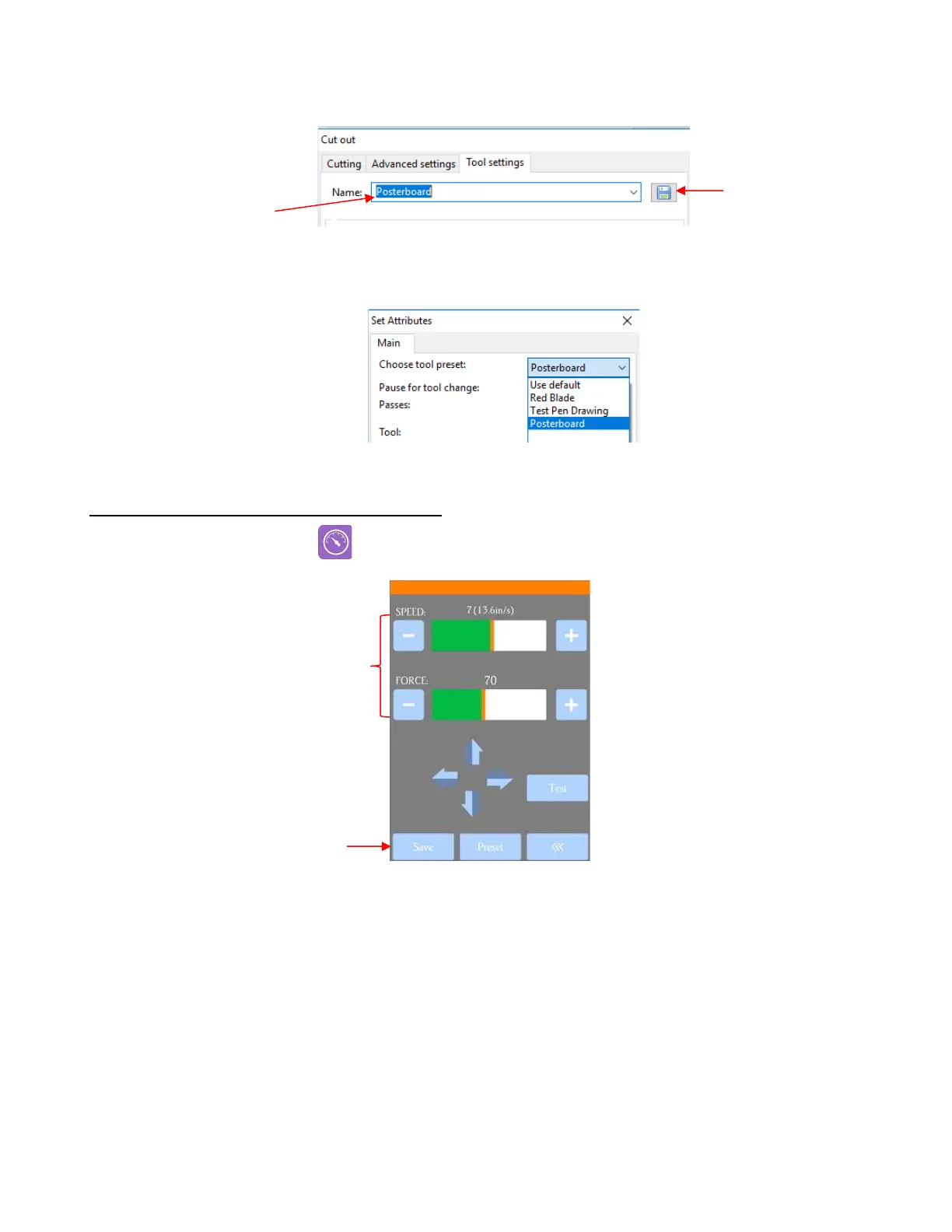
• At the top, enter the Name you wish to save the settings under. Then click on the Save icon:
• This preset will now be available in the dropdown menu, both in this same window or from the Set
Attributes window:
2.04.2 Saving a Preset on the Control Panel
• Press the Force/Speed icon to open the Force/Speed screen:
• Make the necessary changes to the SPEED and FORCE settings. Select Save and the following screen
opens:



 To Next Page