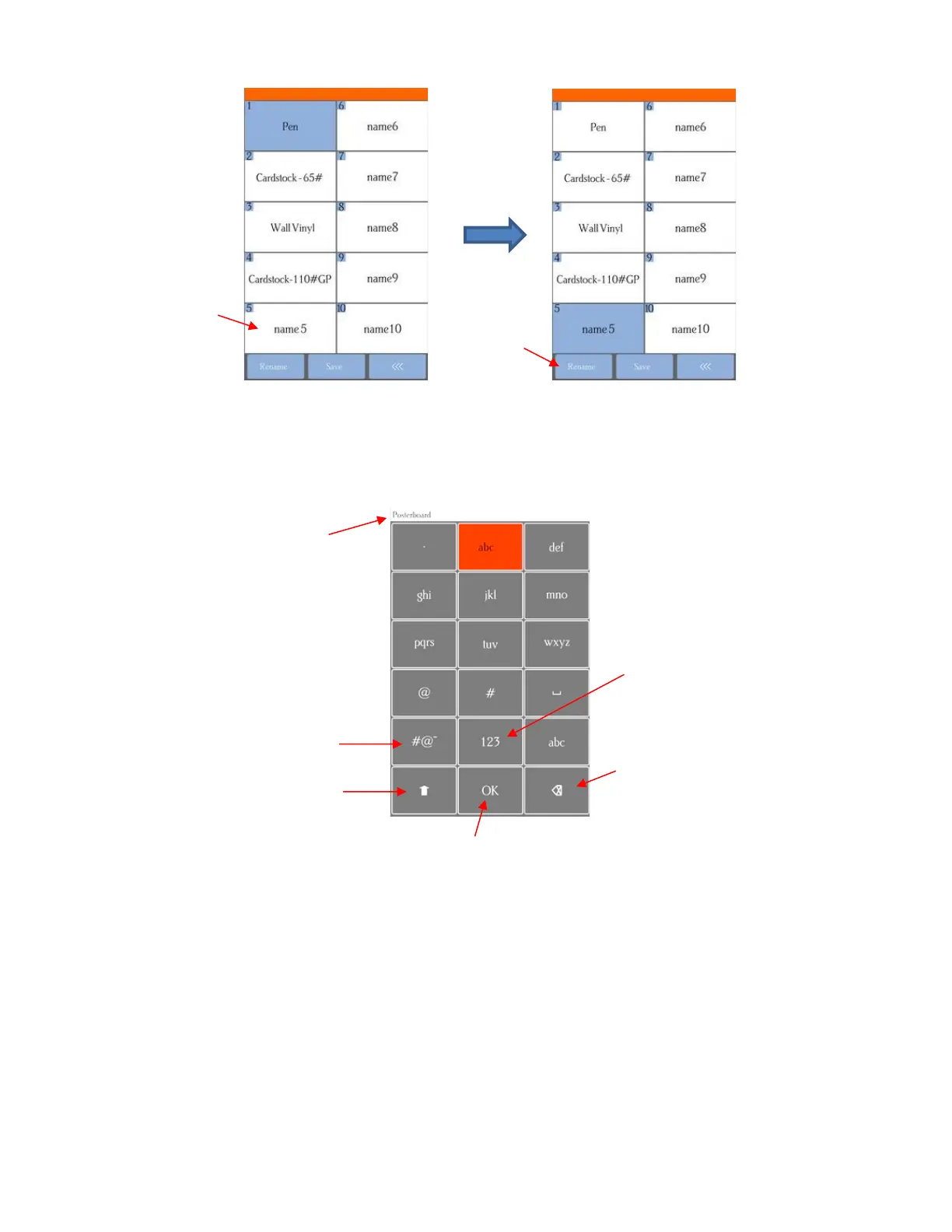
• Press one of the unused preset boxes, e.g. name5, and it will turn blue indicating it is highlighted. Select
Rename.
• A window opens where you can enter the name for the new Preset. The characters are entered in the same
manner as the Password entry window in Section 1.12.2. Note that there is a 15-character limit. Click on
OK when done.
• You will now see the name of your new preset and you can press Save to add it to the saved presets with
the FORCE and SPEED you set. You will be returned to the Force/Speed screen.



 To Next Page