3. Contour Cutting
3.00 Quick Reference for Chapter 3
• How to calibrate the camera: Section 3.03.2
• How to set up a contour cut: Section 3.04
• How to adjust the camera calibration: Section 3.05.1
• How to add more registration marks: Section 3.06
• Troubleshooting inaccurate results: Section 3.05
• How to set up repeats: Section 3.07
• How to do a contour cut from a USB flash drive file: Section 3.07
• How to use the Array Mark function on the control panel: Section 3.07.2
3.01 What Is a Contour Cut
• The contour cut process (also called “print and cut”) involves printing an image from SignCut Pro to any
printer you own and then, with the aid of the Skycut’s camera, have the image or images cut out with perfect
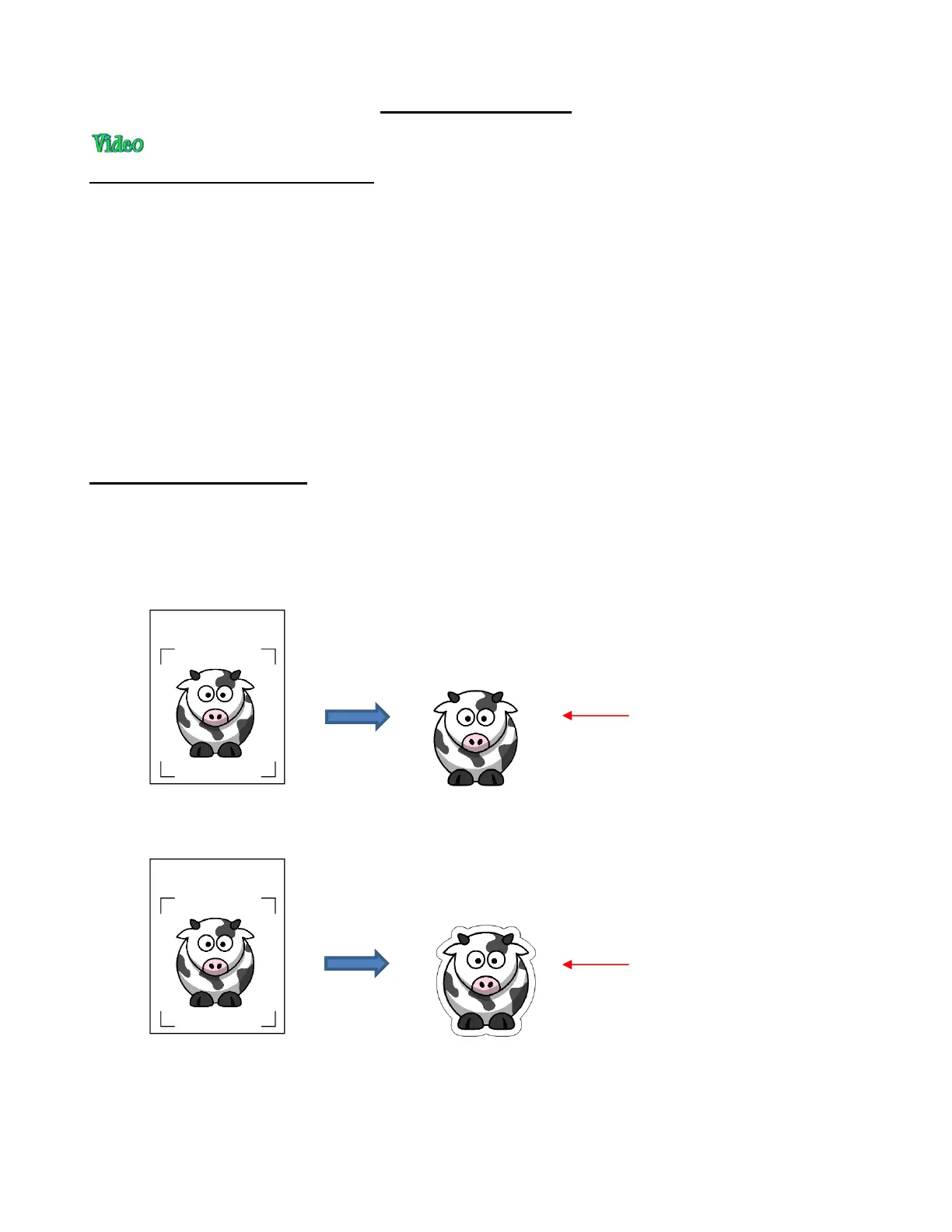
precision. Below are three typical kinds of print and cut applications but there can be other kinds.
Cuts along the actual borders of the printed image(s):
Cuts outside of the borders but follows the shape(s) of the printed image(s):
Cuts follow a different shape from that of the printed image(s):



 To Next Page