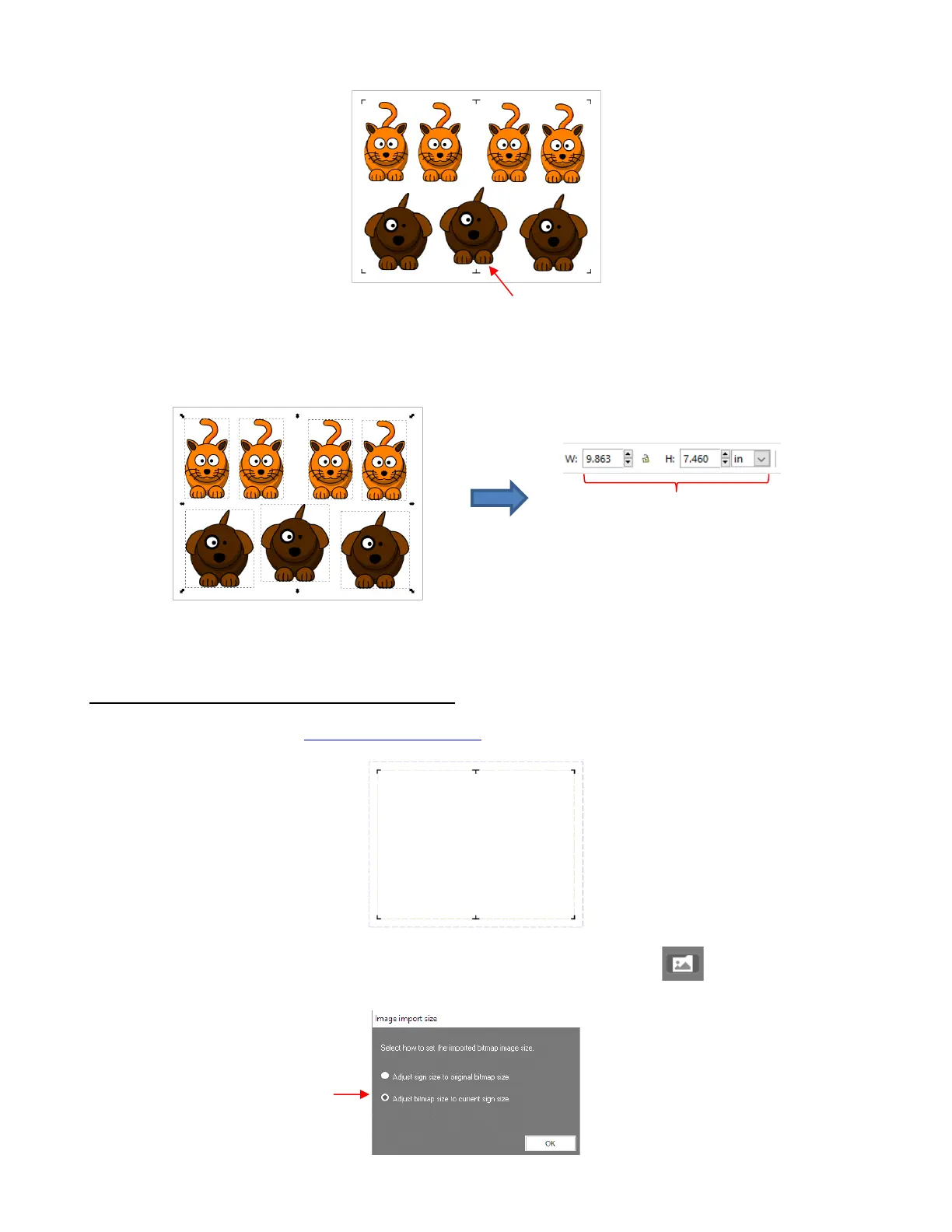
• Delete the registration marks. Select all of the images and note the dimensions of the project, if you need
the image to be the same size in SignCut Draw:
• Export the project from Inkscape as a raster file (PNG or JPG) to import into SignCut Draw.
3.06.2 Using Intermediate Registration Marks
• In SignCut Draw, open the registration mark SCD file with the same name as the SVG file used in Inkscape:
• Import the raster file exported from Inkscape using the Import bitmap file icon . Select the second
option to Adjust bitmap size to current sign size:



 To Next Page