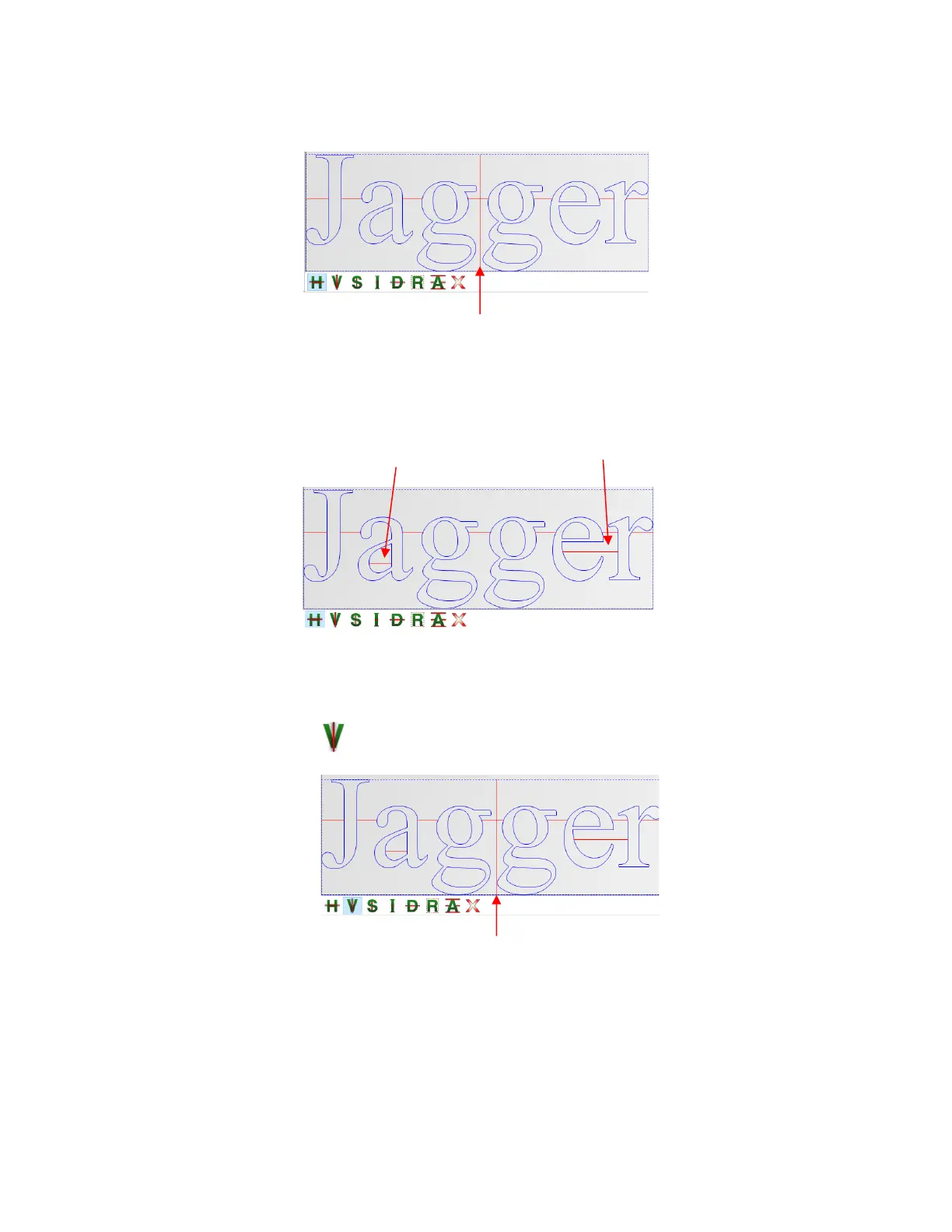
Hold the Ctrl key and left click to add short weed lines inside any spaces you choose. For example,
short lines were added in these three spots:
Holding both the Shift key and the Ctrl key while clicking allows you to add short vertical weed lines, as
needed.
• Normal Vertical Weed Line – Left click once where you want a vertical weed line added:
Hold the Shift key while clicking and instead of creating a vertical line, a horizontal weed line will be
made. Again, this can be more convenient to add them while in Vertical weed line mode if you’re
needing both types of weed lines:
Hold the Ctrl key and left click to add short vertical weed lines inside any space you choose. For
example, short lines were added in these three spots:



 To Next Page