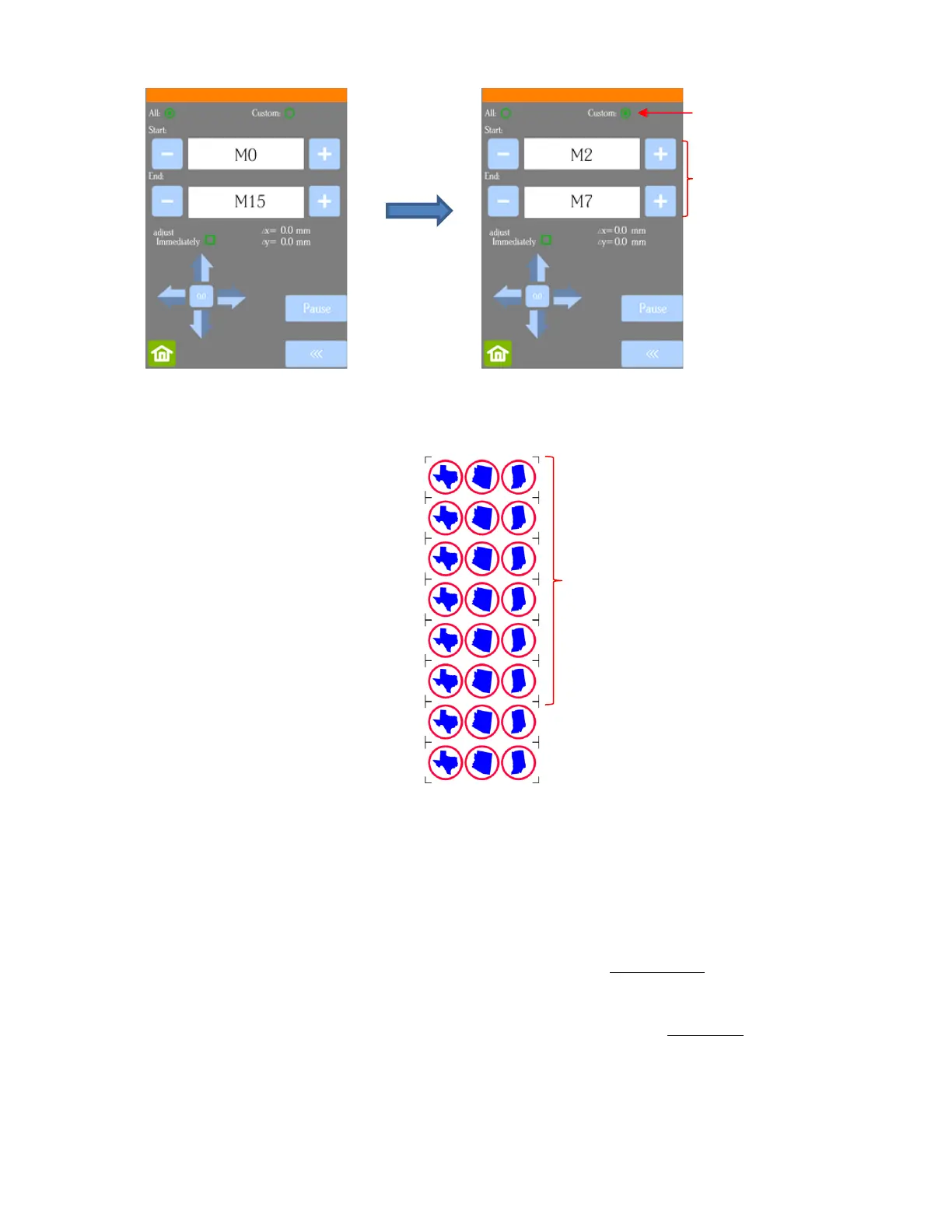
The resulting sets will be sent versus the entire project:
• To tweak the calibration after a cut has begun:
Press the Pause button on the Home screen to immediately stop the cutting.
Press the USB button on the Home screen.
Press the Mark Set button.
Check or uncheck the adjust Immediately option based on the following:
o Check the option if you want the adjustment to be made on the current shape that was being cut
when you paused the Skycut. Note that the start and end point on that path will not completely
close, as a result.
o Do not check the option if you want the adjustment to be applied on the next shape that will be cut.
Click on the arrow buttons to adjust the Δx and Δy by the amount and in the direction you need the cut
line to move:



 To Next Page