• Shapes are the objects or images that you will be adding to your projects. They can be created from scratch
or imported from other sources.
SignCut Pro2:
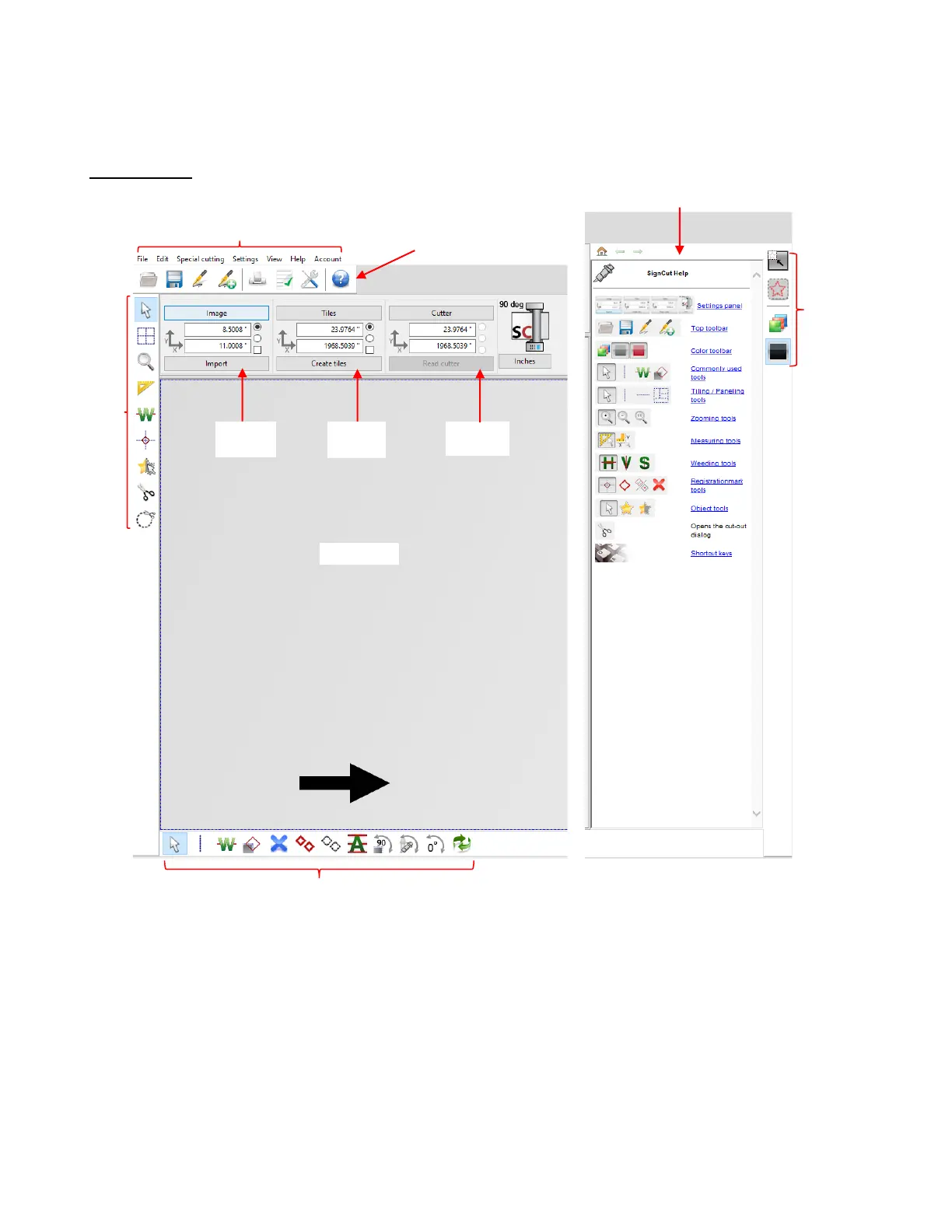
• Hovering your mouse over most of the screen icons will pop up the icon’s name and available shortcut.
• On the Main Panel, the shortcut keys (top to bottom) are in the same order as the top row of alphanumeric
keys on your keyboard (left to right: Q, W, E, R, T, Y, U, I, O).
• On the Sub-toolbars, the shortcut keys are in the same order as the bottom row of alphanumeric keys (left
to right: Z, X, C, V, etc.).



 To Next Page