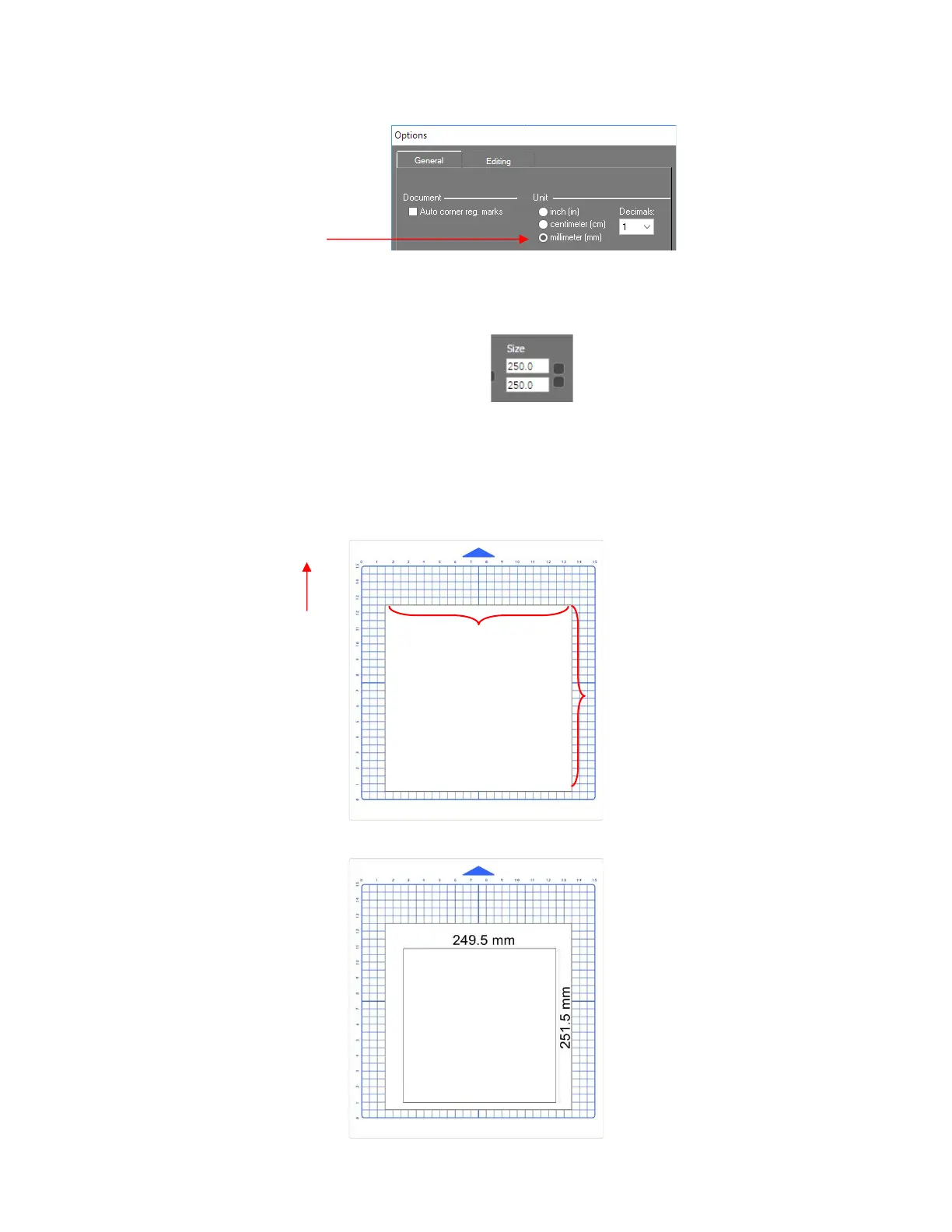
• With the square still selected, change the width and height to the largest size that will fit on the paper you
have available. It is recommended that the square be at least 250 mm x 250 mm:
• Click on the Move image to Signcut icon to open the square in SignCut Pro. Use your test pen to draw the
square. Leave the paper on the cutting mat so as not to confuse which sides drew left to right and which
sides drew up and down.
• Using a mm ruler, carefully measure the Width (the left-to-right length that drew) and the Height (the top-to-
bottom length that drew:
• Write those measurements onto your sheet:



 To Next Page