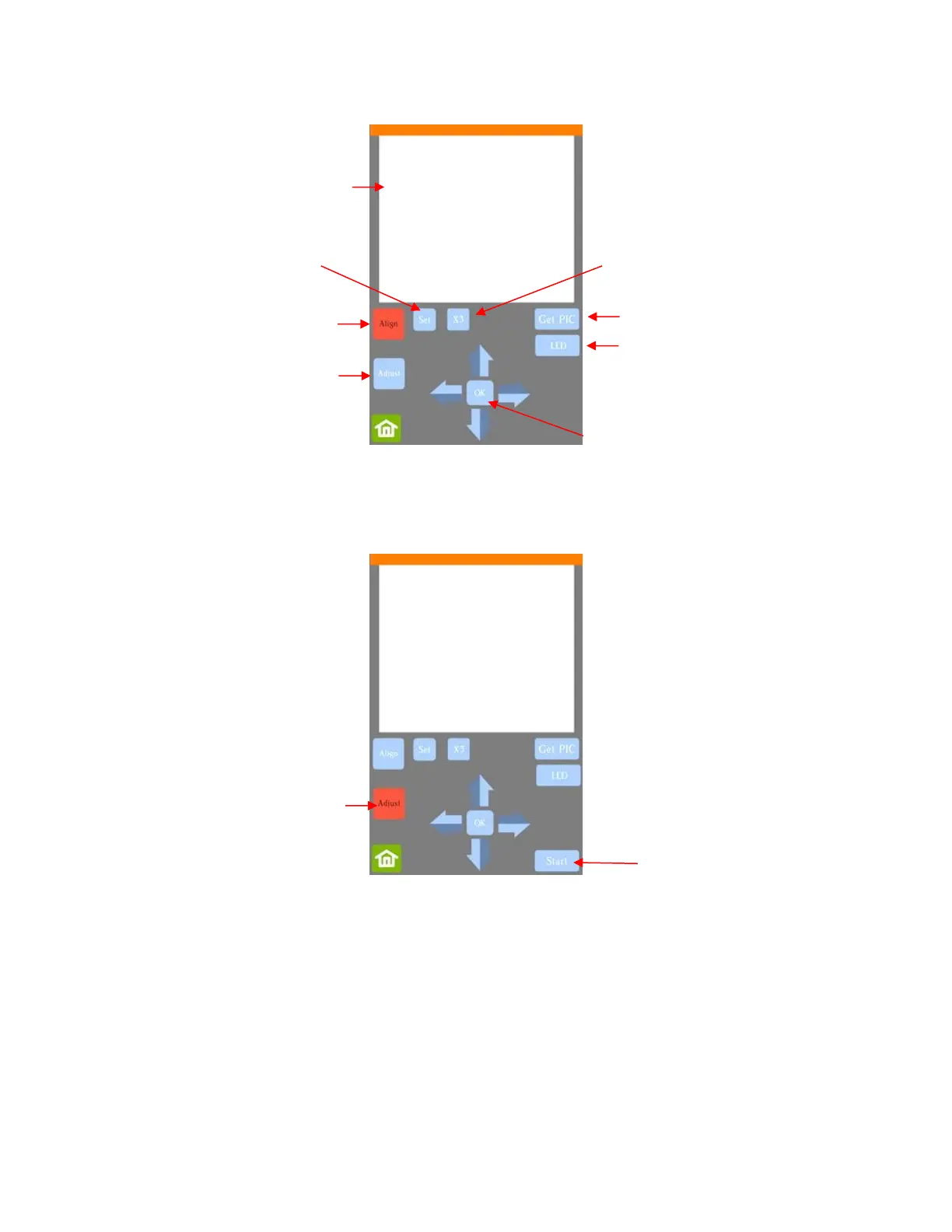
(6) Press Adjust to switch to calibrate mode and a new Start button will appear in the lower right corner of the
Camera Screen:
(7) Press Start. The test shape, which is a square with a + inside, will be drawn on the paper and the camera
will move over the test shape, take a photo, and display the photo on the control panel. If you cannot see
the test shape clearly, press the LED button once so that it reads LED 50% and press the Get PIC button.
You should see three items in the photo: the test shape that was drawn with the pen, a red +, and the blue
dashed +:



 To Next Page