2. WORK CHANNELS AND ACTIVE CHANNEL
2.1 Work Channels
2.1.1 Overview
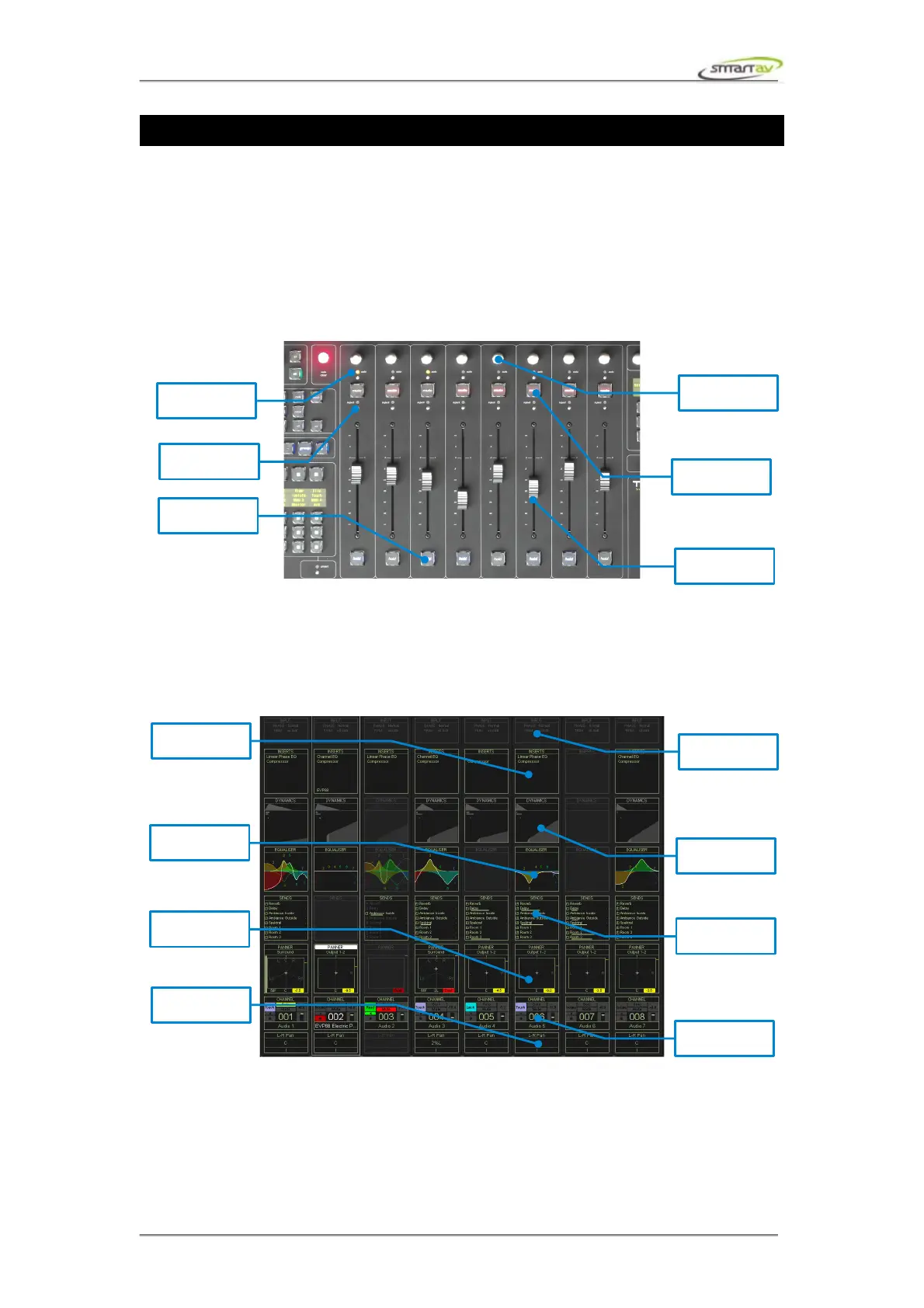
The main channel area consists of 8 work channel strips. Each strip consists of hardware controls and 8
channel blocks displayed on the touch screen The hardware controls include a channel encoder, a solo
touch point, a mute button, an inject touch point, a fader and a hold button.
Each channel strip includes the following channel blocks: input, inserts, dynamics, EQ, sends and
output. At the bottom of the strip there are two more sections: channel information and encoder
information displays. If a block is blank, this indicates it is not present in the workstation channel strip.
If all blocks are blank, this indicates that the channel is not present in the workstation.
Touching any of these blocks or channel hardware controls changes the active channel display to show
the selected channel strip in detail.
2.1.2 Faders
A fader on Tango also acts as a channel selector. When you touch any fader its track is selected in the
Operation Manual – Tango Smart Console 10



 To Next Page