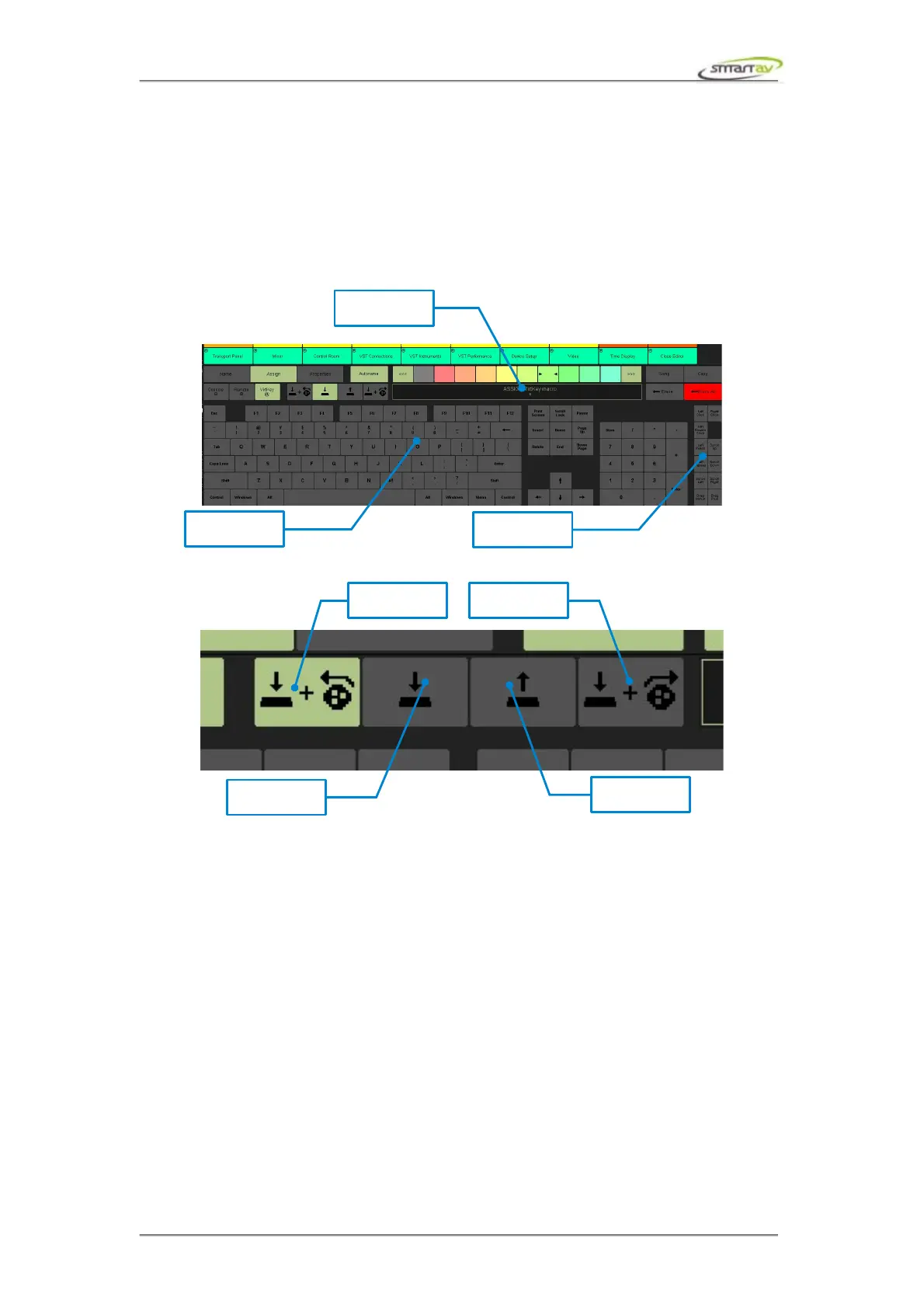
When in virtkey mode, Tango will issue commands to the DAW computer via the virtual keyboard
program. The keyboard macros must be entered before the keys will do anything. Simply press the keys
on the touch screen keyboard to assign the functions. To make corrections, you must use the separate
Erase or Erase All button (the normal keyboard backspace key is a legal key for macros, so you can’t
use it to fix your mistakes).
8.2.9 Testing the Remote and VirtKey Function
In order to test the assigned functions while in the edit page, you can press one of the macro trigger
selectors. This will generate a single event of the assigned function. This is a perfect way to test the
assignments as you program them.
Operation Manual – Tango Smart Console 42



 To Next Page