MonARC modifier memory location, press and hold the memory button and then touch the clear led.
If a function can use the clear led, it will be described in those function descriptions.
6.4 Ergonomic Spreads
The collection of channels that are assigned to Tango's working channels are refereed to as an
ergonomic spread.
6.4.1 Ergonomic Spread Control
There are several ways of getting the channels you need to in front of you. The main two modes of
channel selection are chair and wipe modes. This mode is controlled using the chair button on the
expert panel. When the chair button is lit, Tango is in chair mode, otherwise it is in wipe mode.
6.4.2 Chair Mode
When the console is in chair mode, touching the MonARC is equivalent to moving your chair to in
front of that particular channel on a long console.
A single touch of channel 16 on the MonARC makes channels 13 through 20 appear in the 8 channel
slots of your console. Wiping your finger up and down the MonARC allows you to quickly move
around your channels as well giving you an overview of your entire project.
6.4.3 Wipe Mode
Use wipe mode to select non-sequential arrangements of channels. Here, touching the MonARC
segments (in any order) on the MonARC fills in individual channels sequentially from the left most
available channel slot through to the right most.
6.4.4 Timommeter
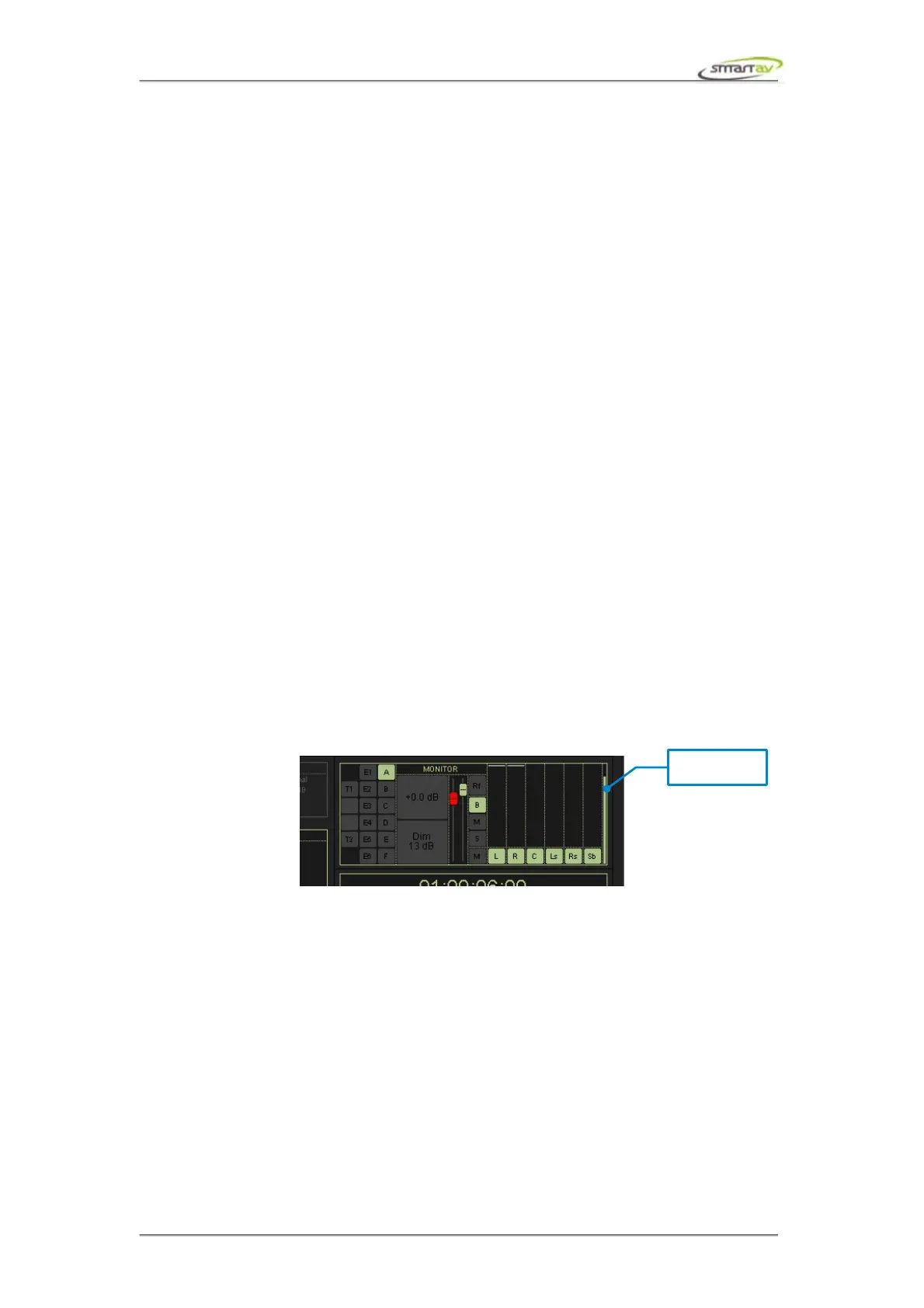
Timomemeter is a timer which counts down whenever you touch a MonARC channel in wipe mode.
Once the timer reaches zero, the channels will again fill from the left most channel slot. The timer is
displayed in a small cyan vertical bar to the left of the timecode display.
The timommeter time can be adjusted by going to System > Configure > User Interface on Tango.
6.4.5 Touch Button
When the touch button is lit, it indicates that one or more parameters without touch sensitivity have
been touched. Simply press this button to “un-touch” any touched controls. This button is used when
automating to stop writing all “touched” parameters.
6.4.6 Undo/Redo
The undo/redo buttons refer only to ergonomic spreads. They are not related to actual mixer
parameters. Pressing undo goes back through the previous ergonomic spreads you had in front of you,
while redo goes forward through the remembered ergonomic spreads. There are 100 levels of undo and
redo. Note that hold buttons override the undo, redo and recall.
Operation Manual – Tango Smart Console 31



 To Next Page