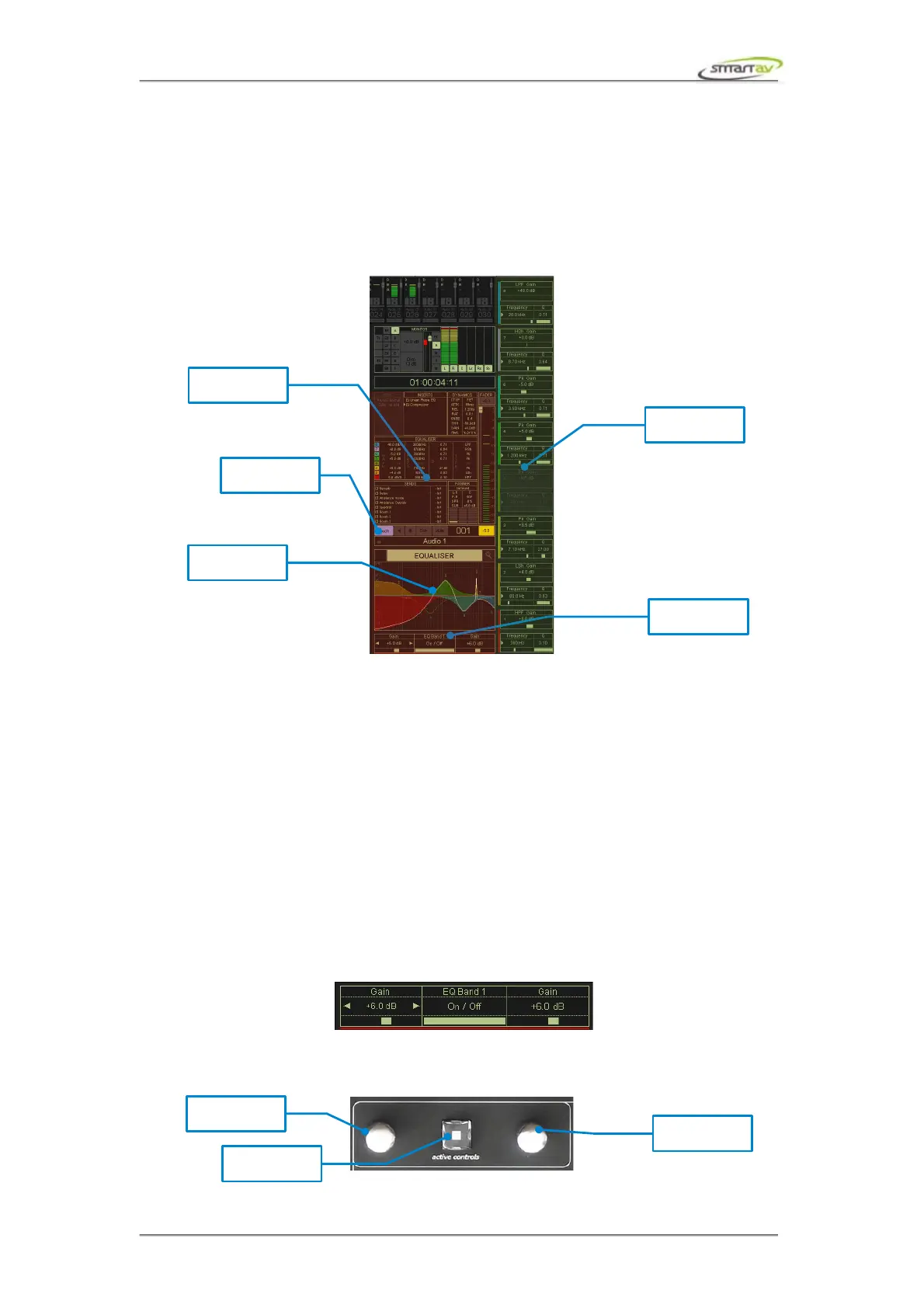
2.2 Active Channel
2.2.1 Overview
Active channel display shows detailed information of the currently selected (active) channel. This
includes channel I/O, inserts, EQ, dynamics and sends. Active encoders and active controls allows
you to have full control over the parameters of the active channel block.
2.2.2 Active Blocks
Active block displays the channel block that was touched last. Active block displays more details about
the channel block and allows control of its parameters.
2.2.3 Active Encoders
Active channel block's controllable parameters are automatically mapped to the active encoders and
active encoders display shows the names and values of these parameters. Depending on the function,
the channel encoders may also be pressed to toggle parameters (such as aux on/off and phase). For
certain parameters pressing the encoder toggles between fine and coarse modes (such as plug-in and
dynamics parameters).
2.2.4 Active Controls
Like the channel and active encoders, the active control display shows the state of the parameter
currently assigned to each of the active controls below them.
These controls follow the currently controlled parameter. You can also touch the active encoder display
to assign a parameter directly. The parameter will also automatically change when a new section is
selected.
Operation Manual – Tango Smart Console 13



 To Next Page