There are three active controls. The left most control is an encoder whose sensitivity is set to be the
finest possible control of the selected parameter. Pressing it down causes it to toggle between two
levels of fineness. The middle control is a lit button which can be used to control toggle parameters.
The right most control is a motorised pot with end stops which allows direct positioning of any
parameter for super fast control.
2.2.5 Channel Lock
Pressing the channel name button locks the active channel. While the channel is locked touching a
fader or other channel controls will not change the active channel as it normally does. Pressing the
button again will unlock the channel.
2.2.6 Resync Tracks
With the ProTools engine, the Resync Tracks operation retrieves information about all tracks
(including tracks names and output names) in the current session. The operation can be triggered via
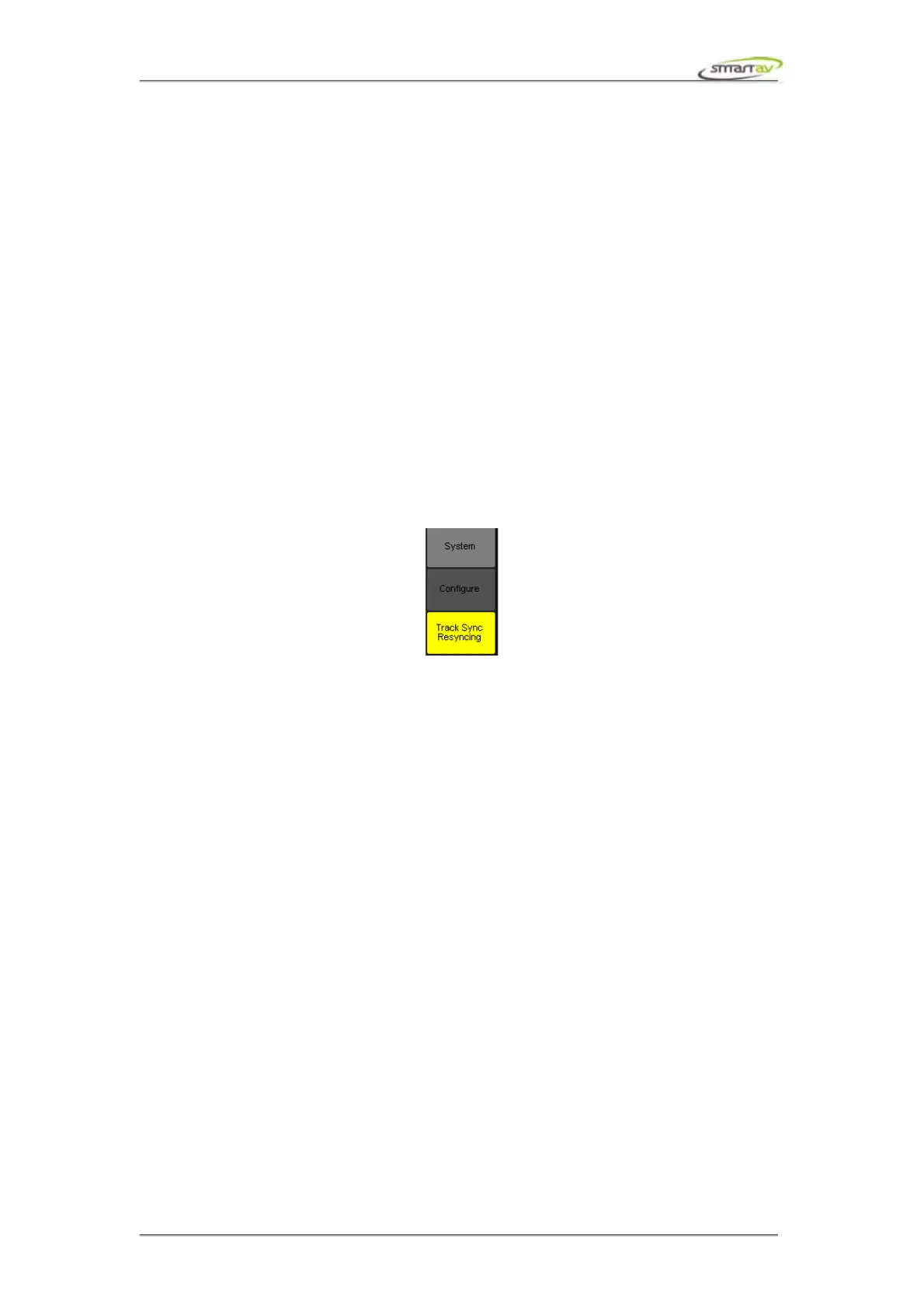
Track Sync button or System → Resync Tracks. A progress meter is displayed to indicate how much of
the operation has completed.
The resync tracks operation must occur each time a new session is opened and each time a track is
added or removed.
When Tango detects that a session has been opened, it performs the resync automatically. However
when a track is added or removed, it may not be convenient for this operation to occur automatically. In
this case the Track Sync button turns red prompting the user that some of the track information maybe
out of sync.
Operation Manual – Tango Smart Console 14



 To Next Page