6.2.9 Solo and Mute Indicators
These indicators are on if the channel is in solo or muted. In addition there are 2 more indicators for
input monitoring and arming.
6.2.10 UPO Indicator
The Universal Programmable Overview (UPO) indicator changes its meaning depending on what
you are currently doing. For example, in group mode, it will show you which channels are currently
grouped. When a MonARC modifier is held, it shows all the channels that are in the same state. When
storing or recalling ergonomic spreads, it shows which MonARC segments are being used for storage.
6.3 Expert Panel
6.3.1 Overview
Expert panel and MonARC together form a powerful system for accessing, controlling and modifying
channel states.
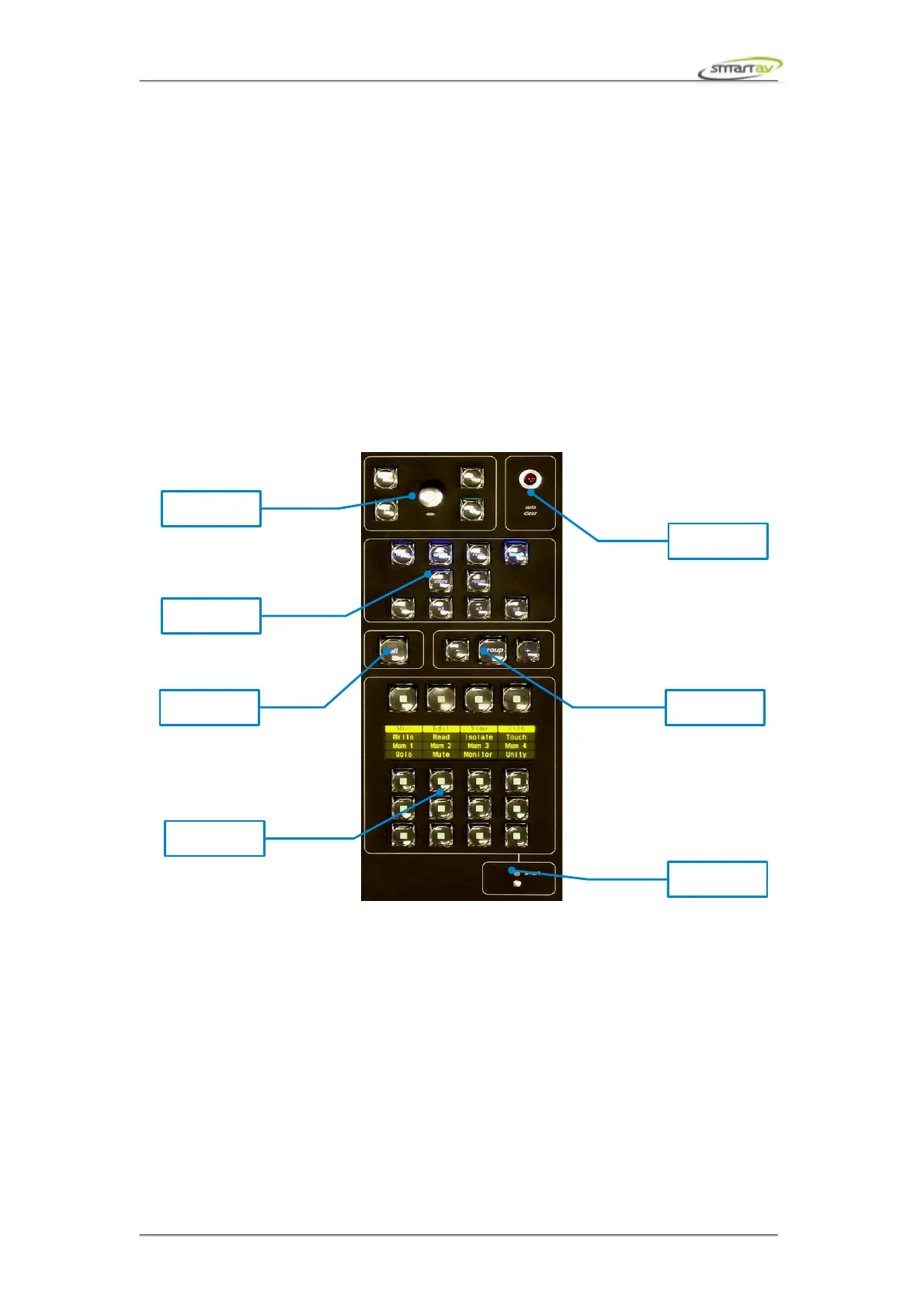
6.3.2 The Smart Button
The smart button is used as a global modifier or shift key for various functions on the console. It is
always used in conjunction with other buttons or touch-points and so will be described in those
function descriptions.
6.3.3 Solo Clear Touch Point
The large red solo clear led lights up to indicate that a solo is presently on somewhere in your project.
Touching the led will turn solo off on all tracks. In addition to clearing solos the touch point also acts as
a general escape or clear key.
For example, if you want to abort the creation of a group, you can touch the clear led and the group you
are creating will be aborted and you will be removed from group mode. Or if you want to clear a
Operation Manual – Tango Smart Console 30



 To Next Page