4.3.5 Panner Active Controls
Currently the fine active encoder and active pot controls are not supported for Pro Tools. The active
button turn the destination on/off for the channel.
4.3.6
4.3.7 Panner Channel Encoders
Selecting the active encoder parameters will also automatically assign the selected parameter to the
channel encoders. This allows fast control of all panner parameters across the working channels.
4.3.8 Surround Panner
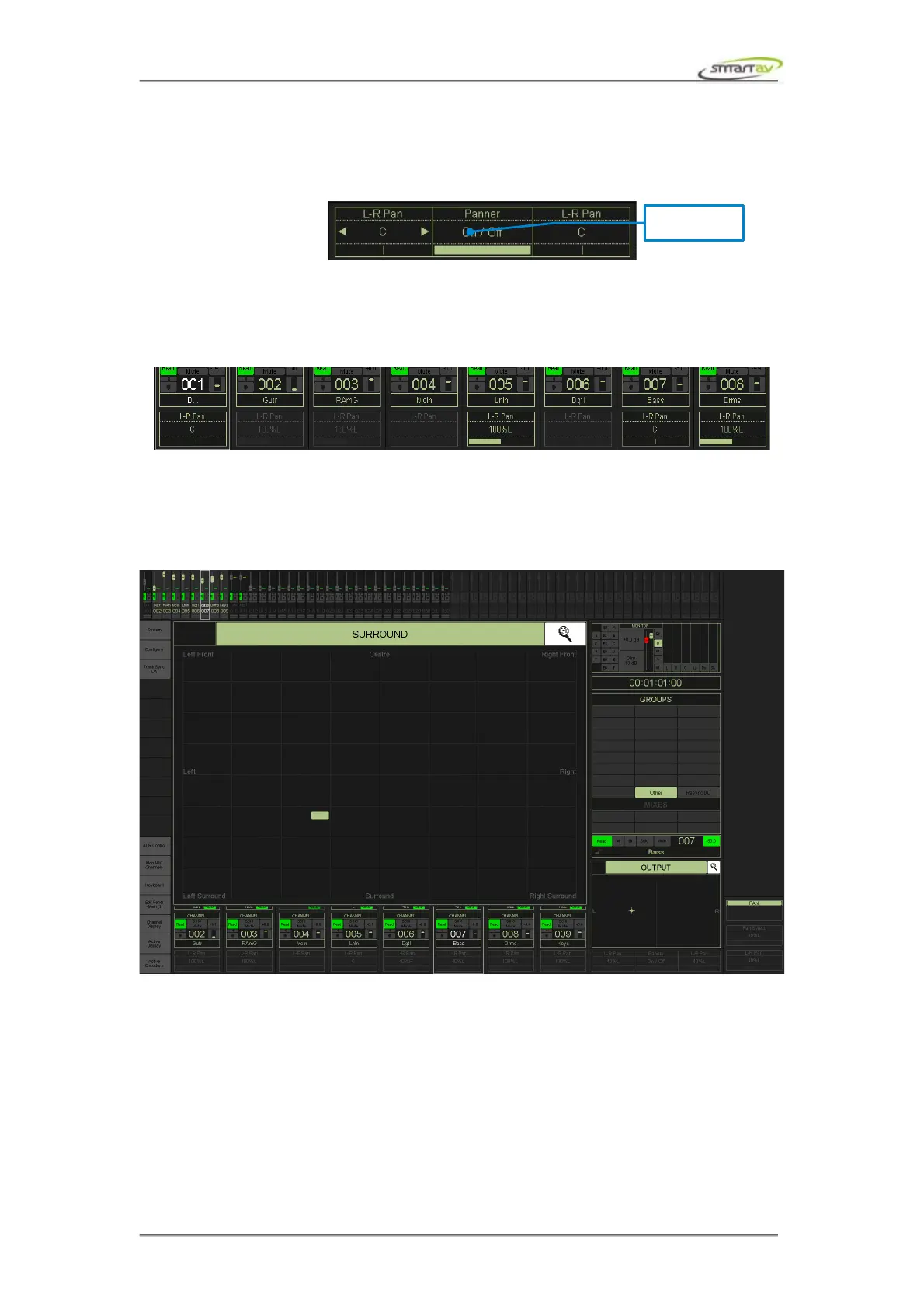
The zoomed panner window is displayed by selecting the zoom icon at the top right of the panner
active block. To select a track for surround panning, select its output window using the Pro Tools GUI.
The surround pan position can then be controlled by moving the surround cursor on Tango.
4.4 Routing
4.4.1 Active Display
The active display for the panner can be changed using the Active Display button from the panel
selector. Pressing this button will toggle the active display area through the available display types.
The routing active display shows and controls the output destination for the active channel in Pro
Tools.
Operation Manual – Tango Smart Console 23



 To Next Page