8.3.5 GPI/Os
There are 6 GPI/O terminals at the back of the console - 3 inputs and 3 outputs. You can assign any
Remote, VirtKey or Console functions to the inputs and assign Console functions to the outputs
(Remote commands and VirKey functions don't generate feedback). So if you assign Console > Record
function to the input and the output.
For instance, you can connect a pedal to the first input and a Record LED indicator to the first output.
Then assign Console -> Record function to both of them. Now you'll be able to put the DAW in record
mode using the pedal and when DAW is in a record mode the Record LED will go off.
8.3.6 Virtual Mouse
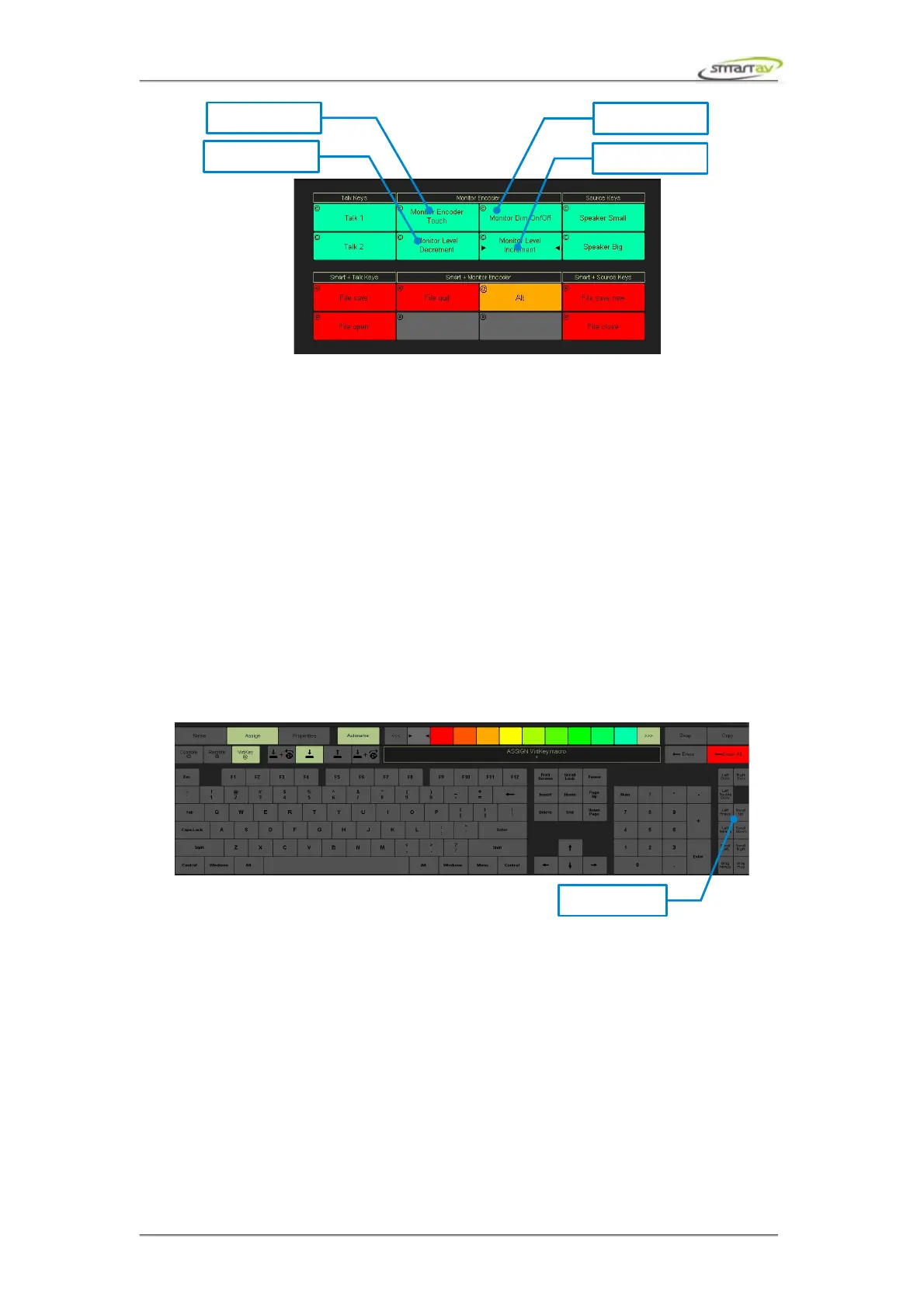
Virtual Mouse functionality is an extension of VirtKey functions. You can perform clicks, scrolls and
diagonal drags. Simply assign these functions to programmable keys or edit panel buttons. You can also
assign these functions to the monitor encoder. For instance, assign scroll left and scroll right function to
the encoder. Hover a mouse cursor over a VST plug-in parameter use the encoder to adjust it's value.
Note that not all plug-in respond to the mouse scroll, in this case you can use diagonal drags instead.
Virtual Mouse functions include: Left Click, Right Click, Left Double Click, Left Press, Left Release,
Scroll Left, Scroll Right, Scroll Up, Scroll Down, Drag Minus and Drag Plus.
Operation Manual – Tango Smart Console 49



 To Next Page