8.2 Edit Panel
8.2.1 Overview
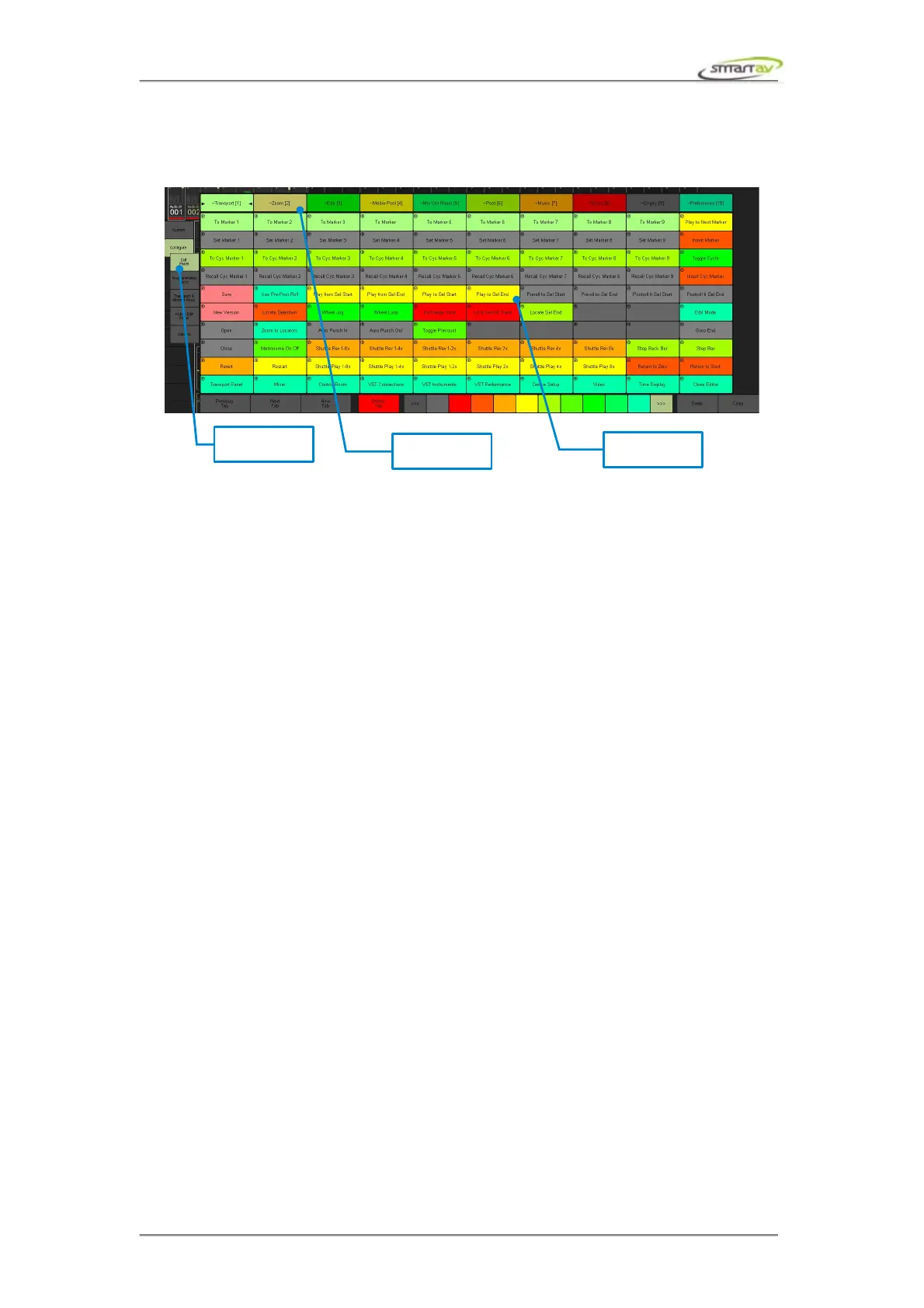
Tango features an on screen edit panel utilising its touch screen technology. This panel allows
customised access to all remotely controllable edit features within your DAW via either the dedicated
remote control interface for each engine, or via the virtual keyboard interface. To access the edit panel,
press the Edit Panel button on the panel selector.
There are 10 tabs along the top of the edit panel – these select which of the 10 customisable edit panel
tabs you would like to use. Each edit panel tab contains 100 customisable edit buttons. Simply press the
button to execute the programmed function, or press the button and turn the Jogger Wheel to execute
the programmed wheel functions.
Operation Manual – Tango Smart Console 39



 To Next Page