6. MONARC AND EXPERT PANEL
6.1 MonARC Intorduction
6.1.1 Overview
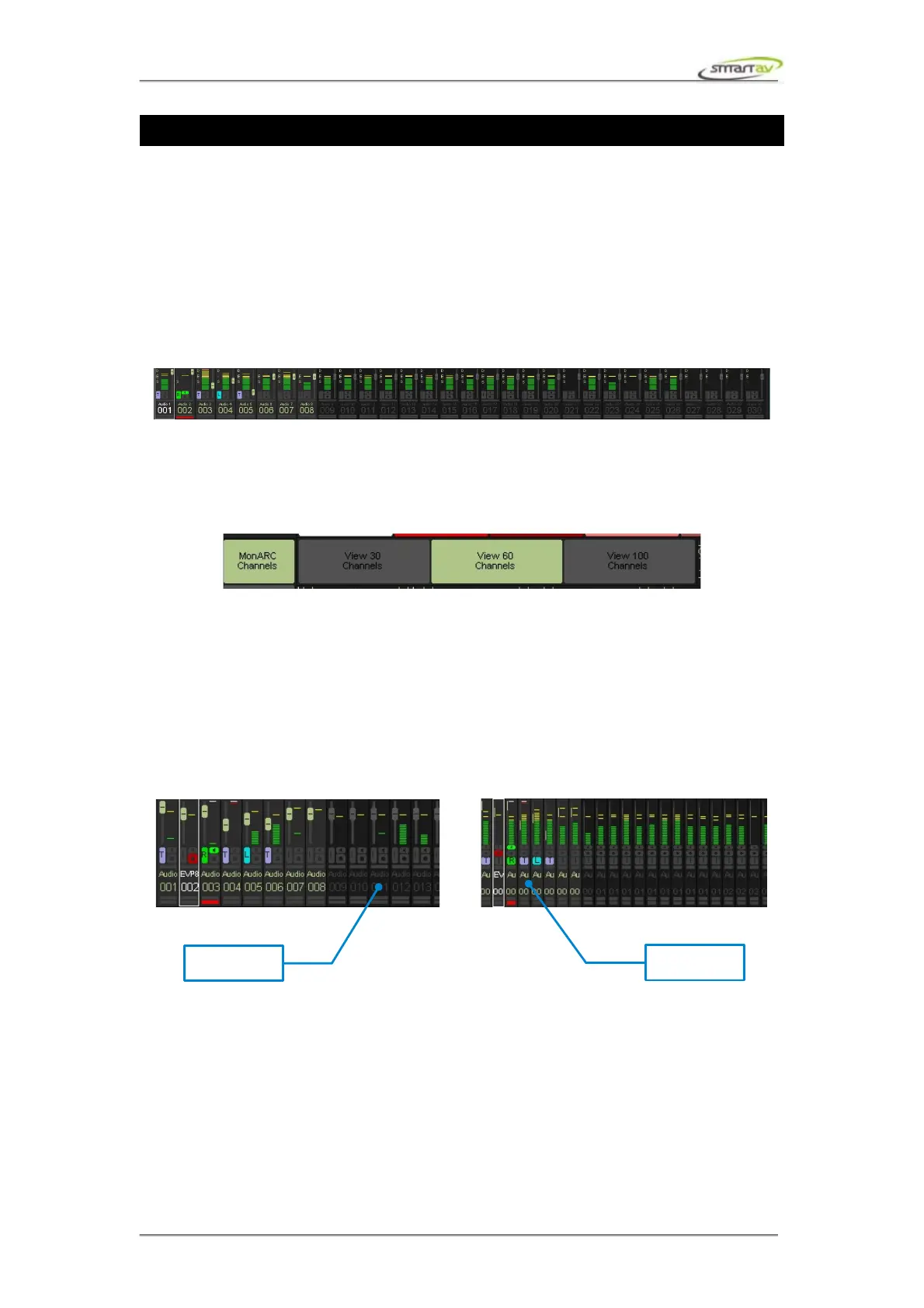
The MonARC is a software and touch screen version of Smart AV's patented ARC Technology.
Replacing the physical ARC from the Smart Console the MonARC is a screen based channel overview
display, coupled with the touch screen selection of channels for control of up to 240 channels. The
MonARC provides you with more than a comprehensive meter bridge with indicators for EQ,
Dynamics, Aux Sends, Solo, Mute, Automation, faders, channel names and number.
6.2 MonARC Options
Touching the MonARC Channels panel selector brings up various MonARC view options. The
options are simply selected by touching them:
6.2.1 Scrolling
Touching the MonARC Channels panel selector brings up various MonARC view options. The
options are simply selected by touching them:
6.2.2 MonARC Views
MonARC supports 3 different views. By default it's set to view 30 displaying 30 channels. View 60 and
view 100 options display 60 and 100 channels respectively.
Operation Manual – Tango Smart Console 28



 To Next Page