4.3.2
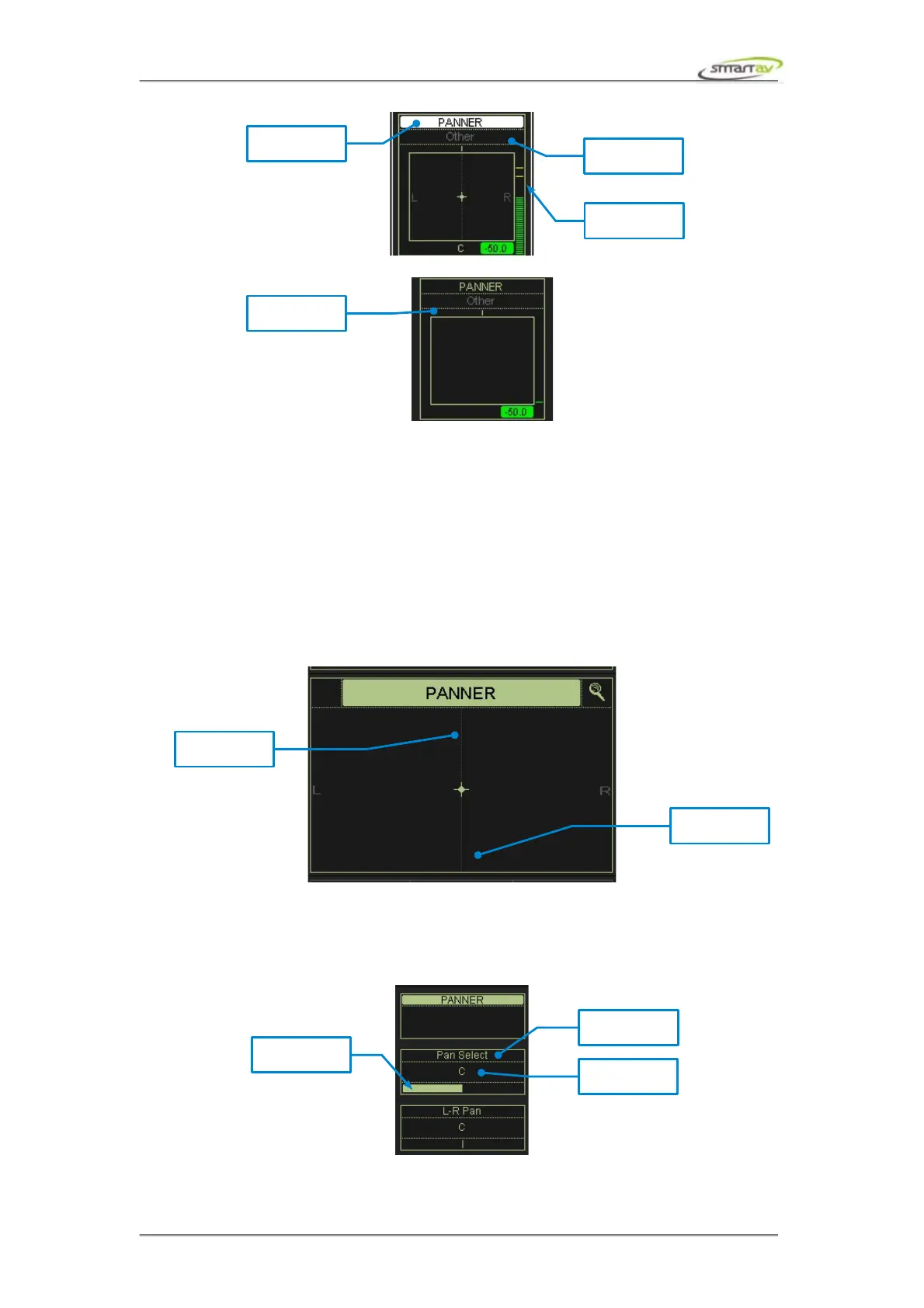
If a Pro Tools channel has no pan pot Tango will not display stereo cursor for that channel. By default
the Tango panners will be controlling the left pan pots of the Pro Tools stereo channels. You can easily
switch to right panners (as described in the next section). Tango will display blank panners on Tango
for the channels that don't have the right pan pots .
4.3.3 Panner Active Block
This block mirrors the panner block described above, with the exception that the output destination is
not displayed here. Also, the panner active block is touch sensitive and can be used for L/R panning as
well as switching between the left and the right panners. Touching near the top of the active block
allows it and all panner channel blocks to control Pro Tools left panners. Touching near the bottom of
the active block allows it and all panner channel blocks to control Pro Tools right panners.
4.3.4 Panner Active Encoders
The panner active encoders allows you to control of the panner pan position and panner type. Pan
Select encoder lets you switch between panner types on Tango.
Operation Manual – Tango Smart Console 22



 To Next Page