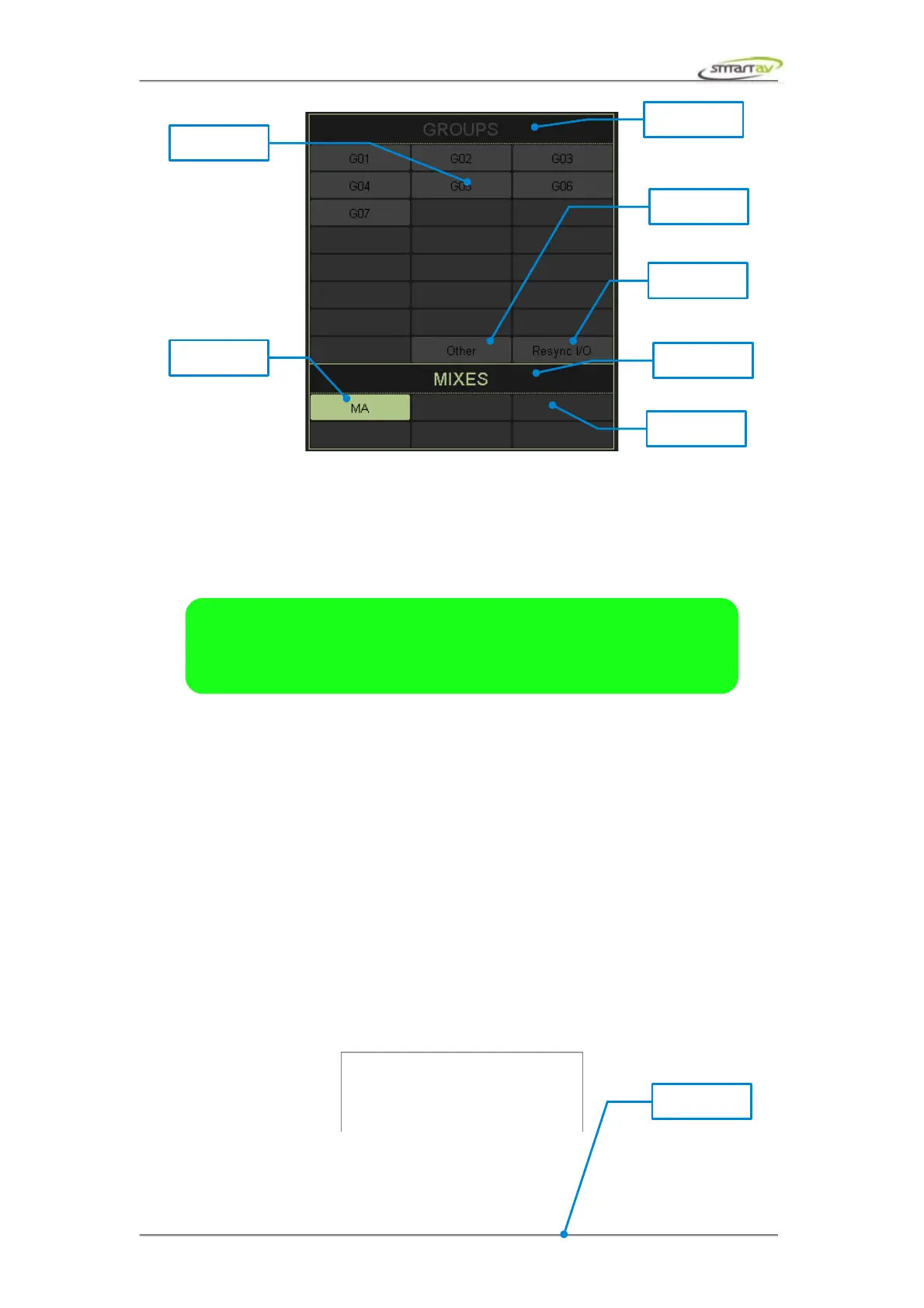
Every Pro Tools channel can be assigned to one of six mix or one of twenty three group destinations. In
order to change group or mix destination of a channel touch one of the group (except Other and
Resync I/O) or mix destination buttons. The active channel output will be re-routed instantly. If you
touch the assigned mix or group destination button the destination will be unassigned and the active
channel in Pro Tools will be set to no output.
4.4.2 Naming Outputs
It's important to keep in mind that the HUI protocol only sends 4 character bus/output names and Tango
uses these names to distinguish between the different busses and outputs. The following naming rules
must be used for Tango to correctly assign mixes and groups.
If output or bus name starts with MA, MB, MC, MD, ME or MF and is followed by a space character it
will be assigned to one of six mix buttons. Note that the bus/output name can be any length, however
the first three characters must follow the rule described above, otherwise the output will not be
assigned to a mix button. Examples: “MA Analog 1-2”, “MB Bus 5-6”, “MF Bus 7” etc.
If output or bus name starts with G01, G02, G03, … , G21 or G22 and is followed by a space character
it will be assigned to one of twenty four group buttons. Note that the bus/output name can be any
length, however the first four characters must follow the rule described above, otherwise the output will
not be assigned to a group button. Examples: “G01 Analog 1”, “G11 Analog 3-4, “G05 Plate Reverb”
etc.
In order to name the outputs and busses select Setup → I/O... menu item from the Pro Tools menu.
Here you can add, remove, rename and modify I/O paths.
Operation Manual – Tango Smart Console 24



 To Next Page