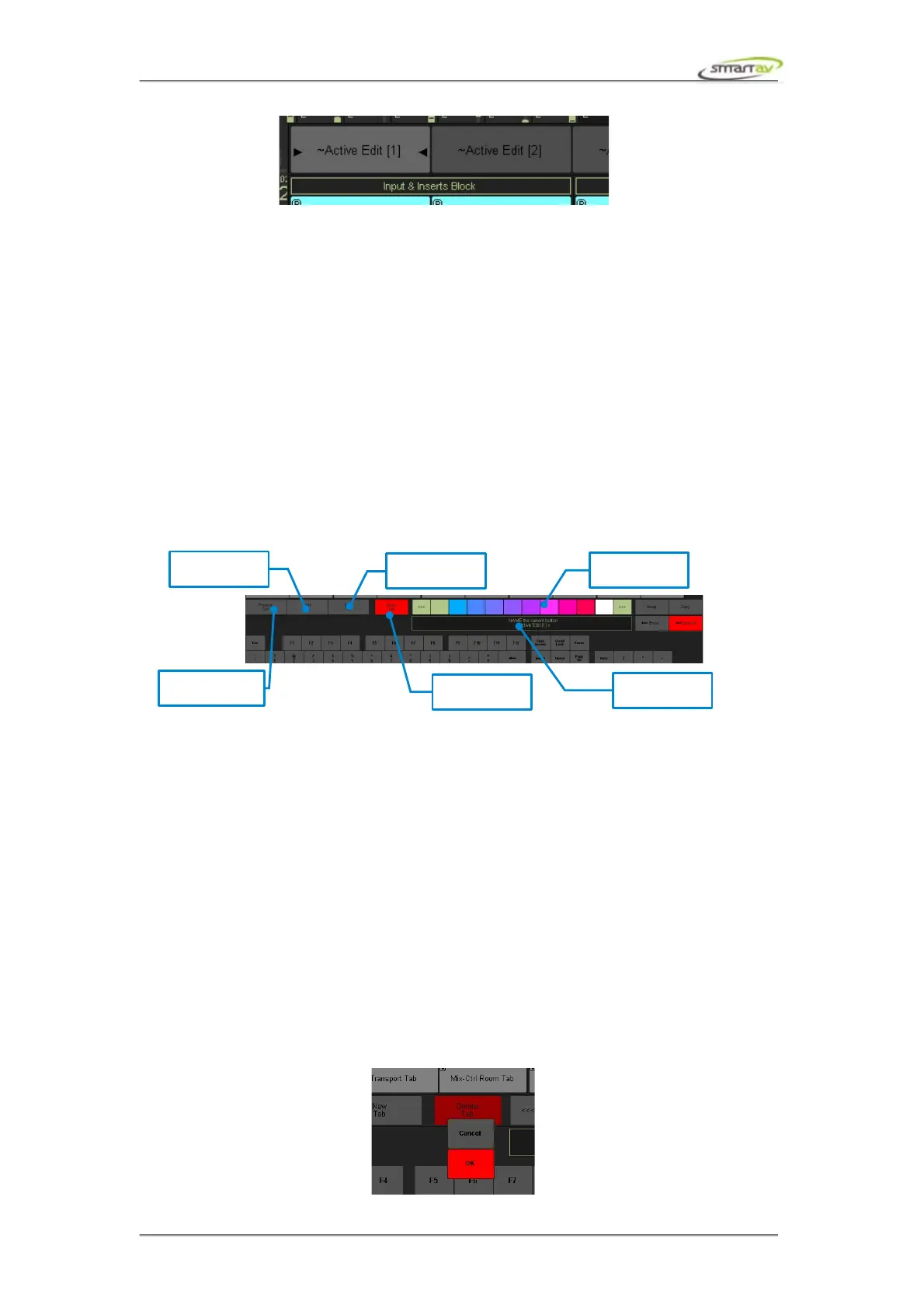
8.2.15 Naming Tabs
8.2.16
Use the virtual keyboard to enter the desired name for the tab you are working on. The tab name colour
can be set using the colour selector just like assigning colours to the edit buttons.
The ~ or ` symbol in front of the tab name indicates that this a default or factory Tab (these are read
only and may be replaced when new Tango software is installed or updated). As soon as any edit button
is modified in any way the name will be preserved but the ~ symbol will be removed. Also, at any time,
the name of the page can be manually changed by the user. Changing the name will automatically make
a copy of the current tab and give it the new name (leaving the old tab as it was at the time it was
renamed).
At any time to return to a previously created tab, simply use the Previous Tab and Next Tab buttons in
the tab naming mode.
8.2.17 Selecting Active Tabs
Previous Tab and Next Tab buttons will cycle through the available tabs you have created or imported.
You can have an unlimited number of tabs and any of them can be loaded into any of the 10 tab slots.
For example, if you want the same edit keys layout regardless of the edit panel tab you have selected,
just go to the configure edit keys page and set each tab slot to have the same tab loaded.
8.2.18 Creating New Tabs
Pressing the New Tab button opens a new and empty tab and gives it the name noname. You can now
create a new panel layout from scratch. You should make sure you give you new tab a name, if you
press New Tab again before you have given your tab a name, Tango will automatically save your
noname tab with a unique random 4 digit suffix. This will ensure you never lose any of your tab
creations accidentally.
8.2.19 Deleting Tabs
Press the Delete Tab button to delete the current tab. A pop up will appear asking you if it’s OK to
delete the tab or Cancel if you don’t want to delete it.
Operation Manual – Tango Smart Console 45



 To Next Page