3.2.4 Inserts Active Controls
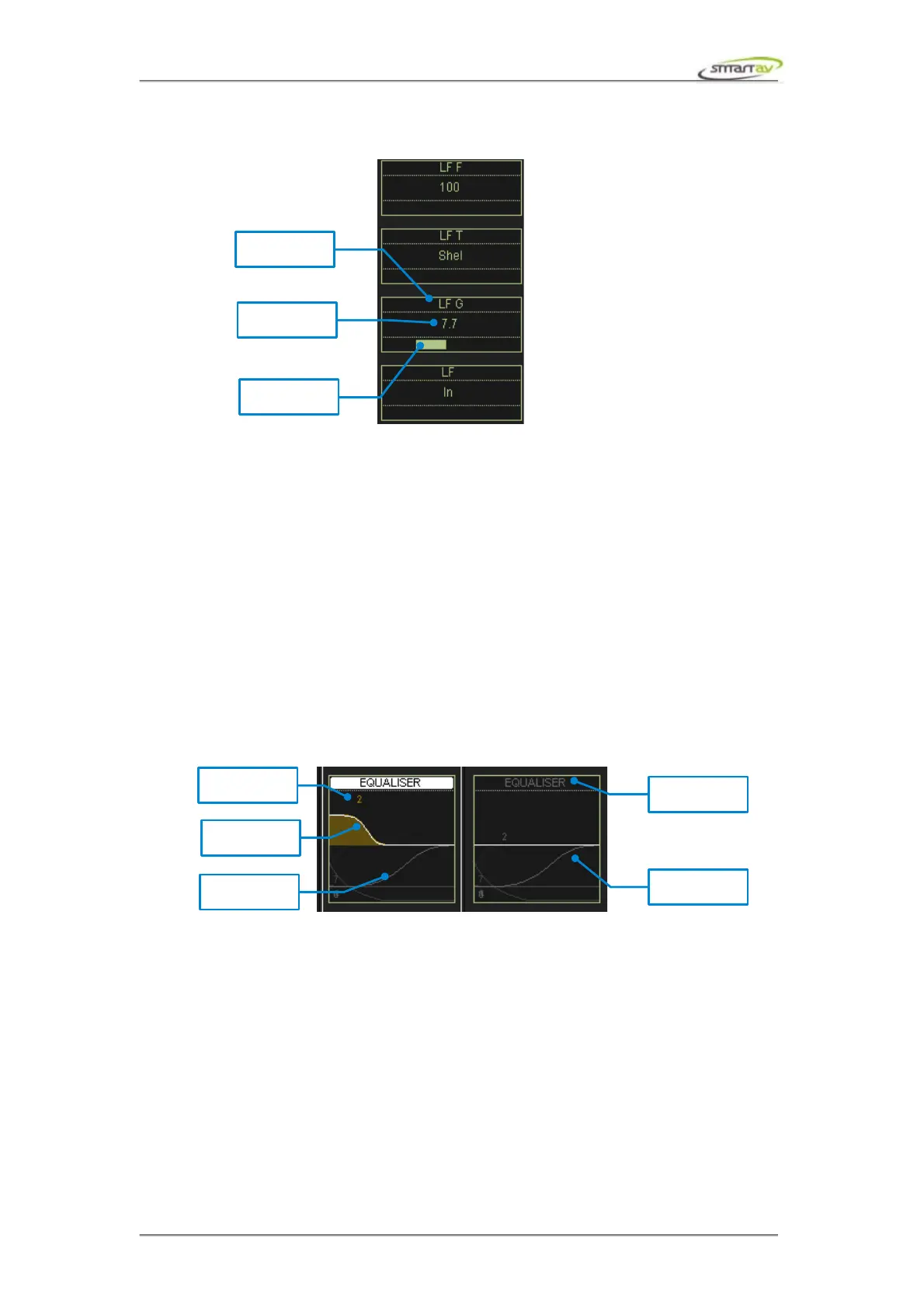
When controlling the plug-in parameters you may want to have finer control over it. Simply touch the
desired active encoder and the active controls will lock onto that particular plug-in parameter. Using
the fine active control you'll have more precise control over the parameter. The active pot on the other
hand allows fast value adjustments.
The first plug-in parameter is always the plug-in bypass, if active controls are locked onto it you can
use the active button to toggle the bypass state.
3.3 EQ
3.3.1 EQ Blocks
If a Pro Tools channel strip contains an EQ plugin, the EQ block will light up on the corresponding
channel on Tango.
3.3.2 EQ Active Block
Selecting the EQ block on a channel brings up the EQ active display, and the EQ parameter controls
will be mapped to the active encoders.
Operation Manual – Tango Smart Console 16



 To Next Page