8.2.10 Properties Mode
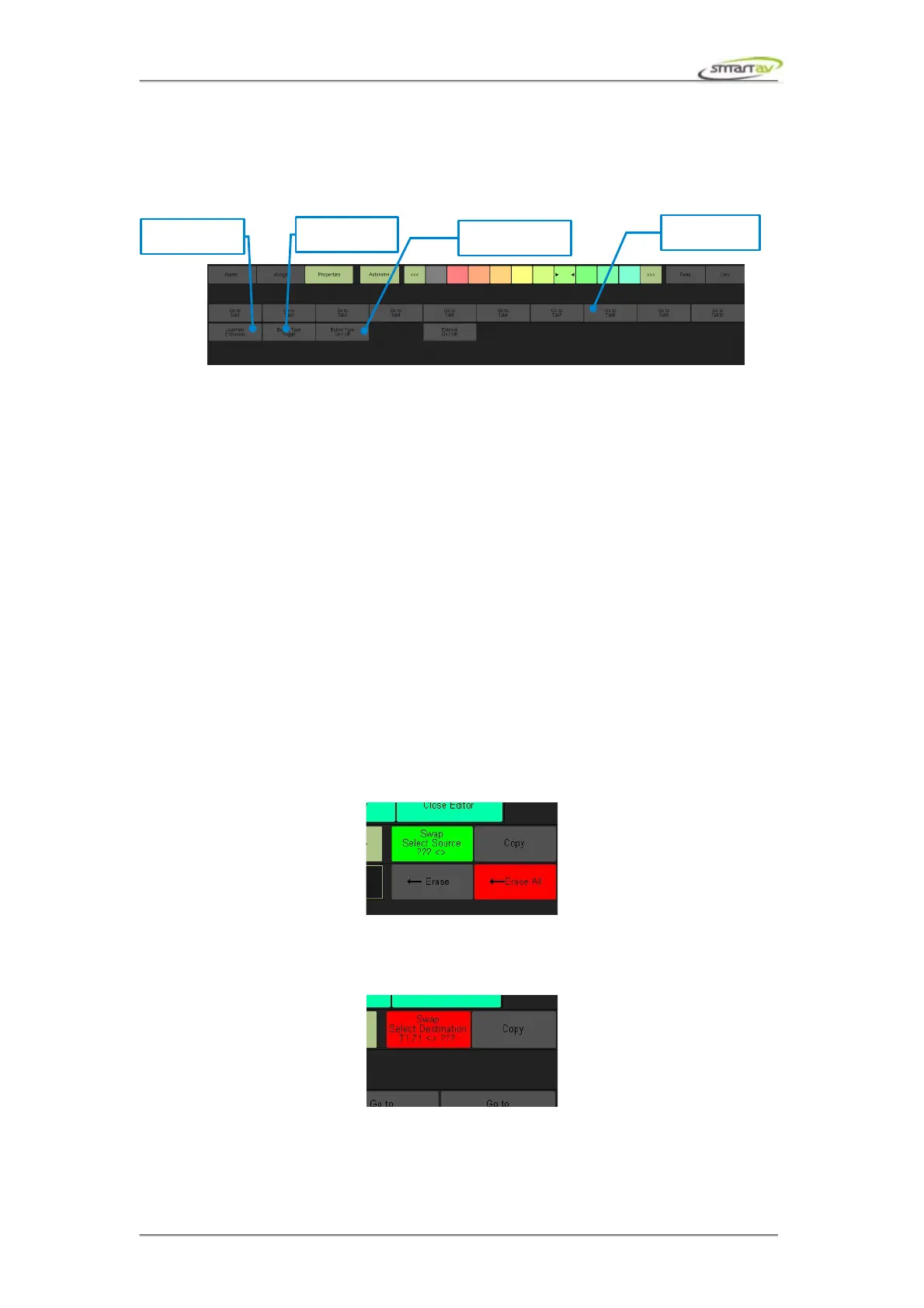
In properties mode you can assign special properties to a button. Any active properties will be
indicated by the button being lit green on the properties panel.
When a Go to Tab property is enabled the edit panel button will change the active edit panel tab on the
release of the button. This functionality, currently, is not available for Programmable Keys.
Jogwheel Exclusion is used to prevent execution of the button release function if the jogger wheel has
been turned while the button was held. This allows a button to be dual functional. One function
programmed on button release, which is only executed if the jogger wheel was not turned in addition to
the jogger wheel left and right functions.
Button Type Toggle is used to make the button a dual action button. When active the button will
execute the press function upon the button press, but will not release until the button is pressed again.
This functionality, currently, is not available for Programmable Keys.
Button Type On/Off property is used to make the button act like a computer keyboard button. When
active the button will execute the press function upon the button press and will not release until the
button is released.
You can override any MonARC modifier's default behaviour by enabling the Override Built-in
Functions property. This allows you to treat the MonARC modifier just like any other edit key.
8.2.11 Swapping Buttons
Press Swap to enter swap mode. In this mode you can quickly swap edit panel buttons around the edit
panel tab, or even across edit panels tabs.
In swap mode, you firstly select the source button in the edit panel. The swap button will change from
green to red, indicating you need to now select the destination button.
Pressing the destination button will immediately swap the two buttons and returns you to select source
mode. Pressing the swap button again will take you out of swap mode.
Operation Manual – Tango Smart Console 43



 To Next Page